Haztec International Ltd ∙ Moorfield Road ∙ Leeds ∙ LS19 7BN ∙ UK
T: +44(0)113 202 9115 ∙ info@haztec.uk ∙ www.haztec.uk
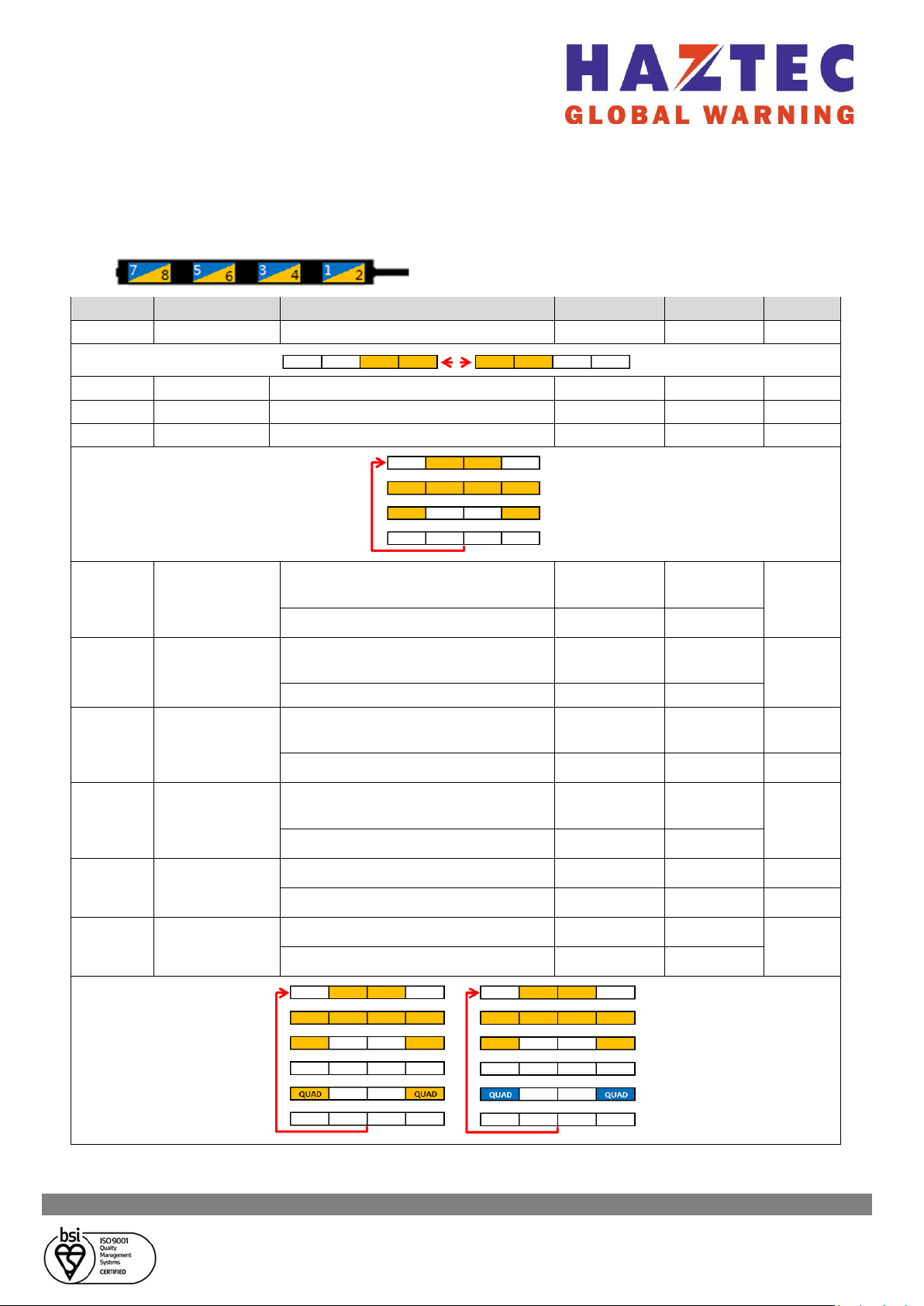
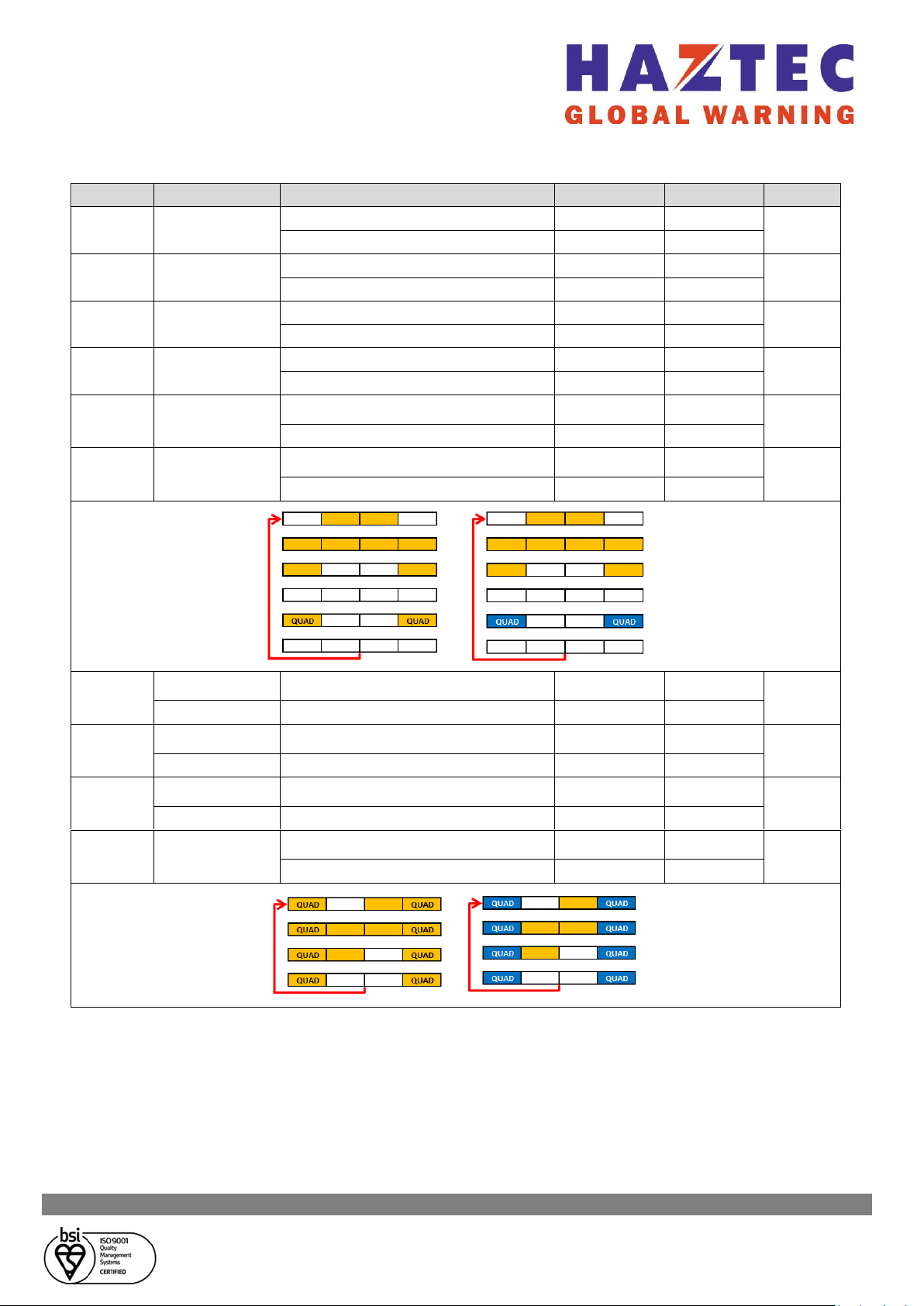
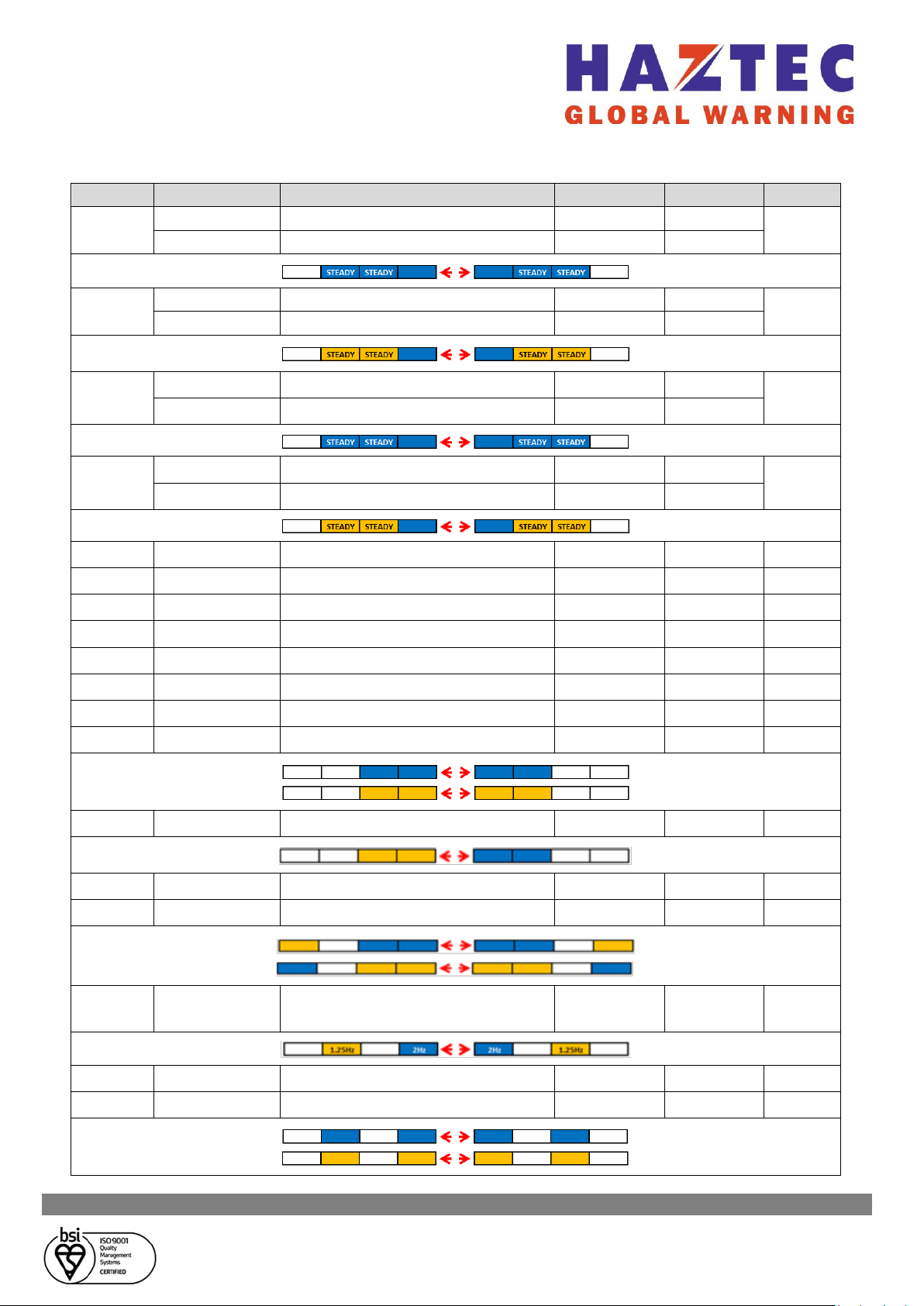
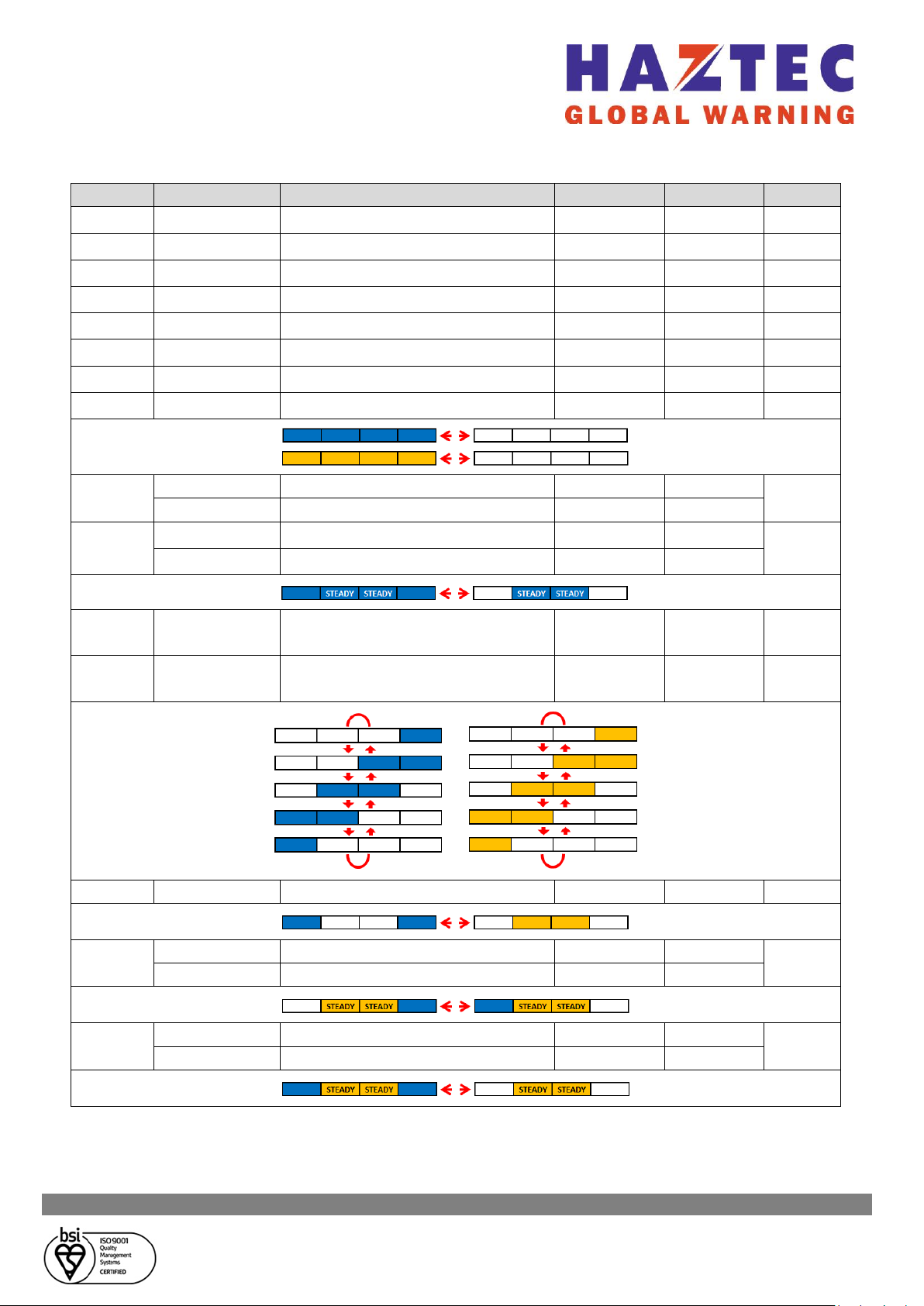
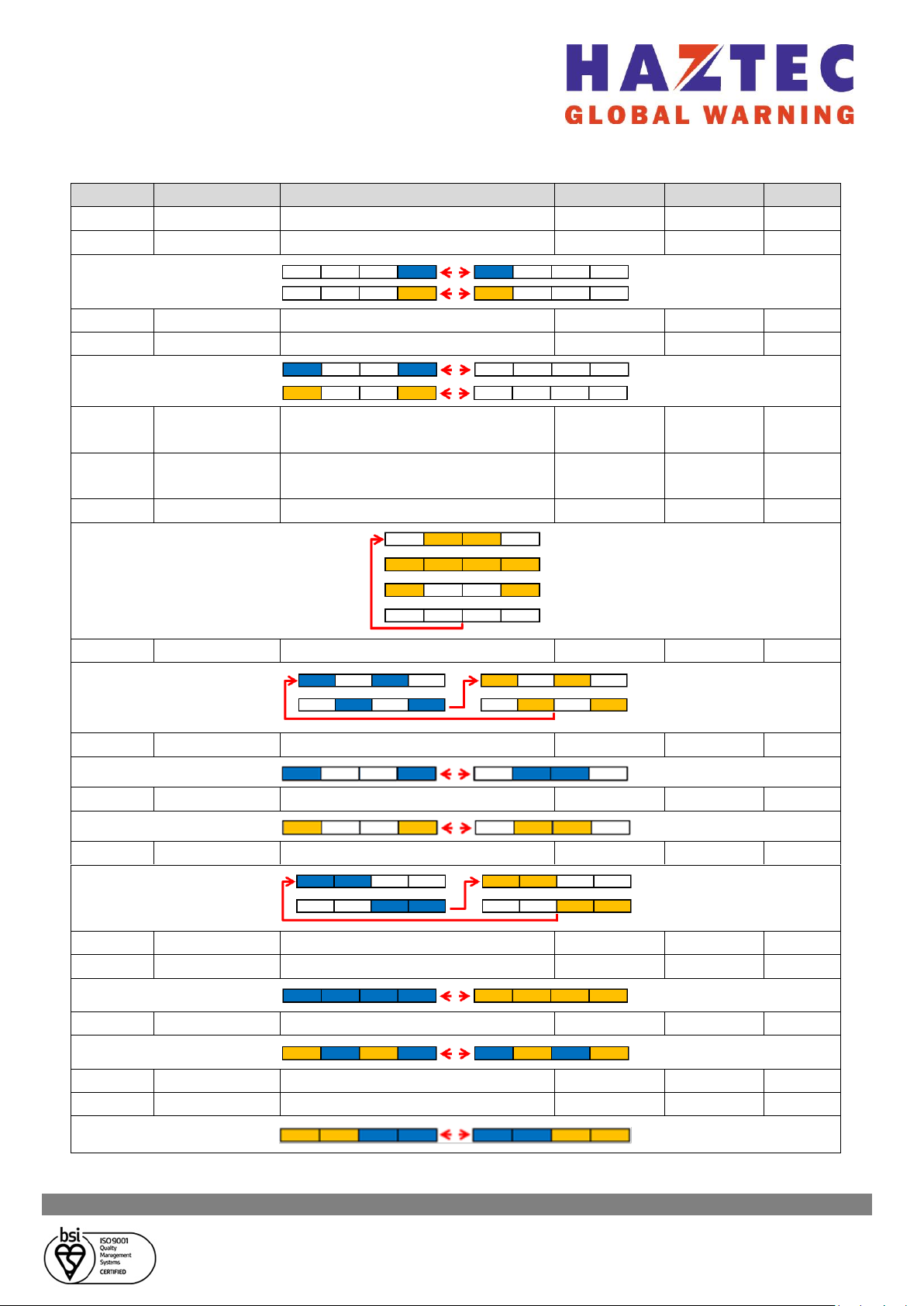
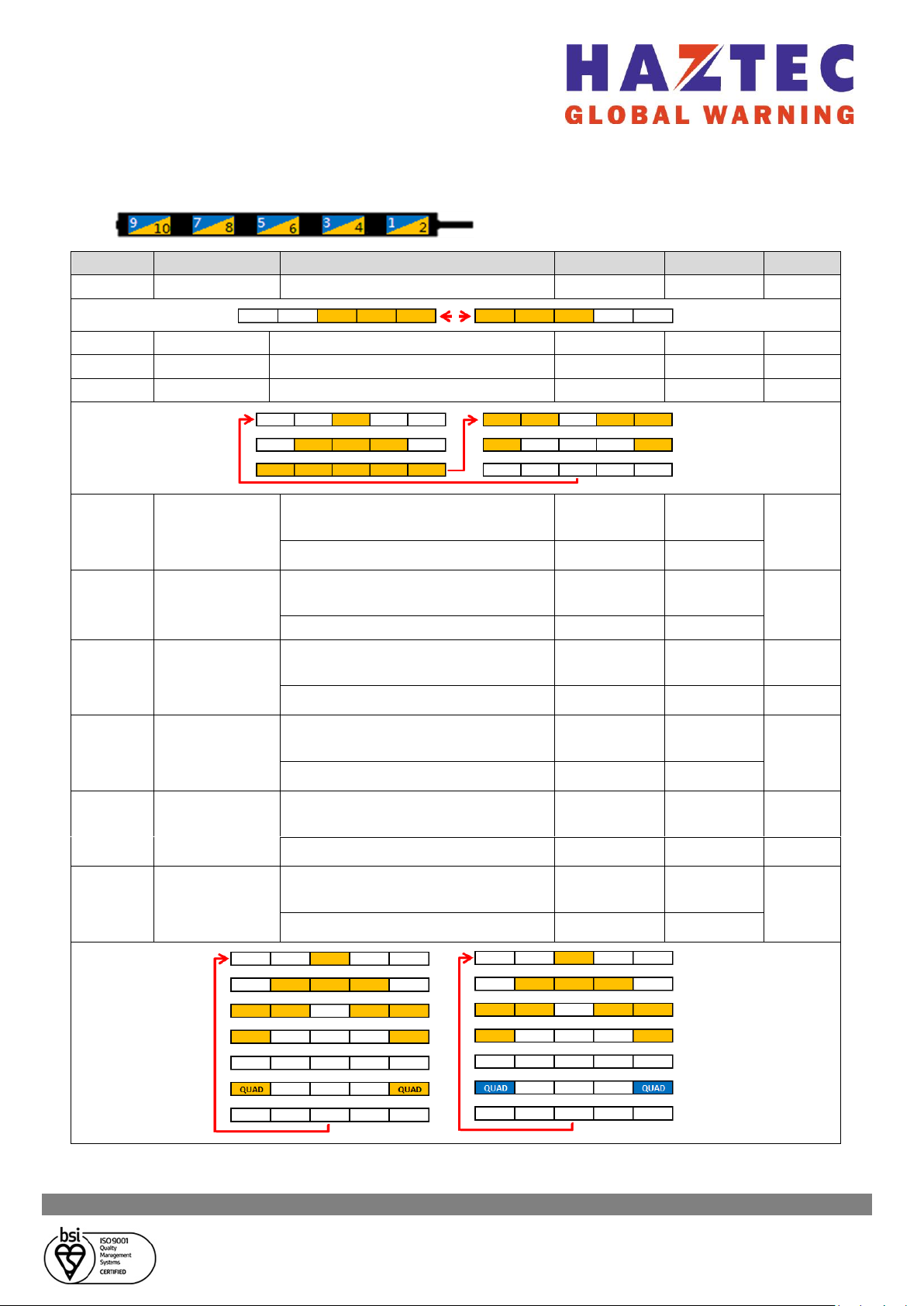
1 Arrowbar will activate when the red wire and one of the pattern wires are connected to
positive [+] at the same time
2 See ‘Setting Pattern Select / DIM Mode’
Setting Pattern Select / DIM Mode:
▪Connect the red and black wires as per connection instructions
▪Connect the yellow and orange wires together and then tap to positive [+] 3 times within
3 seconds
▪Zones 2~11 will flash 5 times in 2 seconds then turn off. The function of the blue wire has
now changed to Pattern Select
▪To change to function of the blue wire back to DIM Mode complete steps 1 & 2 above then;
▪All lamps will light for 2 seconds then turn off. The function of the blue wire has now
changed to DIM Mode
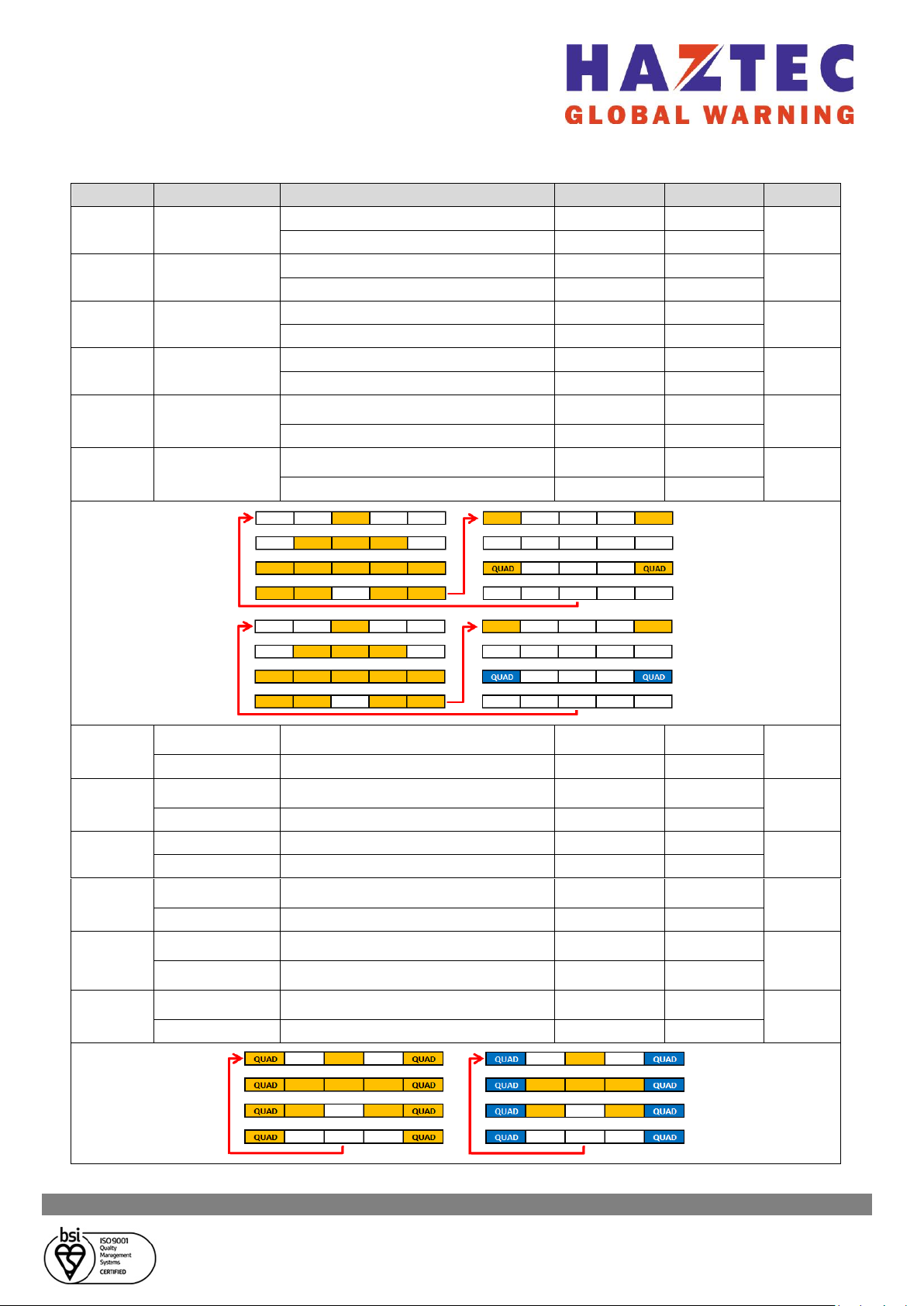
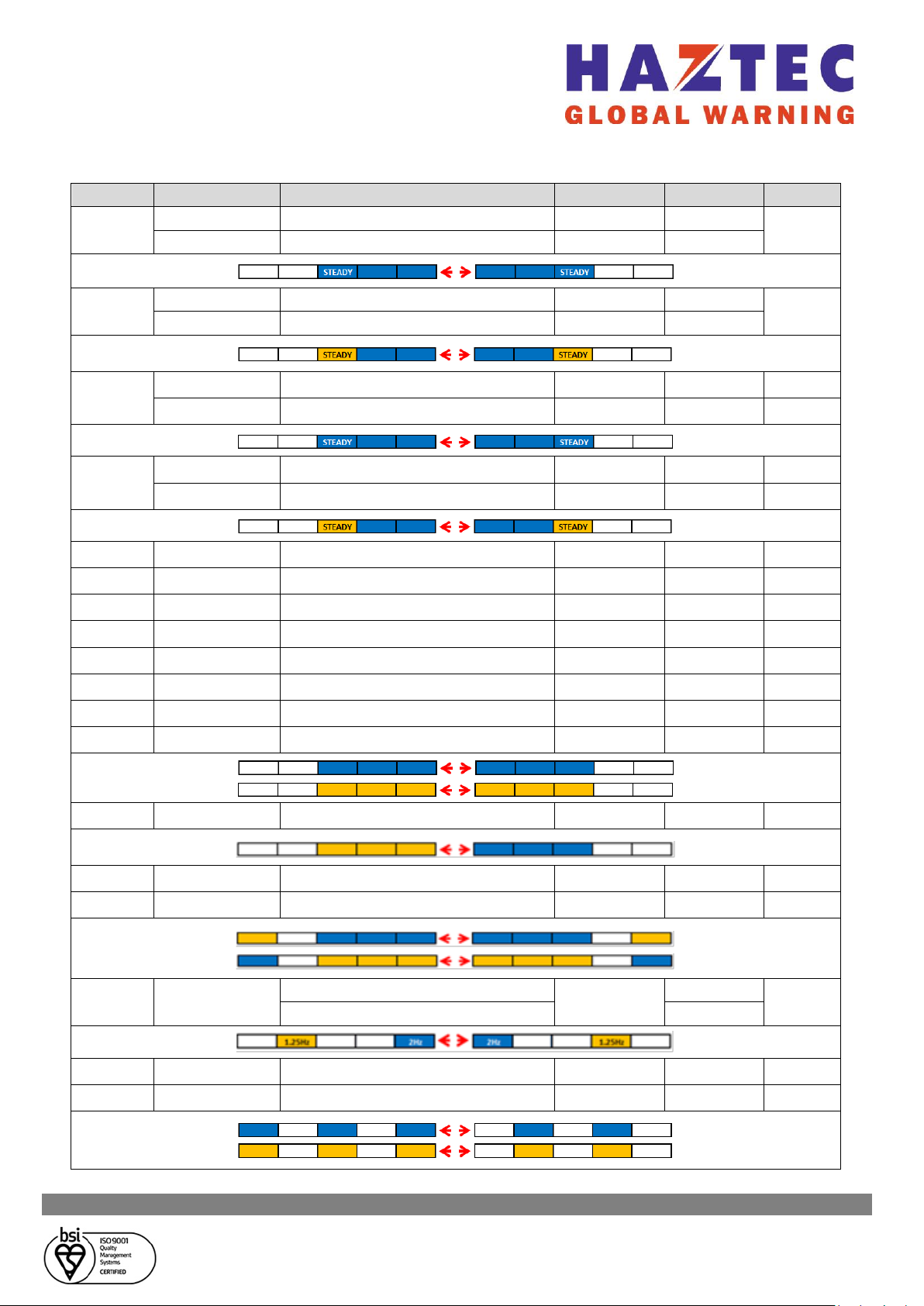
Selecting Flash Pattern:
▪Connect the red and black wires as per connection instructions
▪Connect either the white, green, yellow, or orange wires to positive [+]
▪Briefly tap the blue wire to positive [+]
➢<1 second to advance to the next flash pattern
➢1-3 seconds to return to the previous flash pattern
➢>3 seconds to reset to the first flash pattern of each FP wire