iConyx IC8A Manuale utente

Owners Manual
Owners Manual
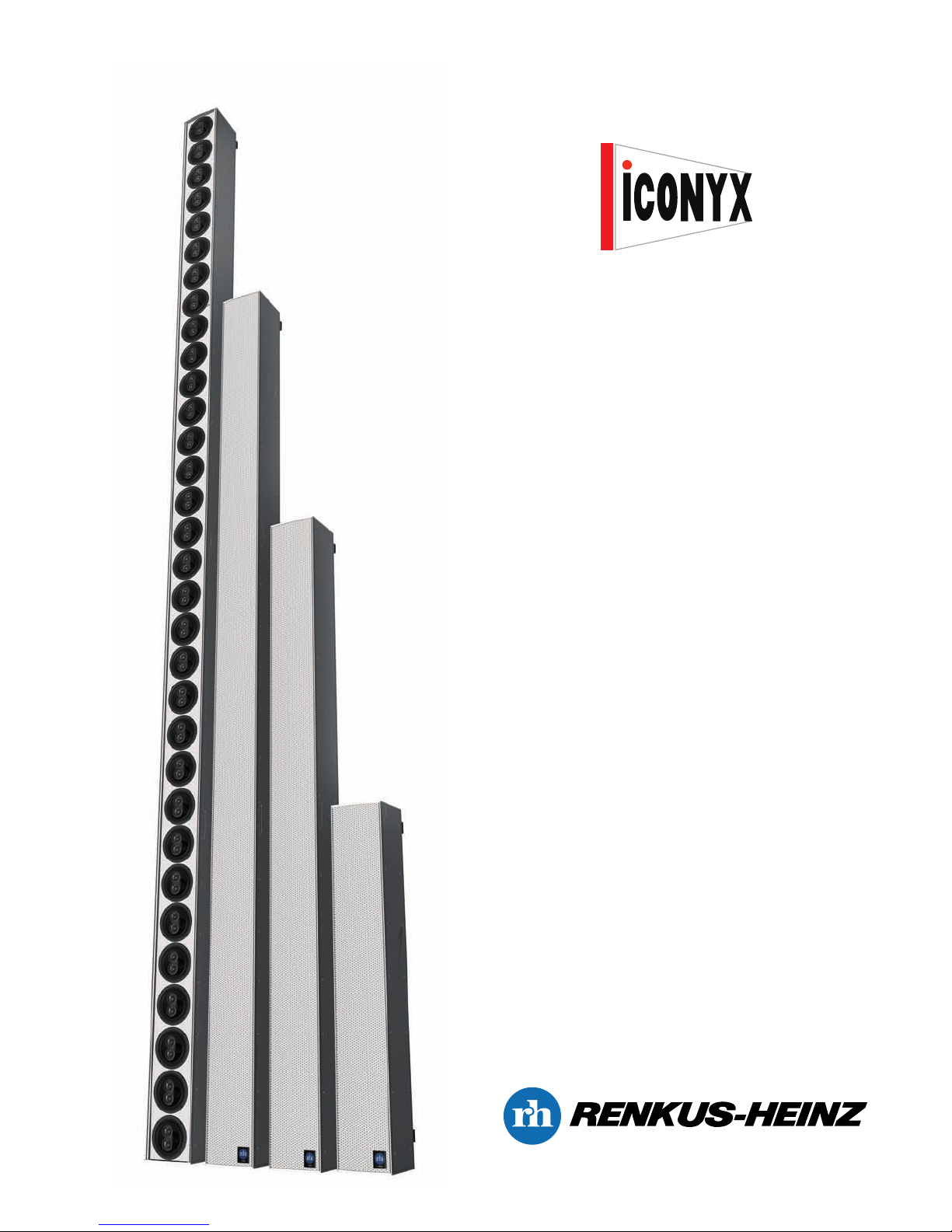
WNERS MANUAL
IC8A, IC16A, IC16/8A
IC24A, IC32A, IC32/16A
Assembly
&
Installation Instructions

Owners Manual
2
IMP RTANT SAFETY INSTRUCTI NS
CAUTION
To reiterate the above warnings: servicing instructions are for
use by qualified personnel only. To avoid electric shock, do
not perform any servicing other than that contained in the Ope-
ration Instructions unless you are qualified to do so. Refer all
servicing to qualified personnel.
Eindrigliche Warnung: Wartungsvorschriften dienen nur der
Benutzung durch qualifizieres Personal. Zur Vermeidung eines
elektrischen Schlages keine anderen als die in den Betriebsvor-
schriften beschriebenen Wartungsarbeiten ausführen, es sei denn
Sie sind dafür qualifiziert. Wartungsarbeiten auszuführen.
The lightning flash with arrowhead symbol,
within an equilateral triangle, is intended to
alert the use to the presence of uninsulated
"Dangerous Voltage" within the product's en-
closure that may be of sufficient magnitude
to constitute a risk of electric shock to hu-
mans.
The exclamanation point, within an equilateral
presence of important operating and mainte-
nance (servicing) instructions in the literature
accompanying the product.
VORSICHT
RISK OF ELECTRONIC SHOCK:
OPEN ONLY IF QUALIFIED AS
SERVICE PERSONNEL
GEFAHR EINES ELEKTRISCHEN SCHLAGES:
NUR VON QUALIFIZIEREM WARTUNGSPERSONAL
ZU ÖFFNEN
Der Blitz mit nach untenzielendem Pfeil in
einem gleichseitigen Dreieck weist den
Benutzer auf das Vorhandensein einer
unisolierten, "gefährlichen Spannung" im
Gehäuse hin, die stark genug sein kann, einer
Person einen gefährlichen elektrischen Schlag
zu versetzen.
Das Ausrufezeichen in einem gleichseitigen
Dreieck weist den Benutzer auf wichtige
Betriebs- und Wartungsvorschriften in den
beiliegenden Unterlagen des Gerätes hin.
Erklärung der graphischen SymboleExplanation of Graphical Symbols
1. Read these instructions.
2. Keep these instructions.
3. eed all warnings.
4. Follow all instructions
5. Do not use this apparatus near water. The apparatus shall
not be exposed to dripping or splashing and no objects filled
with liquids, such as vases, shall be placed on it.
6. Clean only with dry cloth.
7. Do not block any ventilation openings. Install in accordance
with the manufacturer’s instructions.
8. Do not install near any heat sources such as radiators, heat
registers, stoves, or other apparatus (including amplifiers) that
produce heat.
9. Do not defeat the safety purpose of the polarized or
grounding-type plug. A polarized plug has two blades with one
wider than the other. A grounding type plug has two blades and
a third grounding prong. The wide blade or the third prong is
provided for your safety. If the provided plug does not fit into
your outlet, consult an electrician for replace-
ment of the obsolete outlet.
10. Protect the power cord from being walked on or pinched
particularly at plugs, convenience receptacles, and the point
where they exit from the apparatus.
11. Make sure the power cord remains readily accessible at all
times.
12. The AC Power Cord is the AC Mains disconnect.
13. Only use attachments/accessories specified by the
manufacturer.
14. Disconnect this apparatus during lightning storms or when
unused for long periods of time.
15. Refer all servicing to qualified service personnel. Servicing
is required when the apparatus has been damaged in any way,
such as power-supply cord or plug is damaged, liquid has been
spilled or objects have fallen into the apparatus, the apparatus
has been exposed to rain or moisture, does not operate normal-
ly, or has been dropped.
“WARNING - T REDUCE THE RISK F FIRE R ELEC-
TRIC SH CK, D N T EXP SE THIS APPARATUS T RAIN
R M ISTURE”
“CAUTI N: THESE SERVICING INSTRUCTI NS ARE F R
USE BY QUALIFIED SERVICE PERS NNEL NLY. T
REDUCE THE RISK F ELECTRIC SH CK D N T PER-
F RM ANY SERVICING THER THAN THAT C NTAINED IN
THE PERATING INSTRUCTI NS UNLESS Y U ARE
QUALIFIED T D S ”.
IMP RTANT
Your Iconyx Steerable Column Loudspeaker contains no user-serviceable parts and all service should be referred to quali-
fied service personnel.

3
TABLE F C NTENTS
Page
Introduction....................................................................................................................... 2
General Information.......................................................................................................... 3
Assembly Instructions..................................................................................................... 6
Address Number Verification.......................................................................................... 9
Software Installation & Setup
Computer Requirements..................................................................................... 10
USB to RS422 Driver Installation........................................................................ 12
For Windows XP Users....................................................................... 12
For Windows 2000 Users.................................................................... 14
BeamWare 2 Installation..................................................................................... 18
Canvas Installation.............................................................................................. 20
Using the Software
BeamWare 2....................................................................................................... 21
Canvas................................................................................................................ 38
Installation
Cabling Required................................................................................................ 42
Power.................................................................................................. 42
Audio & Digital Contol......................................................................... 42
Installation........................................................................................................... 42
Wall Mounting..................................................................................... 42
Suspended (Flying)............................................................................. 45
Servicing............................................................................................................................ 46
Trouble Shooting Hints.................................................................................................... 46
TECHNICAL SUPP RT
Owners Manual
If you have a question about Steerable Column Loudspeakers or run into a problem using one
of our ICONYX Steerable Column Loudspeakers, call our technical support staff.
Phone: 949 588 9997
Monday through Friday between 8:00 AM and 5:00 PM Pacific Time.
Ask for:
Jim Mobley (Extension 104)
Jonas Domkus (Extension 135)
E-mail

INTR DUCTI N
Congratulations on your purchase of a Renkus- einz Iconyx Steerable Column Loudspeaker. We hope you enjoy it.
Your Iconyx Steerable Column Loudspeaker was carefully tested and inspected before leaving our factory and should have arrived in
perfect condition. Please carefully inspect the shipping carton(s) and loudspeaker(s) for any noticeable damage, and if any damage
is found, immediately notify the shipping company.
Only you, the consignee, may institute a claim with the carrier for any damage incurred during shipping. Be sure to save the car-
ton(s) and all packing material for the carrier’s inspection.
It is also a good idea to save the carton and packing material even though the loudspeaker arrived in good condition. If you should
ever need to ship the loudspeaker, it should be shipped in its original factory packaging.
GENERAL INF RMATI N
To simplify shipping and handling, ICONYX arrays are constructed from 8-channel or 16-channel modules and need to be assembled
in the field. The assembly hardware is packed with the modules in cardboard box(es) that double as carton “fillers”. The ones con-
taining the hardware are marked “ ardware” to prevent their being accidently discarded.
If you purchased an IC8A or IC16/8A, all you need to do is remove the column loudspeaker and its hardware box from the carton
and install it. Skip to page 9 for Address Number Verification instructions.
If you purchased an IC16A or an IC32/16A, you should have received two cartons (two 8-channel or 2-16 channel modules) and will
need to assemble them into a 16- or 32-channel unit. Each carton will include a hardware box, but if you purchased an IC16A only
the box in carton 1 will include hardware; the box in carton 2 will be empty. If you purchased an IC32/16A, both boxes will include
hardware.
If you purchased an IC24A, you should have received 3 cartons (three 8-channel modules). The hardware boxes in cartons 1 and 2
will include hardware, while the box in carton 3 will be empty.
If you purchased an IC32A, you should have received 4 cartons (four 8-channel modules) and will need to assemble them. The
hardware boxes in cartons 1, 2 and 3 will include hardware; the box in carton 4 will be empty.
A detailed listing of the hardware supplied with each model follows on the next page. The cartons will be marked to show the mod-
ules’ position in the finished column array; for example, top, bottom, center, etc.
In all cases, if you ordered a mounting hinge kit with the loudspeaker the female portions of the hinge assemblies will have been
installed on the modules for you. The male portions of the wall mounting hinge assemblies will be packed in the hardware box(es). A
dimensional drawing of the column array and paper mounting templates were included in the plastic bag that contained this manual.
Note that the male sections have been set up to allow the column to swing to the right away from the wall. If you want the column to
swing to the left, you will need to change the location of the hinges from the right side of the wall mounting plate to the left side.
Refer to the Installation section of this manual for more information.
4
Owners Manual

5
Item Description
6-Foot power cord with IEC connectors
3-pin Phoenix connectors (used for audio input connections
7-pin Phoenix connectors (used for data control connections
AC power jumper cables (3-conductor with Molex connectors)
Data / signal jumper cable (15-conductor flat wire cable) with
Amp connectors
Small 7/8 inch by 3 inch cover plates
#4-40 x 1/4 inch philips head machine screws (used to secure
the data/signal cable connectors)
M4 Philips flat head machine screws
M5 Philips pan head machine screws
Wall Mtg. hinge plates (If hinge kit was purchased)
Model
IC8A
IC16/8A
Model
IC16A
IC32/16A
Model
IC24A
Model
IC32A
Box
#1
1
4
2
1
1
2
4
8
4
2
Box
#1
1
2
1
-
-
-
-
-
-
2
Box
#1
1
4
2
1
1
2
4
8
4
2
Box
#2
-
-
-
-
-
-
-
-
-
1**
Box
#2
-
-
-
1
1
2
4
8
4
1
Box
#3
-
-
-
-
-
-
-
-
-
-
Box
#1
1
4
2
1
1
2
4
8
4
2
Box
#2
-
-
-
1
1
2
4
8
4
1
Box
#3
-
-
-
1
1
2
4
8
4
-
Box
#4
-
-
-
-
-
-
-
-
-
-
** Only if IC32/16A was purchased.
Part # 722-YLC0004
Part # 722-TCF053
Part # 722-YLC0005
Part # 722-TCF074
Part # 722-TCBL052
Part # 722-CBL051
Part # 722-DCC039P
Part # 722-WS0081
Part # 622-WSS0144
Part # 722-WSS0103
Plate - Part # 622-DCC019
inge Pin - Part # 622-DCC027W
Arm - Part #600-DCC004
Owners Manual

ASSEMBLY INSTRUCTI NS
In the following instructions, the term “module” is used to refer to one of the 8-channel sections of the finished assembly,
which is called a column or a column array.
1. Prepare an assembly area. Each module is a little over 3 feet long, so you need a flat surface at least 6 feet long to
assemble an IC16A or IC16/8A, 9 feet long for the IC24A and 12 feet long for the IC32A and IC32/16A.
2. We suggest covering the assemly area with a heavy cloth or some other soft material to prevent damaging the finish on
the cabinets while assembling them.
3. Avoid resting the modules on their grille. The modules are heavy and may deform the grille. Instead, rest the modules
on their sides or back.
4. Place the modules in their respective positions on the assembly area.
int: The lower end of each module is the end of the module with the access plate for the power cord, input
connections and programming cable. In the graphic shown below the access plates were removed for illustration
purposes.
5. Align the two columns to be joined on a tabletop or on the floor so that the top of the lower one and the bottom of the
upper one are close to one another, say 4” (10 cm) apart. See below.
6. Loosen the screws that are holding the heavy joining plate in place. You will not be able to bring the two modules
together unless these screws are loose.
7.
Move one module somewhat to the side so you can get at the ends with a small screwdriver.
8. Into the end of each module connect the short 3-conductor AC cable. It only goes into the sockets one way and the
cable is reversible. Make sure each end is firmly seated and a click is heard when inserting the plug. Caution: For safety,
use only the interconnection cable supplied by Renkus- einz.
6
Owners Manual

9. Into the end of each module connect the short 15-conductor ribbon cable. It only goes into the sockets one way and the
cable is reversible. It does not matter which end goes into which module.
Caution: for safety, use only the interconnection cable supplied by Renkus- einz.Using a small Philips screw driver, secure
the connector on each end of the ribbon with two 4-40 Philips head screws (supplied). Make sure the connectors are fully
seated. You should hear a click when they seat. If necessary, use a flashlight to check because if the connectors are not
seated properly, you may have to disassemble the column again in order to seat them correctly.
10. Align the two modules and slide them together, making sure the holes in the heavy joining plate align with the holes in
the modules.
11. Install the remaining joining plate screws and snug them reasonably tight.
12. Turn the assembly on its rear and install the small coupling bars.
Note: If you are assembling an IC24A. IC32A or IC32/16A with hinges, verify that the center joining plate with a
hinge on it is located in the best spot for the installation. If it isn’t, now is the time to move it to another loca-
tion.
7
Owners Manual

13. The last step is to finish tightening the screws that hold the heavy joining plate in place. Turn the assembly on its side
and tighten the screws.
14. If you are assembling an IC24A, IC32A or IC32/16A, repeat the assembly procedure until all the modules are joined
together into one assembly.
8
Owners Manual

ADDRESS NUMBER VERIFICATI N
1. Iconyx steerable column loudspeakers are digitally controlled and each 8-channel module must have a separate and
distinct address number. The address number for each module is set using a Binary coding system and 8 on/off dip
switches. The switches are located behind each module’s rear access plate.
The switches are set at the factory based on the size and quantity of steerable column loudspeakers ordered. You may
want to check and record these settings before installing the loudspeakers. It is a lot easier to do it now than it will be after
the loudspeakers are installed.
2. Remove the access plate(s) and locate the switches. Each 8-channel module will have an access plate.
Notice that there are 8 on/off DIP switches. The switches are “ N” when set to the position closest to the num-
bers and “ FF” when set to the other position.
9
Owners Manual

10
3. Common practice is to number the 8-
channel modules consecutively starting
at 01 with the bottom module. In an
IC32A, for example, the bottom module
would be 01 and the ones on top of it
numbered 02, 03 and 04. If the system
had two IC32A’s, the second IC32A
would have its modules labeled 05, 06,
07 and 08 with number 05 being the bot-
tom module.
S FTWARE INSTALLATI N &
SETUP
Iconyx steerable column loudspeakers
are digitally controlled and a PC with
appropriate software is needed during
installation and setup. Once the setup is
completed the PC is no longer needed
unless the system parameters need to
be adjusted or changed.
The Iconyx software requires a PC
meeting at least the following basic
requirements:
Processor Speed: 800 M z Pentium or higher
Memory: 256 MB or higher
Interface: At least one available USB port compliant with USB1.1
Operating System: Windows 2000 SP4 or Windows XP SP1 or higher
Operating System Add-Ons: .NET Framework (provided with the Iconyx software)
Screen Resolution: 1024 x 768 or higher
Browser: Internet Explorer v5.0 or higher
Note that Windows 95 and Windows 98 are not supported.
A typical system layout is shown below.
RS422 Contol Cable
Audio Cable
From Audio Source
Owners Manual
Questo manuale è adatto per i seguenti modelli
5
Indice


