Quick Reference
6
Quick Reference
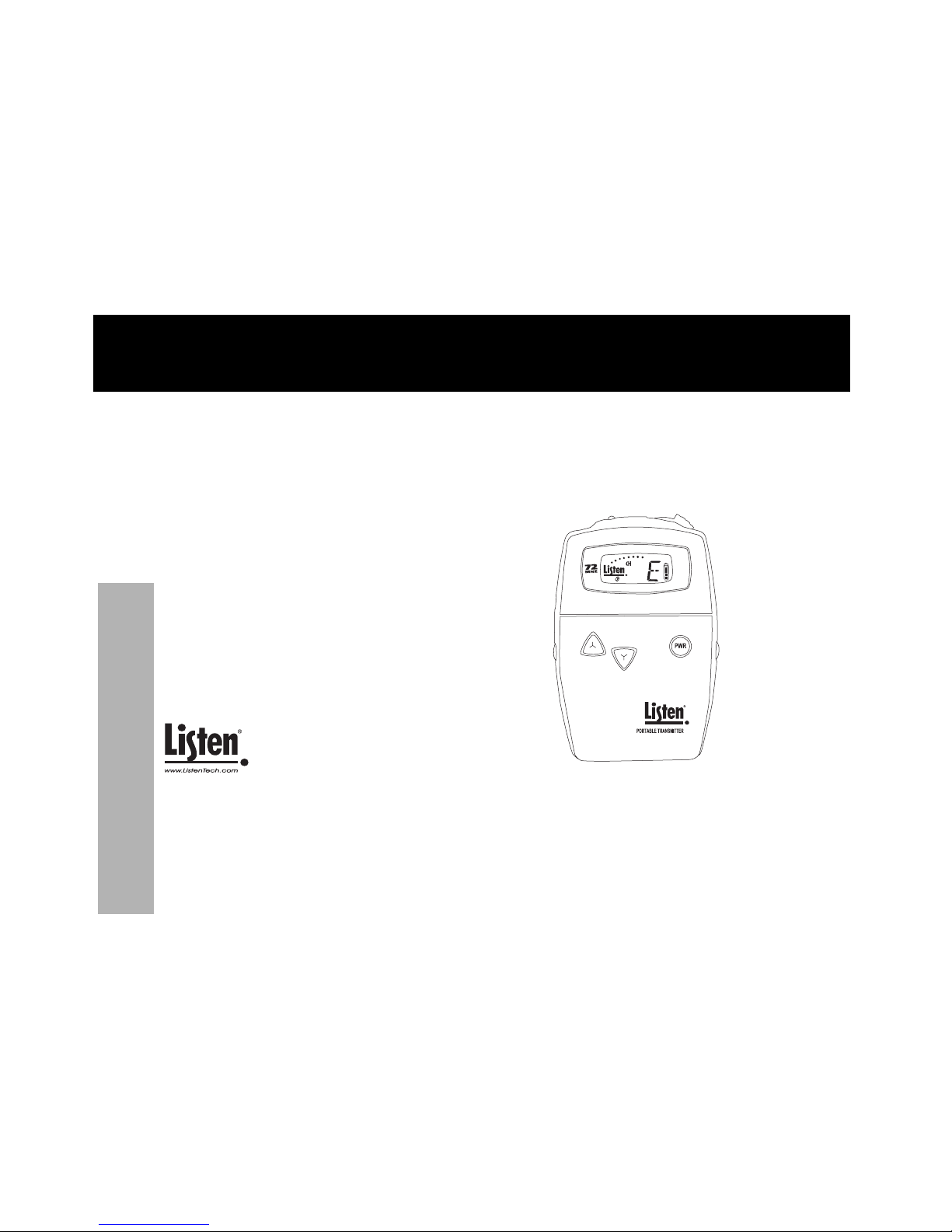
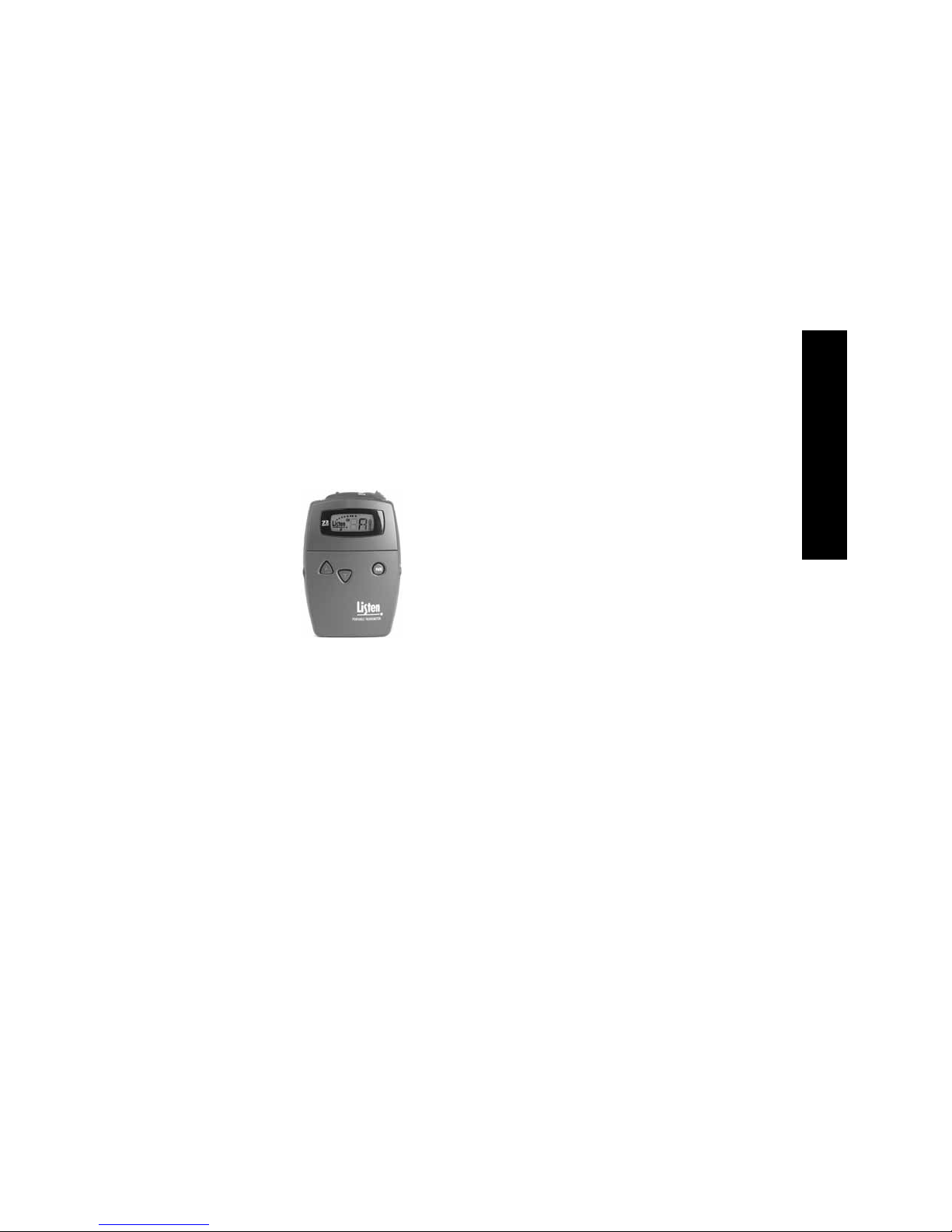
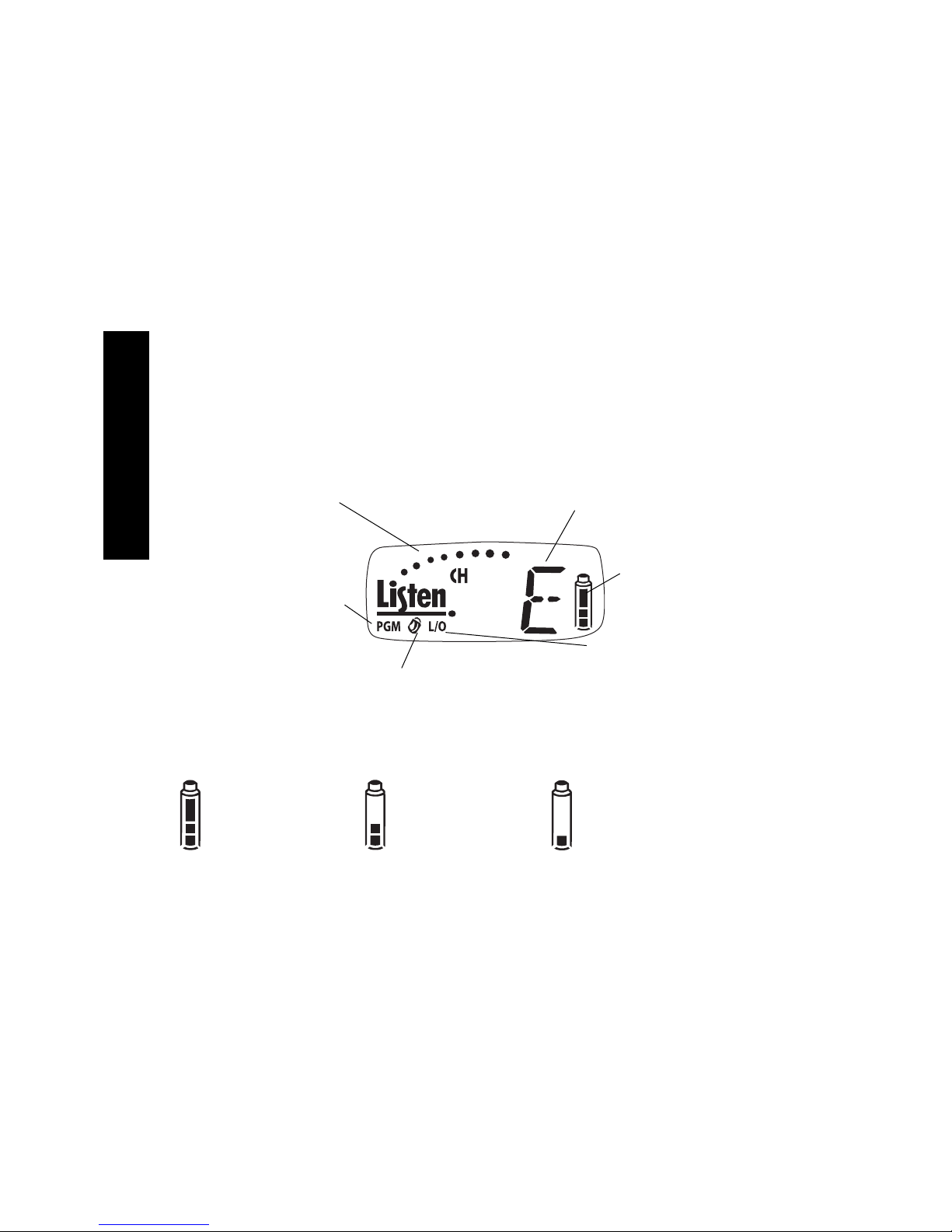
LT-700 Look & Listen™ Display
When dots are illuminated, the microphone
is active. If this display does not appear,
the microphone is muted.
Indicates the currently
tuned channel
Indicates the unit is in PROGRAM mode
(see next page). To enter PROGRAM
mode, press and hold the UP and DOWN
keys until the PGM icon appears in the dis-
play. To exit PROGRAM mode, let the unit
sit idle for 5 seconds. If the padlock icon is visible, the channel is
locked. Press and hold either the UP and
DOWN button for 5 seconds to lock or
unlock.
When in the PROGRAM mode, L/O
indicates whether a particular channel
is locked out.
Battery level indicator. The indi-
cator flashes, along with the red
LED on top of the unit, to alert
you when the battery is low and
needs to be charged or
changed. (see information
below)
All three segments showing:
The batteries are at 50% or
greater capacity.
One segment showing:
Your batteries less than 25% capacity. When
this segment begins flashing along with the
LED on top of the unit, you should immedi-
ately change your batteries or recharge them
(if using NiMH batteries).
Two segments showing:
The batteries are at 25-49%
capacity.
LT-700 Battery Indicator