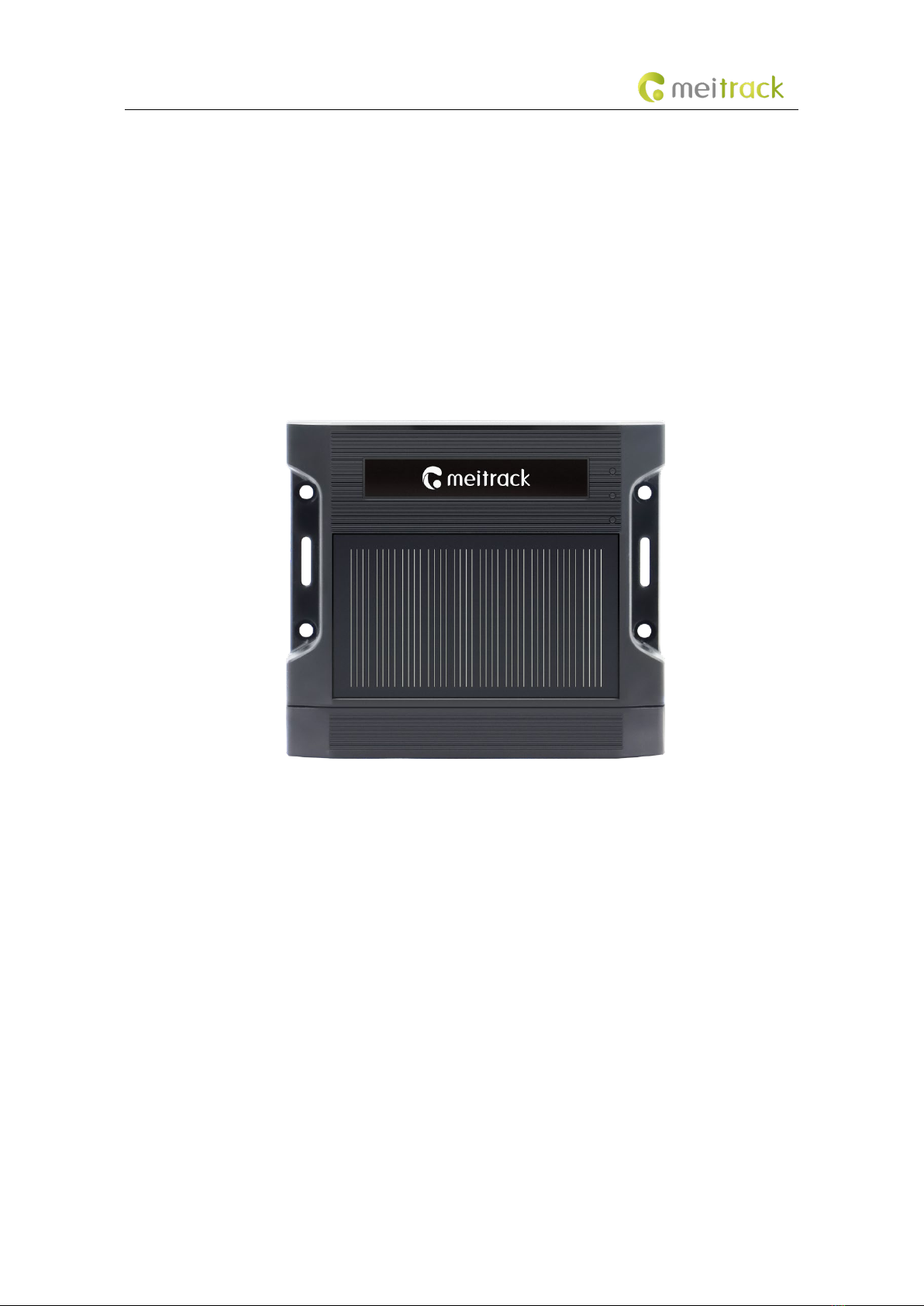
MEITRACK TA255 series of products Solar Asset Tracker User Guide
Copyright © Meitrack Group 2023. All rights reserved. - 3 -
Contents
1 Product Introduction ................................................................................................................................................. - 4 -
2 Product Specifications ............................................................................................................................................... - 4 -
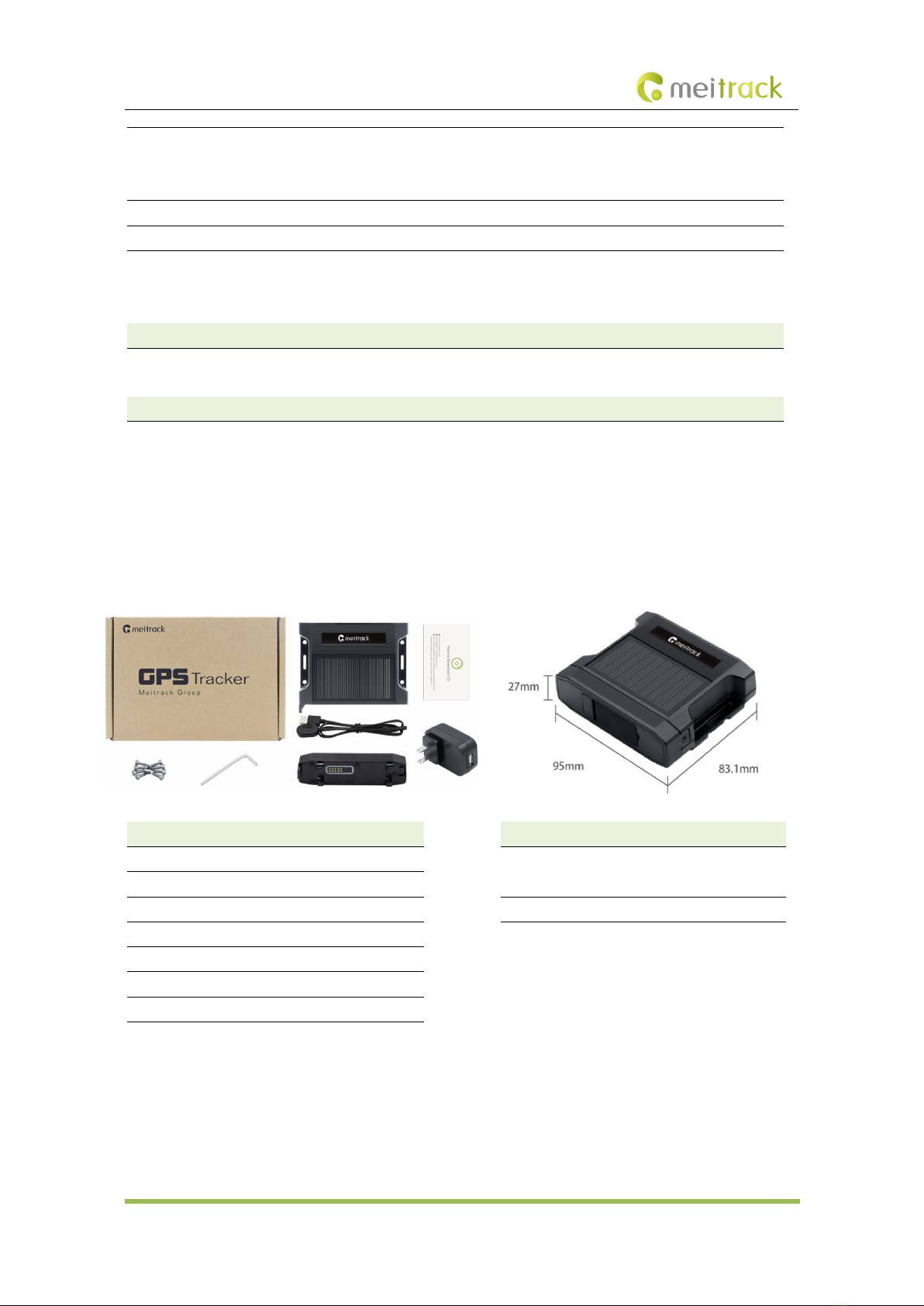
3 Main Device and Accessories .................................................................................................................................... - 6 -
3.1 Standard Product Kit..................................................................................................................................... - 6 -
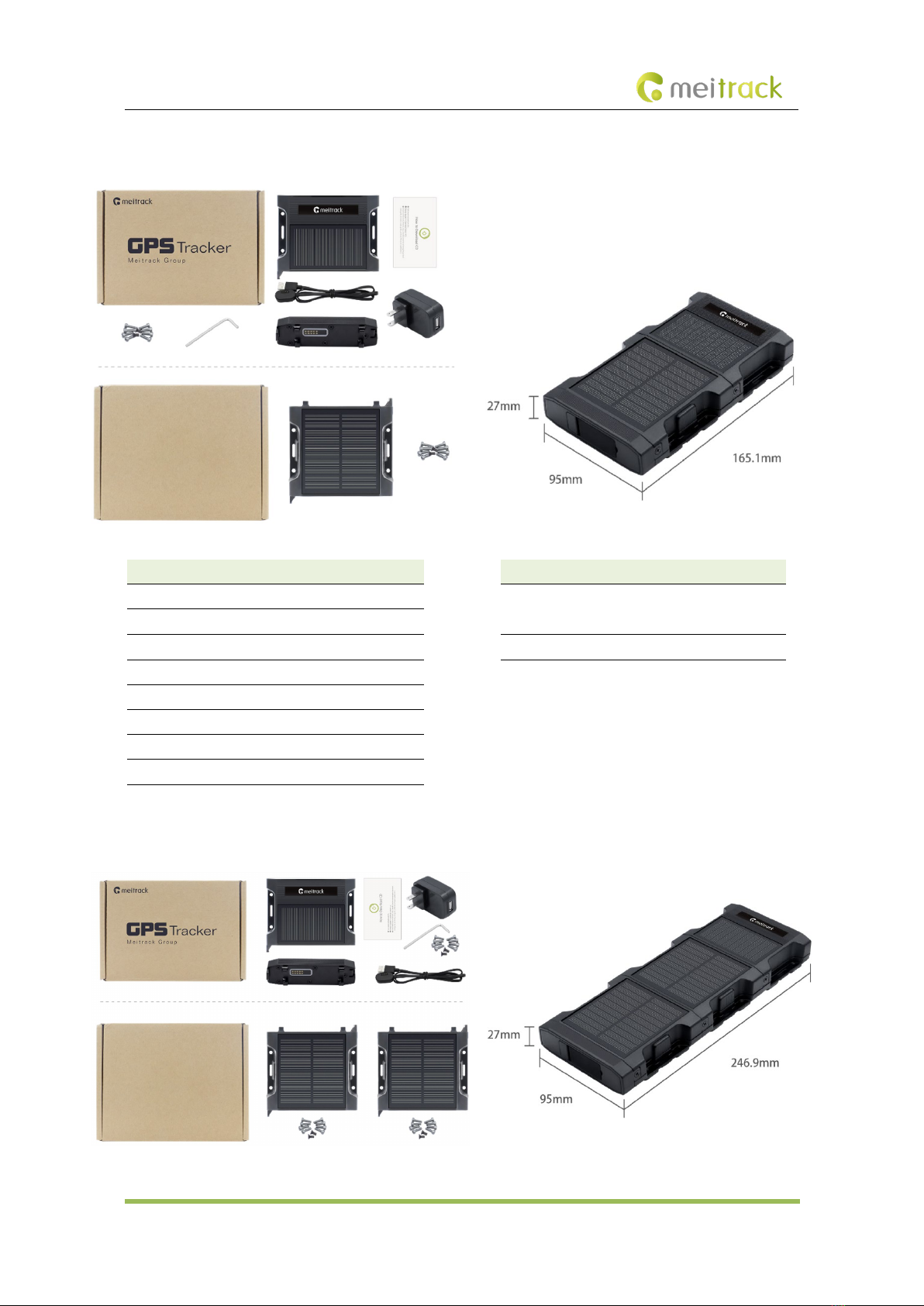
3.1.1 Product Kit 1 ........................................................................................................................................ - 6 -
3.1.2 Product Kit 2 ........................................................................................................................................ - 7 -
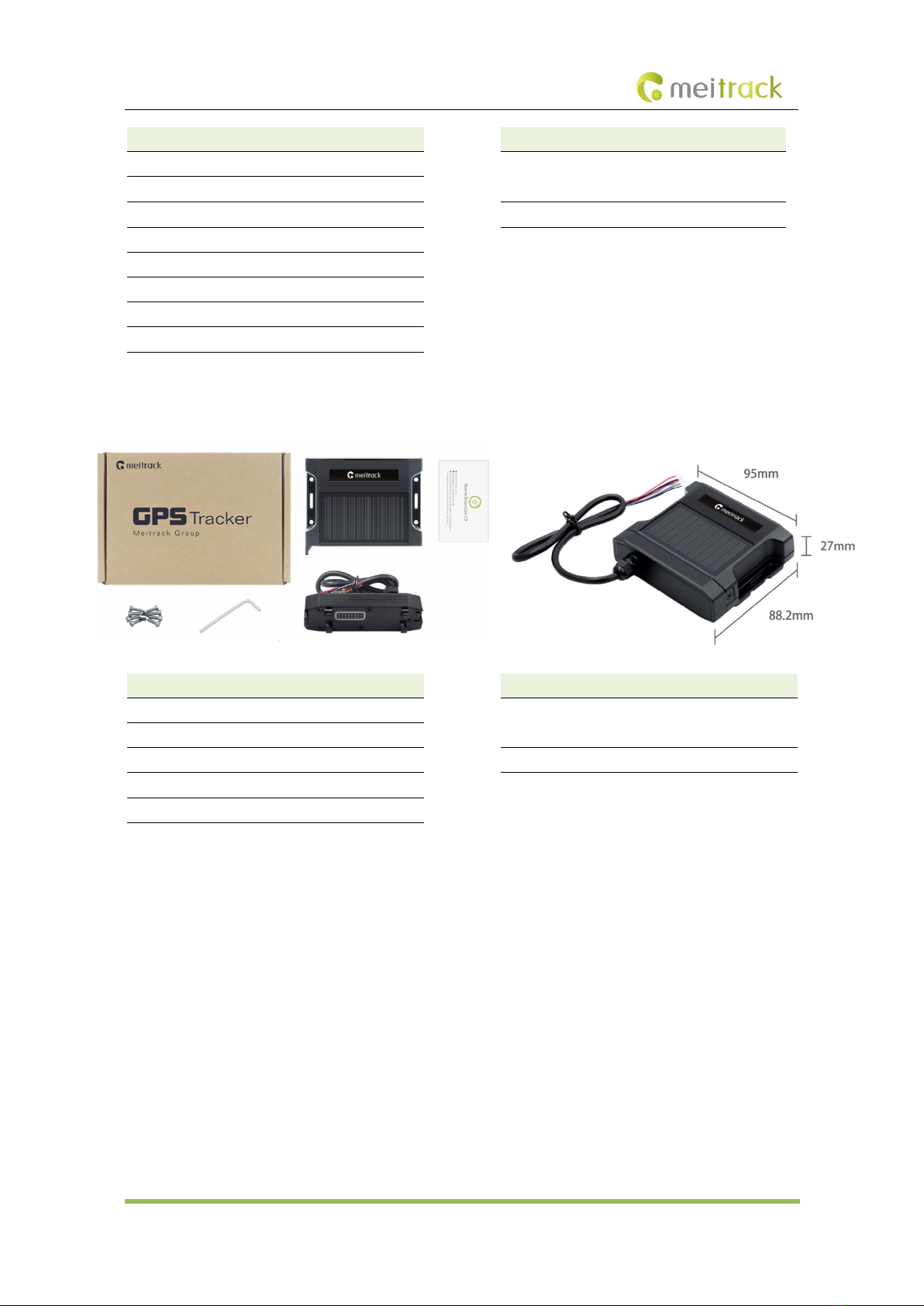
3.1.3 Product Kit 3 ........................................................................................................................................ - 7 -
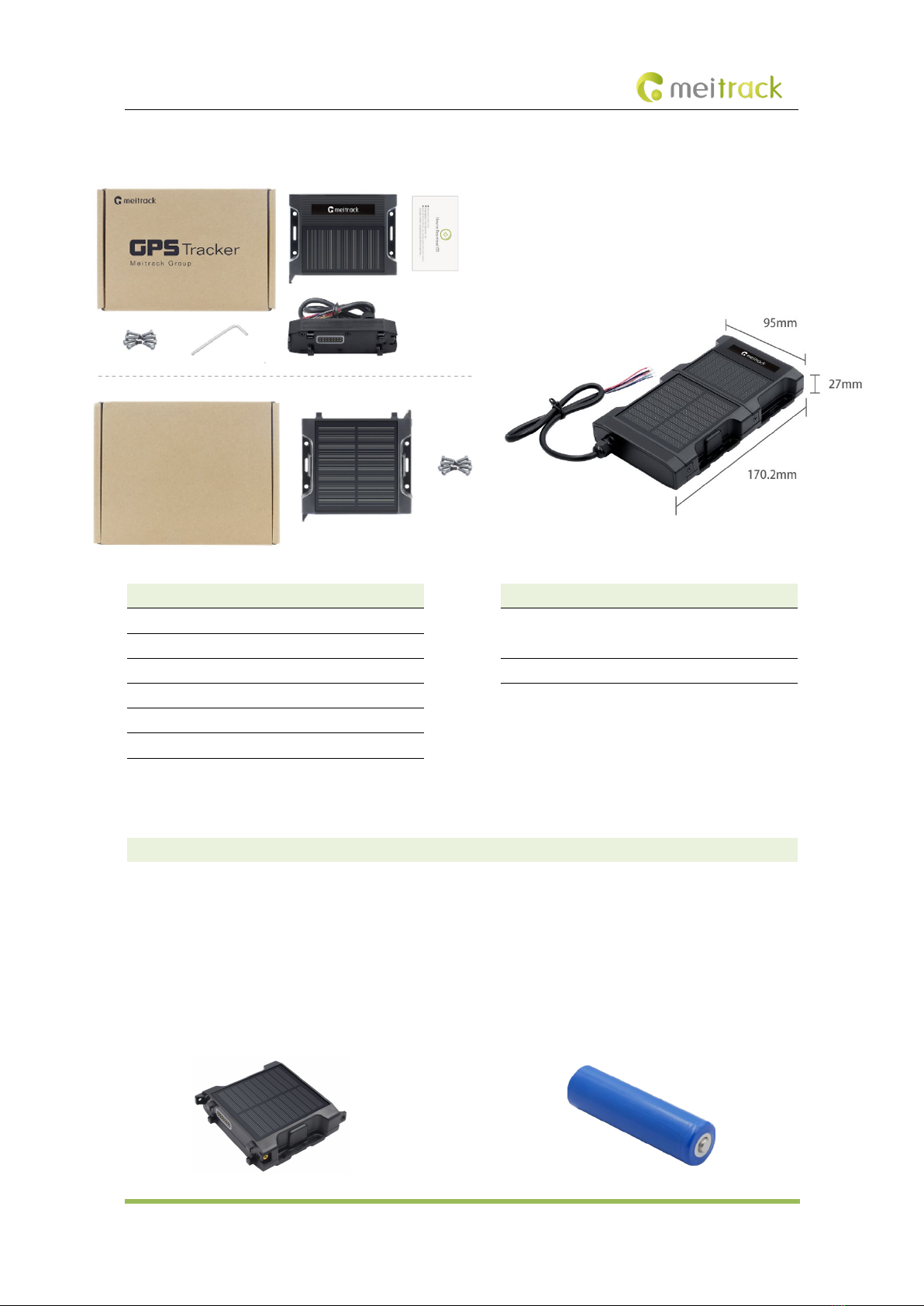
3.1.4 Product Kit 4 ........................................................................................................................................ - 8 -
3.1.5 Product Kit 5 ........................................................................................................................................ - 9 -
3.2 Optional Accessory ....................................................................................................................................... - 9 -
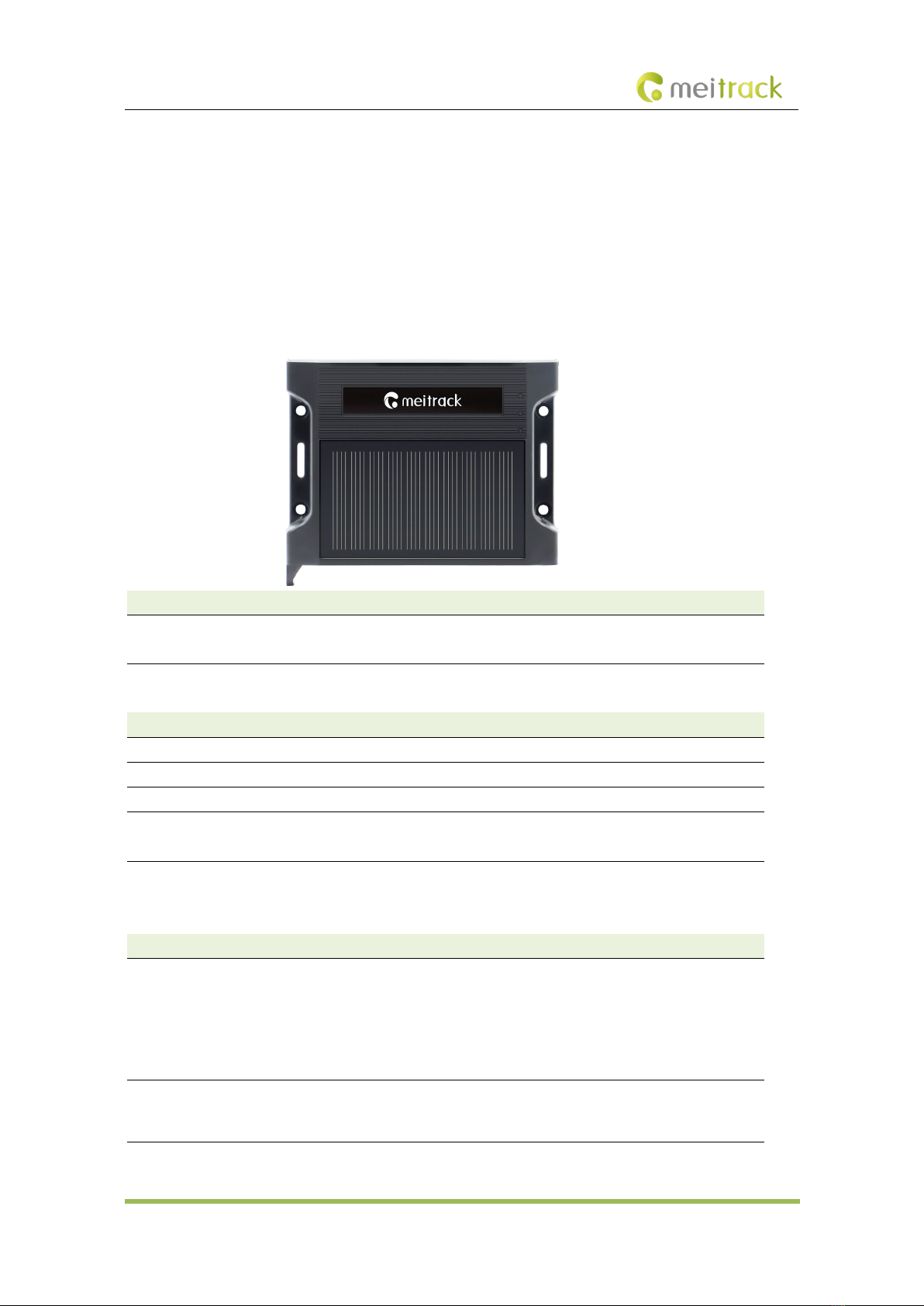
4 Product Panel .......................................................................................................................................................... - 11 -
5 Charging mode and charging time........................................................................................................................... - 11 -
6 Charging mode and charging time LED Indicator..................................................................................................... - 12 -
6.1 Charging LED Indicator................................................................................................................................ - 12 -
6.2 Device Status LED Indicator ........................................................................................................................ - 12 -
7 First Use................................................................................................................................................................... - 13 -
7.1 Insert a SIM card......................................................................................................................................... - 13 -
7.2 Installing Product Kit................................................................................................................................... - 14 -
7.3 Turning on TA255L ...................................................................................................................................... - 15 -
7.4 Configuring Device Parameters................................................................................................................... - 16 -
7.4.1 Configuring Device Parameters by Using Meitrack Manager............................................................. - 16 -
7.4.2 Configuring by Bluetooth Configuration Tool-MT Manager+............................................................. - 18 -
7.4.3 Configuring Device Parameters by Using SMS ................................................................................... - 20 -
7.4.4 Configuring Device Parameters by Using FOTA Manager Platform .................................................... - 20 -
8 MS03 Platform......................................................................................................................................................... - 21 -
9 Installing the Tracker................................................................................................................................................ - 22 -
9.1 Magnetic Installation .................................................................................................................................. - 22 -
9.2 I/O Cable Installation(Only applicable to Product Kit 4/5).......................................................................... - 23 -
9.2.1 Wiring ................................................................................................................................................ - 25 -
10 Safety and Usage Instructions ............................................................................................................................... - 25 -