
Orchid Telecom PBX 308 Manuale di istruzioni
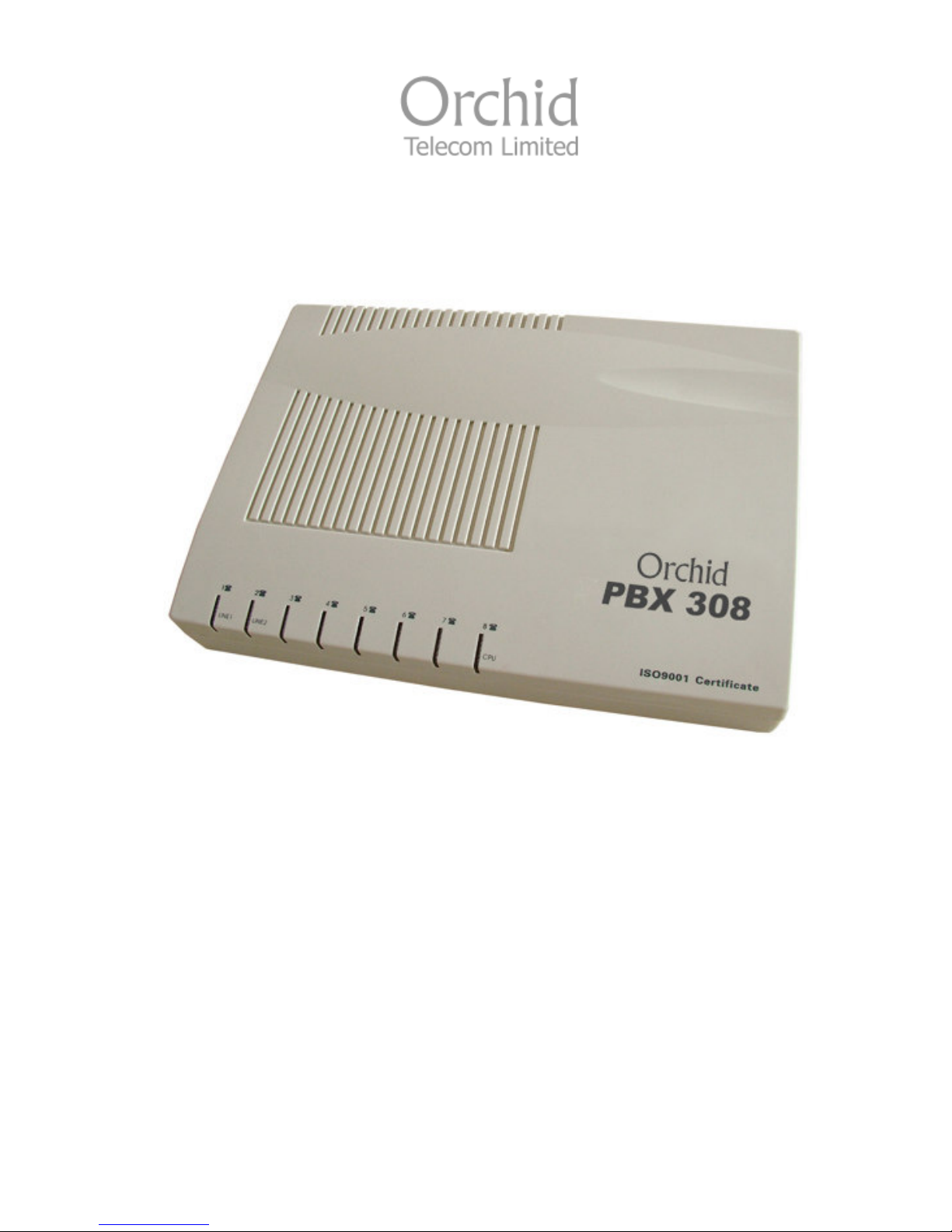
Model
PBX 308
System Administration Guide

2
Introduction 4
Installation Hints 4
Wall Mounting
System Programming 5
System Password
Changing the Password
IMPORTANT – Exchange Lines 6
1 Exchange Line connected:
2 Exchange Lines connected:
3 Exchange Lines connected:
Assign Incoming calls to ring Nominated Extensions 7
Example 1: To assign all incoming calls on line 1 to ring Extensions 202, 206 and 207
Example 2: To assign all Incoming calls on line 3 to extensions 205 and 206
To assign an Extension to use only a specific Exchange Line
for Outgoing Calls 8
To restrict extension 208 to use exchange line 3 only
To assign an Exchange line for exclusive use for outgoing calls by
nominated extensions 8
To assign Extensions 207 and 208 to be the only Extensions that can make outgoing
calls on line 3
To assign Extensions to Direct Dial Mode 9
To convert Extension 204 to Direct Dial
To convert Extensions 205 and 206 for Direct Dial
To revert Direct Dial Extensions back to Dial 9 Extensions
To revert ALL Direct Dial Extensions back to Dial 9 for a Line Extensions

3
Call Barring / Call Restrictions 10
Example – To program 999, 911,112, 01 & 02 numbers into Group 0
To assign ALL extensions to the allowed call types only in Group 0
Internal Call Only – Group 6
Call Barring – Groups 1 to 5
Assigning Call Barring Groups to Extensions
Change extension numbers 14
Administrators Personal Pin Number to Override Internal Calls Only
Extensions (Group 6) 15
To make outgoing calls on ‘Internal Calls’ only extensions
Reception Phone and Door Phone 15
Assigning Extensions to ring when the Reception Phone is lifted or the Door Phone
is pressed
To answer the Reception Phone or Door Phone from a Non Assigned Extension
Music On Hold 17
To check or listen to Music On Hold
Auto Attendant Mode / Direct Inward System Access (DISA) 17
To record the Auto Attendant outgoing message (OGM)
To playback the Auto Attendant Outgoing Message (OGM)
OGM if Extension is unanswered after 25 seconds
To Playback the Unanswered OGM
To Assign Operator Extension(s) for the Auto Attendant mode
To assign all Lines for Auto Attendant
To assign a Line for Auto Attendant
To remove the Auto Attendant feature from All Lines
BT or Cable Select (Star) Services
To select a specific line on a “Call By Call” basis
Power Failure
Troubleshooting 21
FAQ’s 22
4
Thank you for choosing the Orchid Telecom PBX 308. Please take time to read through this
Administration guide to get the most from your new purchase.
• Ensure power On/Off switch located on the left hand side of the PBX is switched to On.
• All extension sockets should be Master type with built in ringing capacitor. (If you use a
secondary type socket, and your extension phones are older type 4-wire working, they will
not ring). We have a range of “Easy Install” adaptors for connecting the extensions. They
are available in 4 lengths; 10cm, 5m, 10m and 20m. Please contact your supplier for more
details.
• Only extensions 201-204 will ring on incoming calls (factory default setting) unless you
nominate any other extensions to ring. See page 5 of the Administration Guide.
• The Exchange Lines should be connected to the PBX using the telephone leads supplied
Wall Mounting:
• Drill 2 holes, 16cm apart. (Take extra care not to drill through electrical wiring or pipes.)
• Adjust the screw heads until the PBX fits firmly against the wall.
5
All programming is done on Extension 201 ONLY.
NOTE: If Programming is done successfully you will hear a Beep, if unsuccessful you will hear a
Series of Beeps.
System Password
The factory default password is: * 0 1 (1234) #
Changing the Password
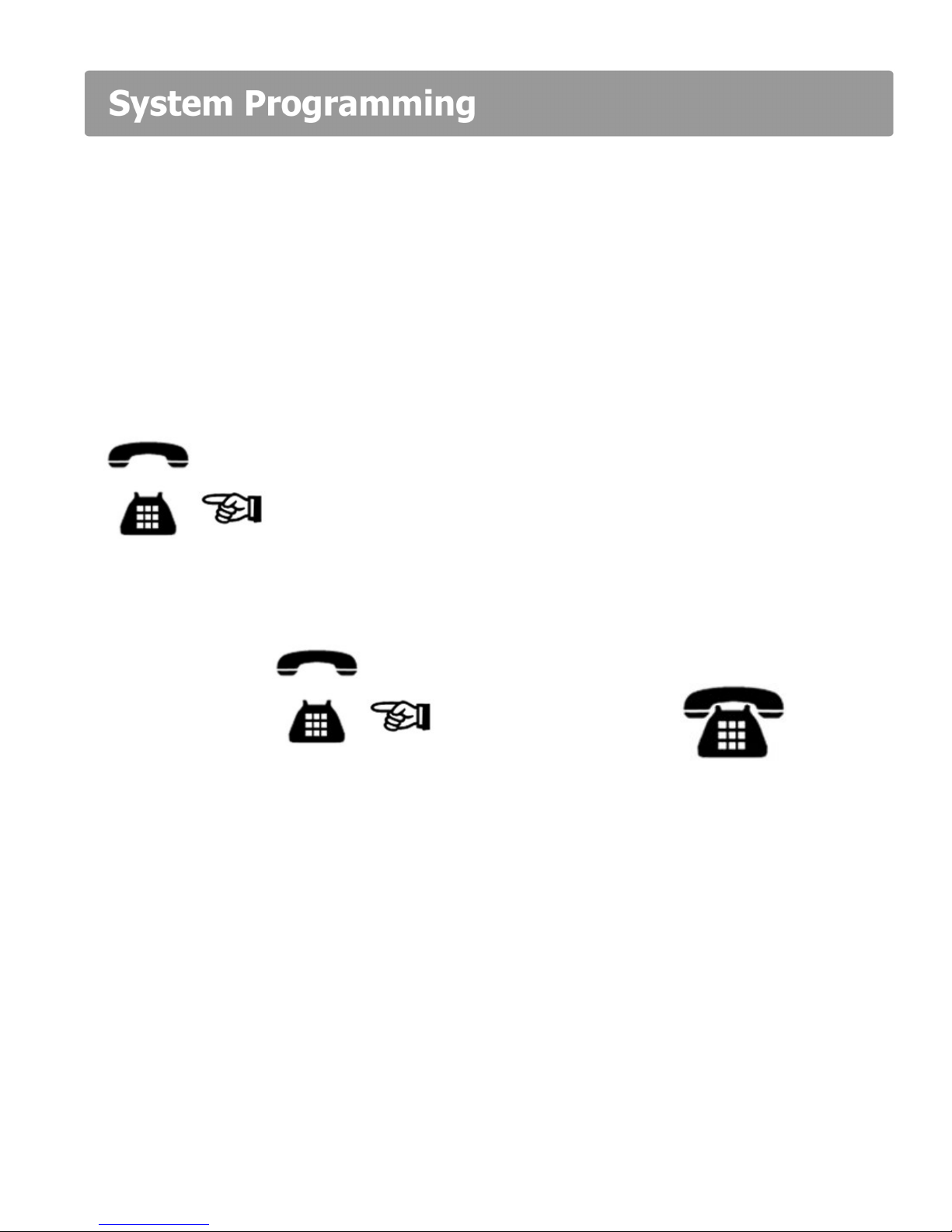
Off Hook Dial: Current Password * 0 1 1234 #
Ext 201
Dial: New Password * 0 2 xxxx # On Hook
Ext 201
NB: Your new Password will be: * 0 1 xxxx #
If you change the programming Extension 201 to Direct Dial mode (page 6) you will
need to dial a * in front of the Password ie: * * 01 1234 # 2
When you enter the programming mode on 201 all the other Extensions will be cut off.
Therefore ensure that other Extensions are not on calls before you start programming.
We strongly recommend that you store your new password into a one-touch memory.
This will simplify all future programming.
6
The PBX 308 is configured at the factory for 3 Exchange Lines to be connected. If you only have 1
or 2 lines connected it is important that the system is set-up as follows:
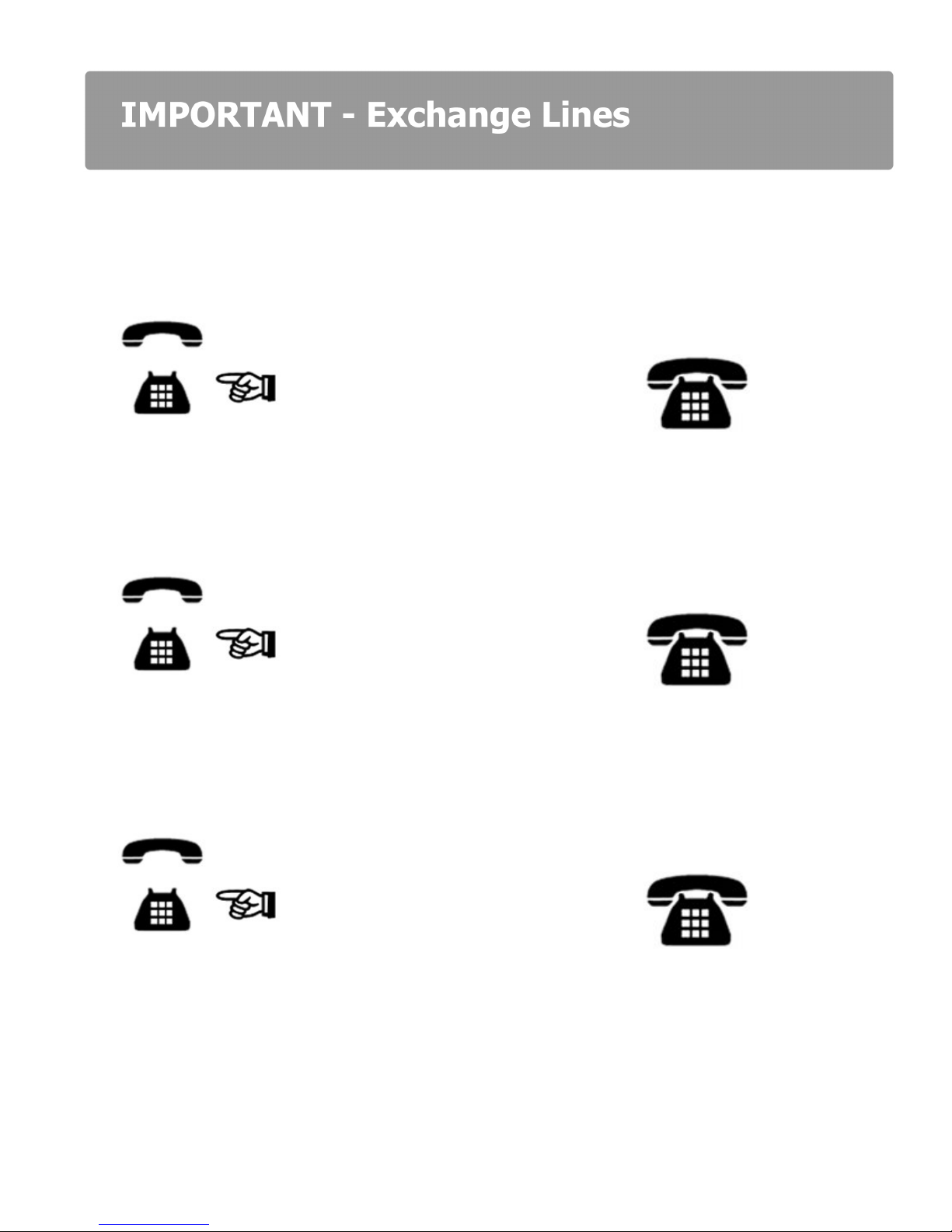
1 xchange Line connected:
Off Hook Dial: Password * 3 1 # On Hook
Ext 201 Ext 201
2 xchange Lines connected:
Off Hook Dial: Password * 3 1 2 # On Hook
Ext 201 Ext 201
If at a later date you want to add another line, making a total of 3 lines:
Off Hook Dial: Password * 3 1 2 3 # On Hook
Ext 201 Ext 201
7
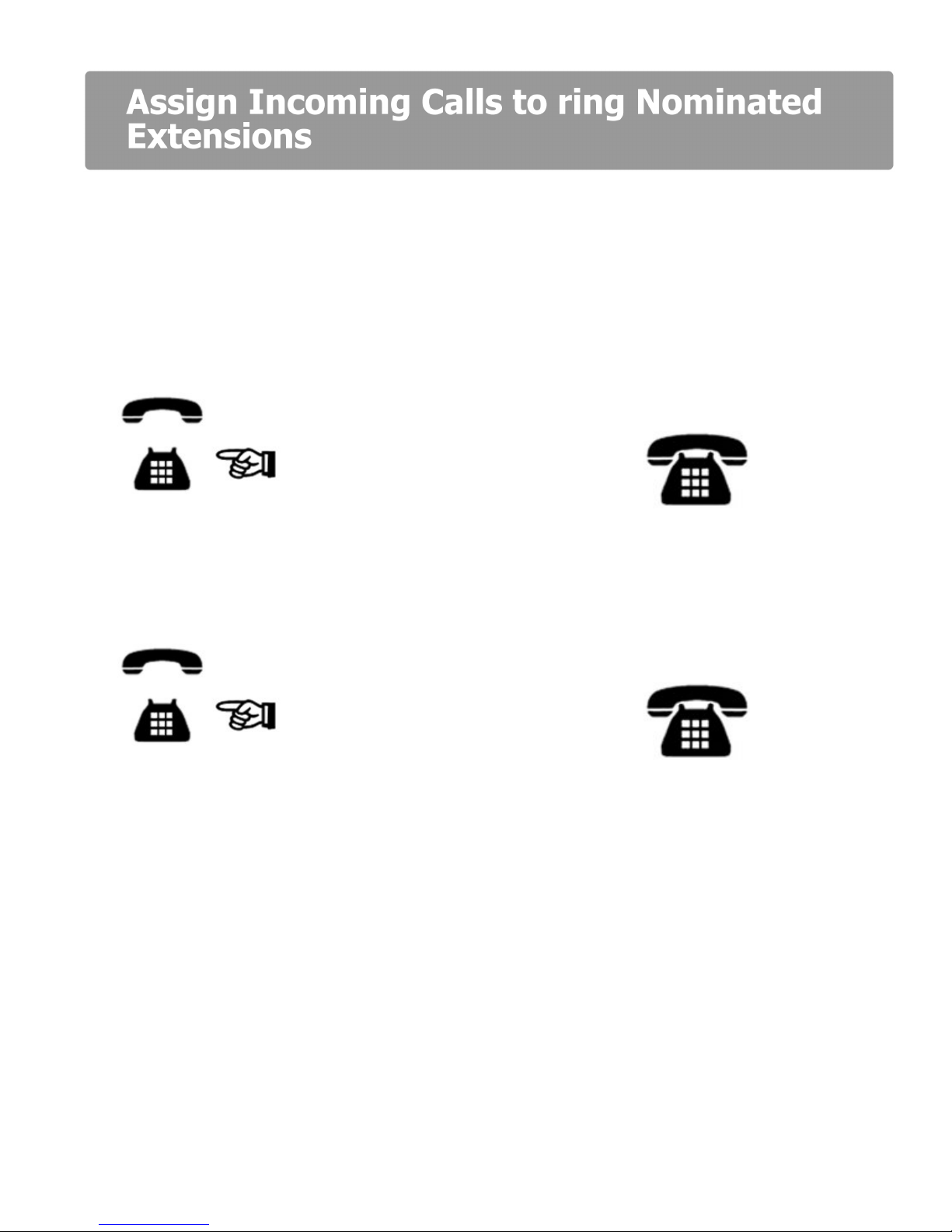
This is a useful feature for spreading the incoming call load over certain extensions or a specific
line direct to a specific extension. Useful if you are sharing the PBX with another company.
IMPORTANT: The factory set default is to ring Extensions 201 – 204 only.
How to assign the lines to ring specific extensions is best explained by the following 2 examples:
Example 1: - To assign all incoming calls on line 1 to ring Extensions 202, 206 and 207:
Off Hook Dial: Password * 1 1 267 # On Hook
Ext 201 Line Extensions Ext 201
Example 2: - To assign all Incoming calls on line 3 to extensions 205 and 206:
Off Hook Dial: Password * 1 3 56 # On Hook
Ext 201 Line Extensions Ext 201
8
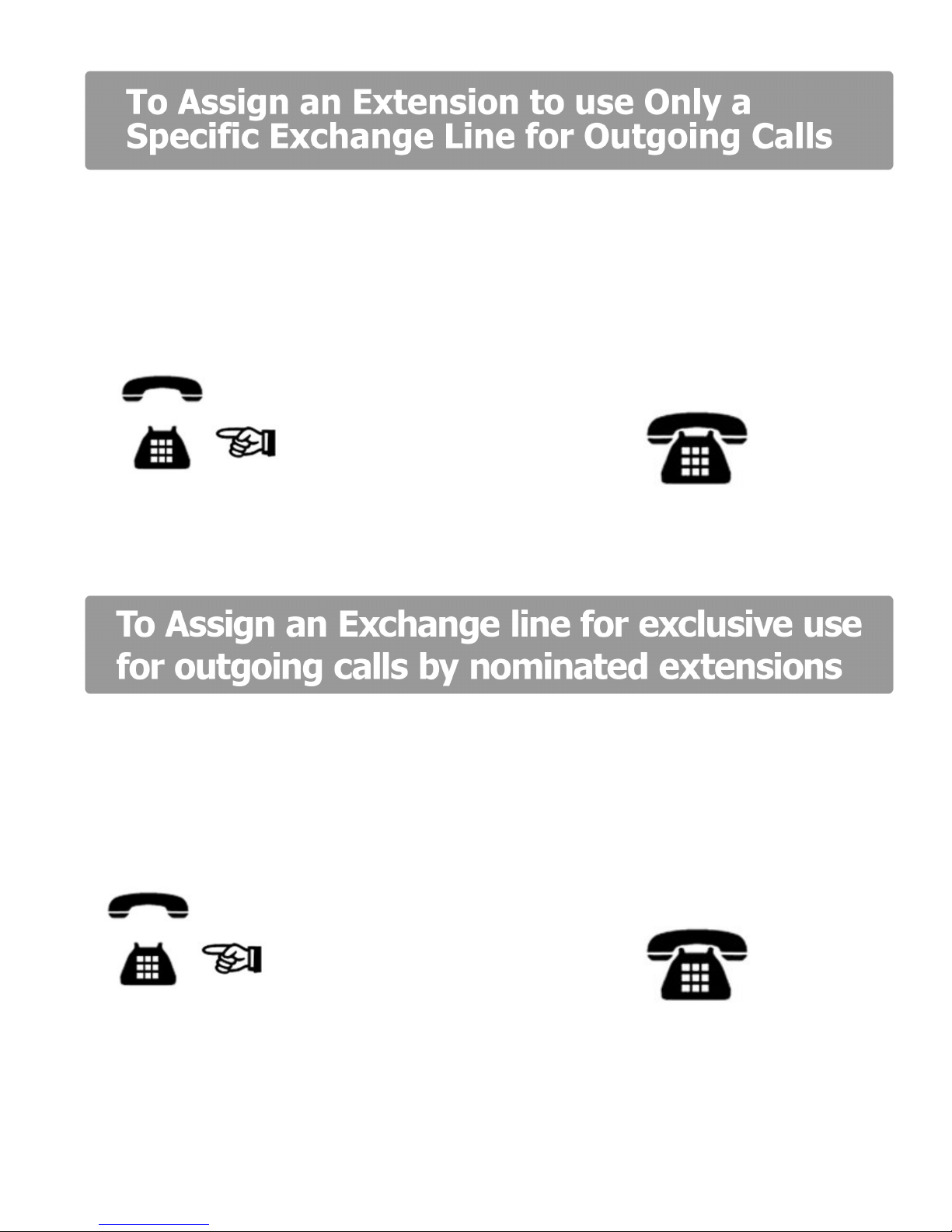
A useful feature if you want to keep lines 1 and 2 free for incoming calls or other priority
Extensions for outgoing calls. This does not restrict other extensions from using the same outside
line.
Example:
To restrict extension 208 to use exchange line 3 only.
Off Hook Dial: Password * 42 3 208 # On Hook
Ext 201 Line Extension Ext 201
This applies only Outgoing calls only, incoming calls can be answered by all extensions.
Example:
To assign Extensions 207 and 208 to be the only Extensions that can make outgoing calls
on line 3.
Off Hook Dial: Password * 41 207 # * 41 208 # On Hook
Ext 201 Ext 201
9
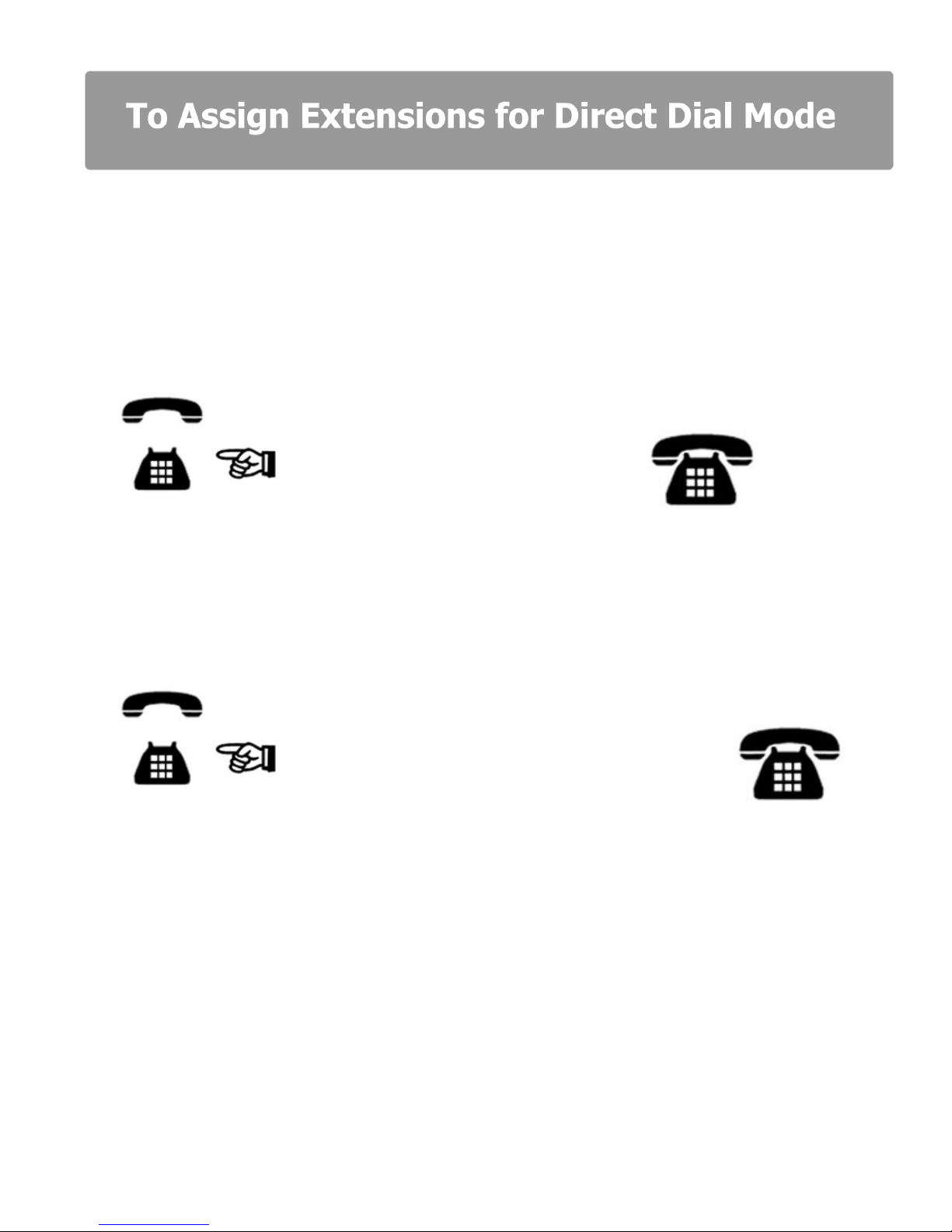
As currently configured all extensions must Dial 9 for a line (Factory Default Setting). Extensions
that make a lot of outgoing calls and a few internal calls (Telesales for example) can be changed
to Direct Dial Extensions, whereby as soon as they go off hook they immediately get an outside
line (if one is free). No need to dial 9 and makes redialing very easy.
Example 1:
To convert Extension 204 to Direct Dial:
Off Hook Dial: Password * 8 204 1 # On Hook
Ext 201 Ext 201
Example 2:
To convert Extensions 205 and 206 for Direct Dial:
Off Hook Dial: Password * 8 205 1 # * 8 206 1 # On Hook
Ext 201 Ext 201
NB:
1. Direct Dial Extensions must dial * in front of the Extension number when making internal calls.
2. If Extension 201 is converted to Direct Dial and wants to program system features, a * must be
inserted in front of the Password.
3. Direct Dial Extensions cannot set up or remove BT or Cable select services provided by the
telephone exchange. These select services can only be set up on Dial 9 extensions.
10
To revert Direct Dial xtensions back to Dial 9 xtensions
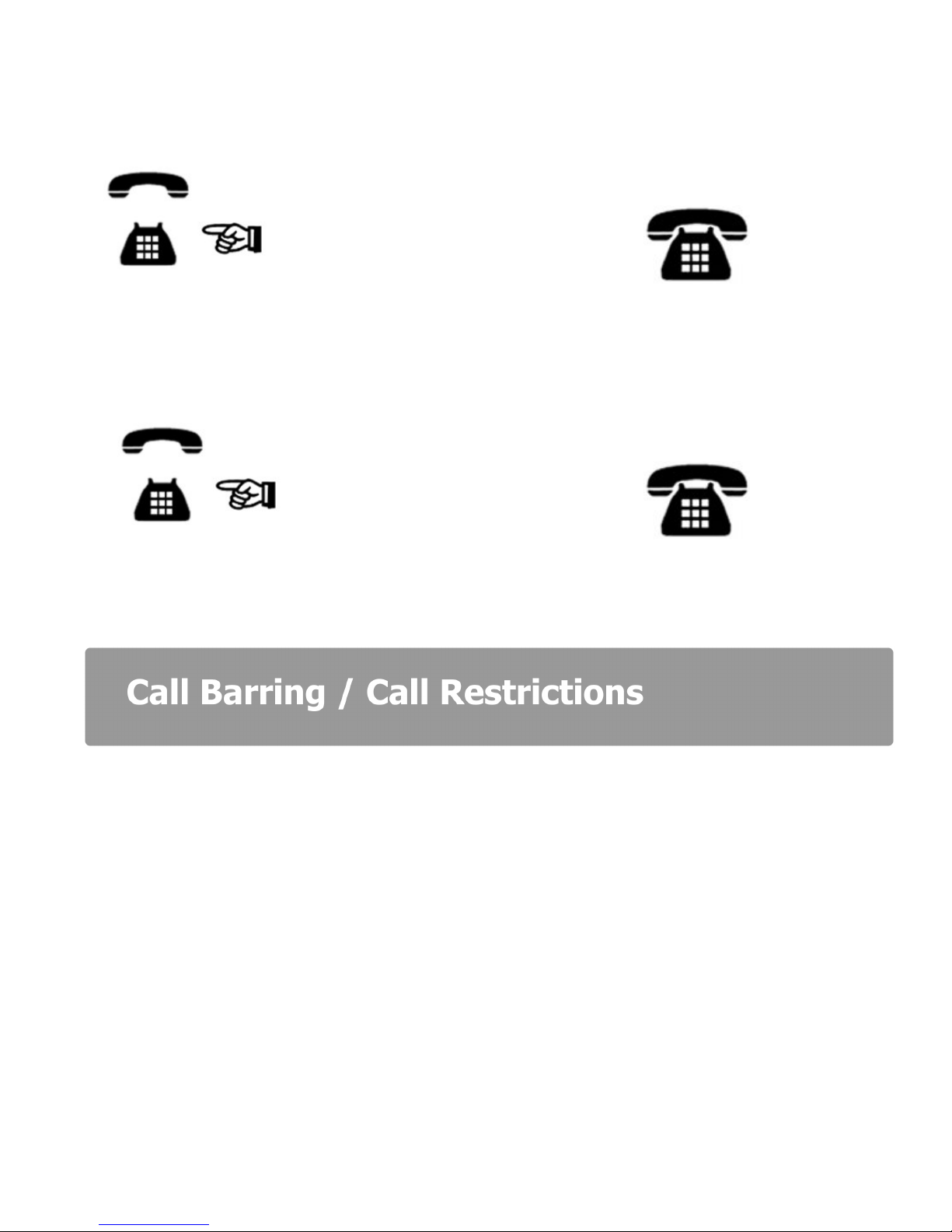
Example: To revert Extension 204 back to a Dial 9 for a line Extension:
Off Hook Dial: Password * 8 204 0 # On Hook
Ext 201 Ext 201
To revert ALL Direct Dial xtensions back to Dial 9 for a Line xtensions:
Off Hook Dial: Password * 8 000 # On Hook
Ext 201 Ext 201
The Orchid PBX 308 has a flexible Call Restriction Feature. Allowing extensions to call only
essential numbers thereby keeping call costs to a minimum.
Call Restrictions of a varying degree can apply to any or all extensions.
There are 7 groups of Call Barring / Call Restrictions available. Groups 1 to 5 enable you to
program Call types to be Barred. For example Calls to Mobile (07) numbers can be assigned to
Group 1 and any extensions assigned to Group 1 will not be able to make a call to a mobile
phone.
Any extensions assigned to Group 6 can only make Internal Calls
Group 0 is for Allowed Calls only. It may be quicker and easier to use this feature instead of the
Call Barring / Call Restriction option depending on your requirements.
Indice
Altri manuali Orchid Telecom Centralino


Manuali Centralino popolari di altre marche


Rauland-Borg
Rauland-Borg Telecenter IV Manuale utente

Grandstream Networks
Grandstream Networks UCM6208 Manuale utente

ATCOM
ATCOM IPPBX IP02 Manuale utente

Panasonic
Panasonic KX-TVS50 - 2 Port Voicemail System Manuale utente

bintec elmeg
bintec elmeg elmeg hybird 600 Manuale utente

Panasonic
Panasonic KX-NS300 Manuale utente


