Quin Systems CPU360 Manuale utente

Quin Systems Limited
CPU360 Issue D/E Hardware Manual
Issue 4
June 2004
(MAN530)

Quin Systems Limited
CPU360 Issue D/E Hardware Manual
Issue 4
April 2004
(MAN530)

Copyright Notice
Copyright 2004 Quin Systems Limited. All rights reserved.
Reproduction of this document, in part or whole, by any means, without the prior
written consent of Quin Systems Limited is strictly prohibited.
Hardware Issue
This manual reflects the Issue D/E CPU360 hardware.
Important Notice
Quin Systems reserves the right to make changes in the products described in this
document in order to improve design or performance and for further product
development.Examples given are for illustration only,andno responsibilityis assumed
for their suitability in particular applications. Reproduction of any part hereof without
the prior written consent of Quin Systems is prohibited.
Although every attempt has been made to ensure the accuracy of the information inthis
document, Quin Systems assumes no liability for inadvertent errors.
Suggestions for improvements in either the products or the documentation are
welcome.

Issue 4 CPU360 Hardware Manual
Copyright © 2004 Quin Systems Limited Page 1
Contents
Contents 1
List of Figures 3
1. Introduction 4
2. Using the CPU360 5
2.1 Processor Selection 5
2.2 Software Control 5
2.3 Chip Selects 5
2.4 G64 Bus Address Map 7
2.5 I/O Address Map 8
2.6 68360 Internal Registers 9
2.7 Memory Control Signals 9
2.8 Memory Sizes 9
2.9 Communications Ports 10
2.10 Ethernet Port 10
2.11 Daughter Board Port 11
2.12 Serial Ports 12
2.13 Serial Eeprom 13
2.14 Other Signals 13
2.15 CANbus Ports 13
2.16 Daughter Board 13
3. Configuration 14
3.1 Eprom/Flash Pin 31 : J1 14
3.2 Eprom/Flash Pin 1 : J2 14
3.3 Dram Burst Addressing : J3 14
3.4 Serial Eeprom Write Protect : J4 14
3.5 Interrupt Configuration : J5 14
3.6 Reset and Watchdog : J6 15
3.7 Processor Configuration : J7 15
3.8 CIO Clock Frequency : J8 16
3.9 Serial Port A Override : J9 17
3.10 Static Ram Size : J10 17
3.11 CANbus Interrupts : J11 17
3.12 Jumper Locations 18

Issue 4 CPU360 Hardware Manual
Copyright © 2004 Quin Systems Limited Page 2
4. Connections 19
4.1 Signal Names 19
4.2 Power Supplies 19
4.3 Serial Ports 19
4.4 CANbus 20
4.5 Daughter Board 21
4.6 Ethernet 21
4.7 G64 Bus 22
4.8 General Purpose I/O 23
4.9 Background Debug Port 24
4.10 JTAG Port 24
5. Diagnostics and Tests 25
5.1 Switch-on Self-Test 25
5.2 Entry to Flashboot Diagnostics 25
5.3 Update Commands 25
5.4 Exit to PTS code 26
5.5 LED functions 26
Index 27

Issue 4 CPU360 Hardware Manual
Copyright © 2004 Quin Systems Limited Page 3
List of Figures
Figure 1. Address map 6
Figure 2. G64 bus address map 7
Figure 3. I/O address map 8
Figure 4. Interrupt configuration : J5 14
Figure 5. Reset and watchdog : J6 15
Figure 6. Processor configuration : J7 15
Figure 7. CIO clock frequency : J8 16
Figure 8. Serial port A override : J9 17
Figure 9. Static ram size : J10 17
Figure 10. CANbus interrupts : J11 17
Figure 11. Jumper locations 18
Table 12. CPU360 serial port connections 19
Table 13. CANbus connections 20
Table 14. Bitbus connections 21
Table 15. Ethernet AUI connections 21
Table 16. G64 bus connections : P1 22
Table 17. General purpose I/O connections : P2 23
Table 18. Background debug connector : P3 24
Table 19. JTAG test connector : P4 24

Issue 4 CPU360 Hardware Manual
Copyright © 2004 Quin Systems Limited Page 4
1. Introduction
This document describes the Quin Systems CPU360 single board computer.
The CPU360 module is a medium performance 32-bit processor module, based around
the Motorola 68EN360 integrated processor. It is designed specifically for standalone
operation in rom-based embedded systems, and in particular is used in the PTS range
of systems. It offers eprom/flash, dram and non-volatile memory, various serial ports,
an Ethernet port with AUI and twisted pair interfaces, and two CANbus interfaces. It
also has provision for an optional 68040 processor if more performance is required.
The CPU360 provides four 32-pin JEDEC sockets for eproms or flash roms, allowing
a maximum of 4 Mbytes using 1M ×8 devices. It normally has 1 Mbyte of dram,
configured as 256k×32 in two devices, 128k bytes of eeprom, and 128k bytes of battery
backed sram. These are used for non-volatile data storage. It also has a small serial
eeprom device which is used to store the Ethernet physical address and any software
license keys.
Four serial ports are available on the 68EN360 processor. One is dedicated to the
Ethernet port, one is reserved for use with a protocol-specific daughter board, and the
remaining two are configurable separately for RS-232 or RS-485 operation. A Z8536
device provides up to 20 digital input/output lines at LSTTL levels, and up to three
counter/timers. A calendar/clock device with battery backup provides date/time
information. A hardware watchdog timer is also available.
The Ethernet interface provides access to local area networks. It may be used with the
onboard 10 base T twisted pair transceiver, or via the AUI port with an external
transceiver for connection to other media such as thick or thin coax.
The two CANbus interfaces are compatible with the CAN in Automation (CiA) draft
standard DS102 Version 2.0, CAN Physical Layer forIndustrial Applications.They are
electrically isolated and fully independent. Each has both a plug and a socket connected
in parallel to allow for simple cable connection between units.
The board supports a range of daughter board communications modules made by
Hilscher GmbH. These offer a range of communications protocols and interfaces,
including Profibus and Interbus-S.
Offboard expansion is available via the G64 bus, which supports a wide range of third
party input/output modules. It has a 16 bit data bus and a 16 bit address bus, and
supports both synchronous and asynchronous bus cycles.

Issue 4 CPU360 Hardware Manual
Copyright © 2004 Quin Systems Limited Page 5
2. Using the CPU360
2.1 Processor Selection
The 68360 processor config pins select the initial bus size, and whether it is in normal
cpu or slave mode. For normal use with the cpu32+ processor core enabled, 32 bit rom
chip select, set config210 to 100 by fitting links to jumper J7 pins 1-2and 3-4. Also link
J7 pins 7-8 so that all devices return DSACKn for 32 bit transfers. For use with the
68040 in companion mode, config210 should be set to 011 by removing links from J7
pins 1-2 and 3-4, and linking J7 pins 5-6. Also remove the link from J7 pins 7-8 as the
68040 only uses a single DSACK signal, and all transfers are 32 bits wide.
2.2 Software Control
The CPU360 board makesextensive use of the programmable features of the 68360 cpu
and its system integration module (SIM). These must be correctly set up by any
application or system software when the board starts up. A brief description of the
various control lines used by the CPU360 is given in the following sections.
2.3 Chip Selects
The programmable chip select pins are used as follows :
CS0 eprom, 256k×32, 512k×32, or 1M×32
CS1 dram /RAS, 256k×32
CS2 sram, 128k×8, battery backed
CS3 eeprom, 128k×8
CS4 I/O devices (RTC, CAN, CIO)
CS5 G64 bus
Only the CS0 chip select is active when the processor starts after a hard reset. All other
chip select address ranges and options must be set by the boot software. Note that the
sram and eeprom devices are 8 bits wide, but are accessed on the 32 bit processor bus
to allow for the optional 68040 cpu. This means that they can only be accessed on every
4th byte.

Issue 4 CPU360 Hardware Manual
Copyright © 2004 Quin Systems Limited Page 6
Because the CPU360 module uses the programmable chip select outputs for the rom,
ramand i/o areas, the address map is determined by the software at startup. A suggested
address map is shown in the following table.
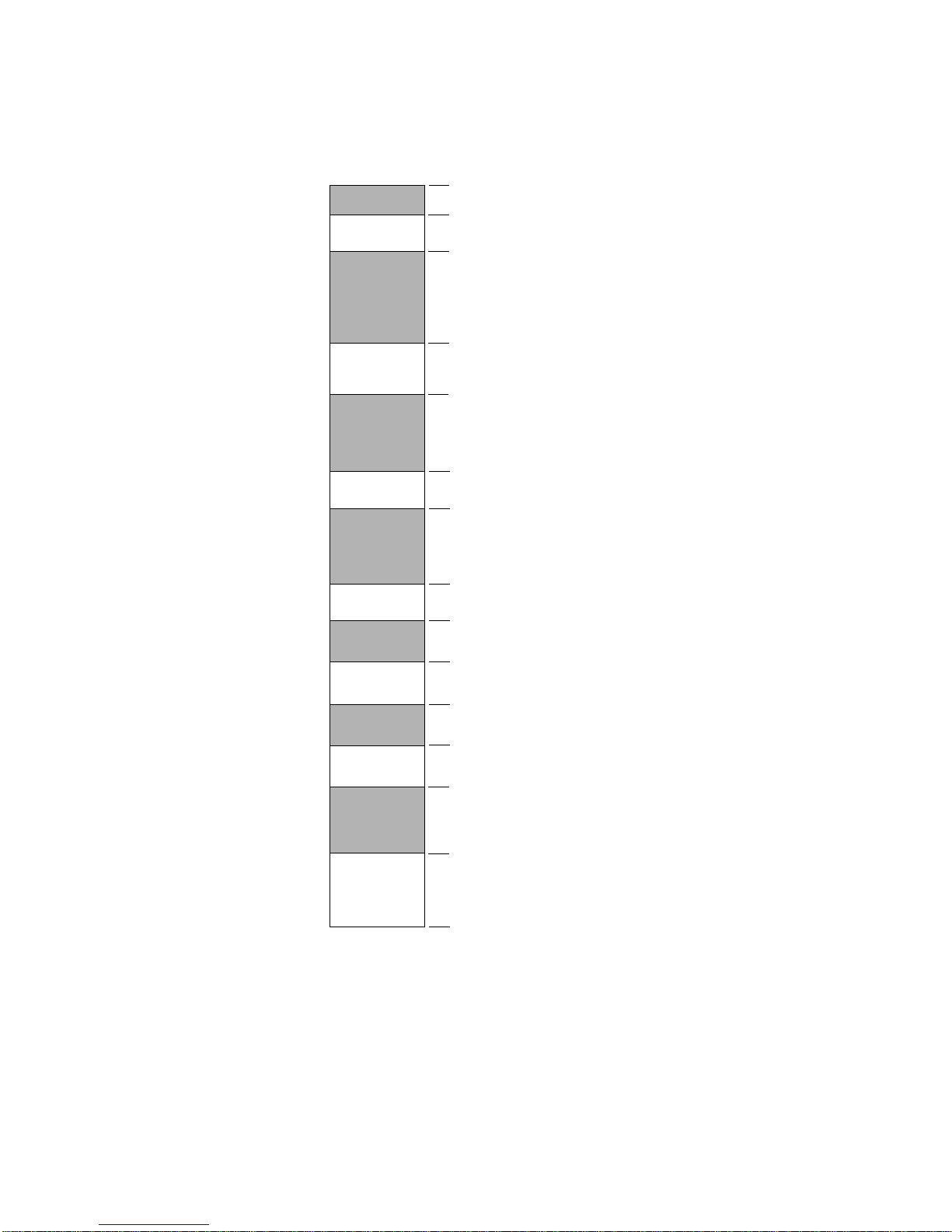
Figure 1. Address map
0x0
0x07FFFFFF
0x08000000
Eprom (max 2M)
G64 bus
0xFFFFFFFF
Dram (1M)
Unused
0x085FFFFF
0x08600000
0x001FFFFF
0x00200000
0x01FFFFFF
0x02000000
0x030FFFFF
0x03100000
0x02FFFFFF
0x03000000 Sram (128k)
Eeprom (128k)
Unused
Unused
0x020FFFFF
0x02100000
0x0307FFFF
0x03080000
0x0317FFFF
0x03180000
0xFFFEFFFF
0xFFFF0000
0xFFFF084F
0xFFFF0850
I/O
0x06FFFFFF
0x07000000 SIM360 internal registers
0x07000FFF
0x07001000
Unused

Issue 4 CPU360 Hardware Manual
Copyright © 2004 Quin Systems Limited Page 7
2.4 G64 Bus Address Map
The address map within the G64 bus address space is shown below. Note that the G64
data bus is 16 bits wide, but is accessed on the 32 bit processor bus to allow for the
optional 68040 cpu. Thismeans that G64bus locations are accessed onalternate words.
Figure 2. G64 bus address map
0x08000000
0x082FFFFF
0x08300000
0x08FFFFFF
0x085FFFFF
0x08600000
Unused
G64 bus : VMA
0x084FFFFF
0x08500000
0x080FFFFF
0x08100000
0x083FFFFF
0x08400000
0x081FFFFF
0x08200000
Synchronous 2 MHz
G64 bus : VPA
Synchronous 2 MHz
G64 bus : VMA
Synchronous 1 MHz
G64 bus : VPA
Synchronous 1 MHz
G64 bus : VMA
Asynchronous
G64 bus : VPA
Asynchronous
Indice
Manuali Scheda madre popolari di altre marche

Telit Wireless Solutions
Telit Wireless Solutions SL869-3DR Manuale utente

Gigabyte
Gigabyte GA-9IVDT Manuale utente

Texas Instruments
Texas Instruments ADS8372EVM Manuale utente

Commell
Commell MS-C73 Manuale utente

IBT Technologies
IBT Technologies MB860 Manuale utente

Nvidia
Nvidia TEGRA DG-04927-001_V01 Manuale utente