VT DSO-2810 Manual Rev. 1.2
Virtins Technology
TABLE OF CONTENTS
1 INSTALLATION AND QUICK START GUIDE..........................................................................................3
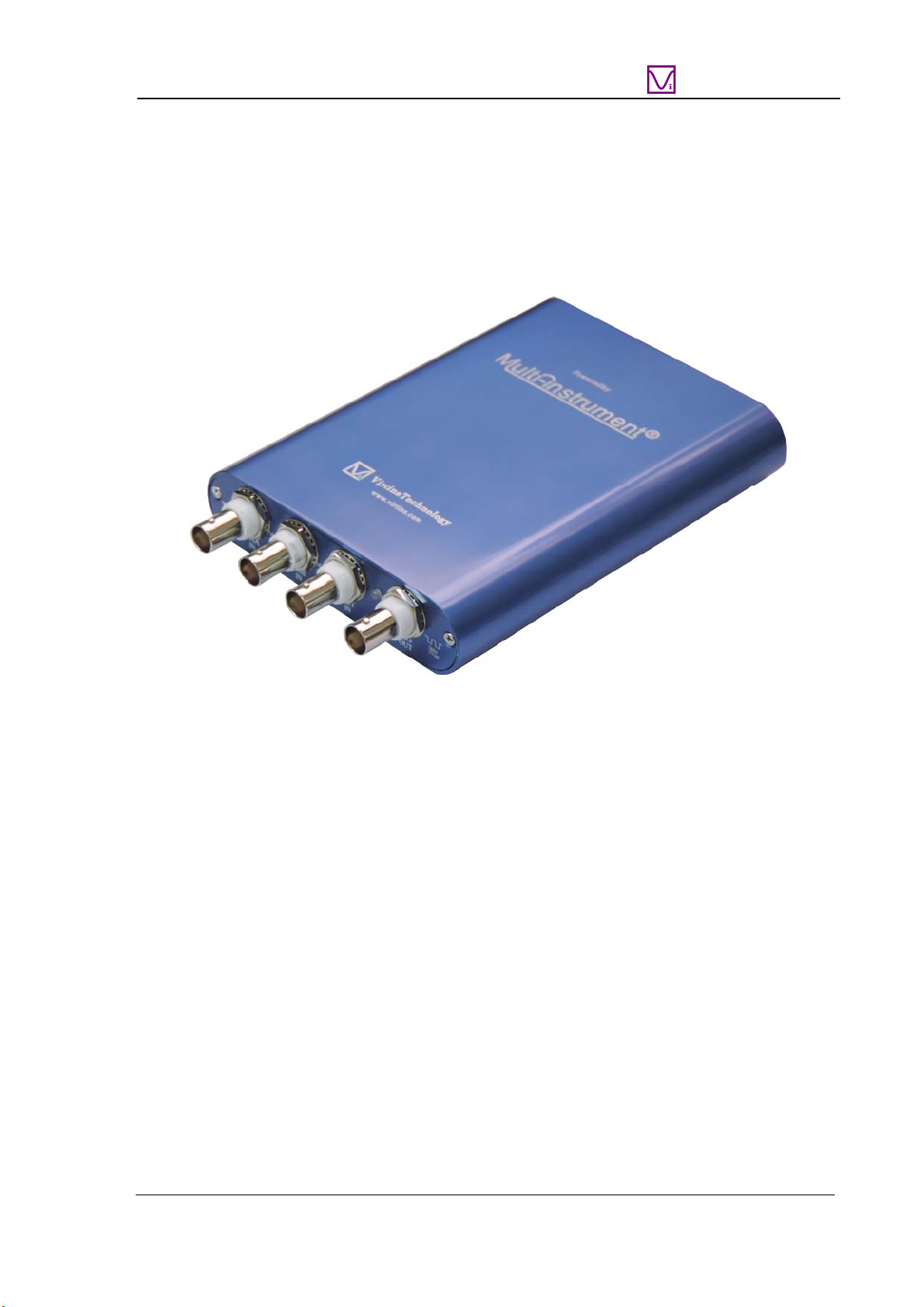
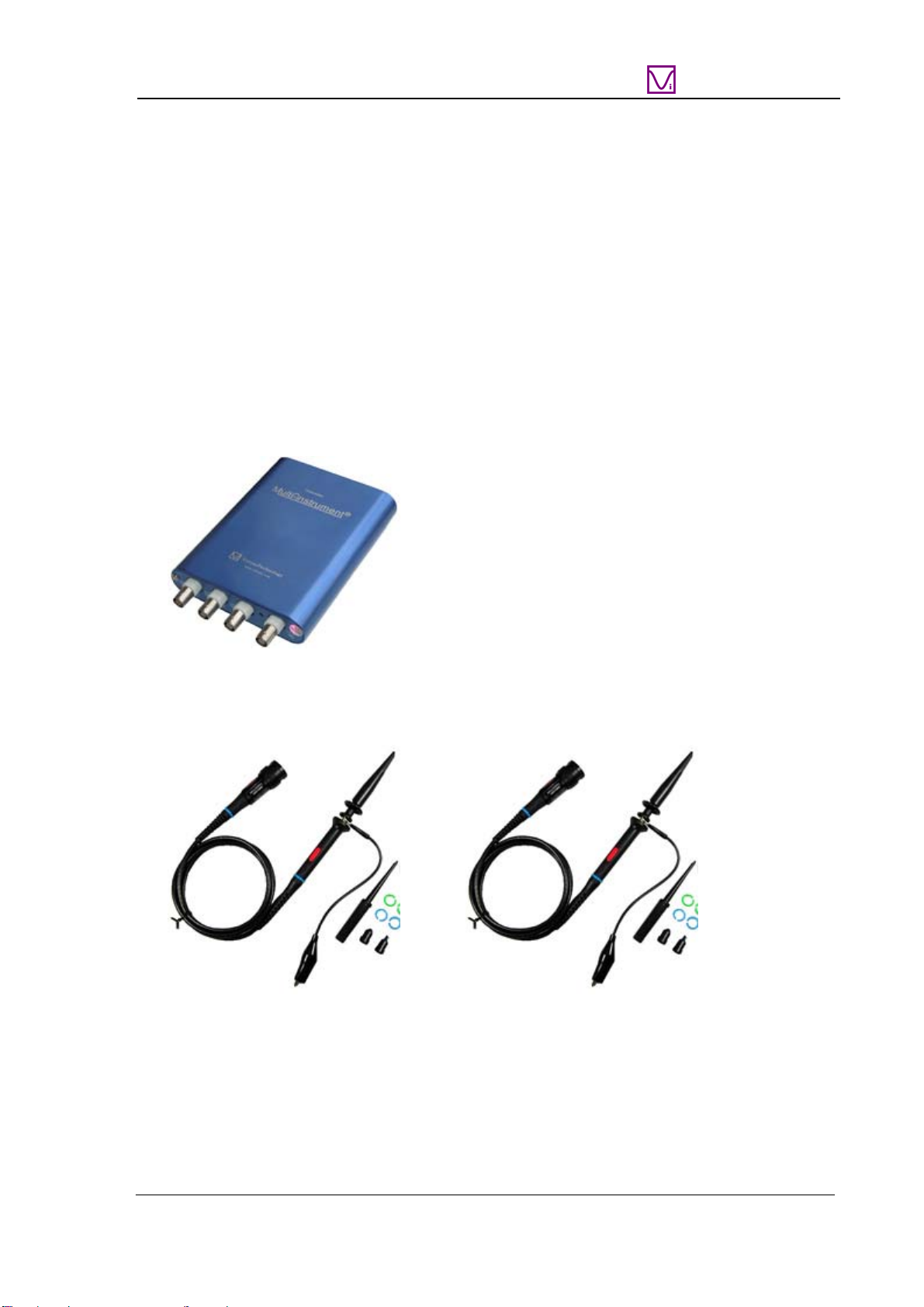
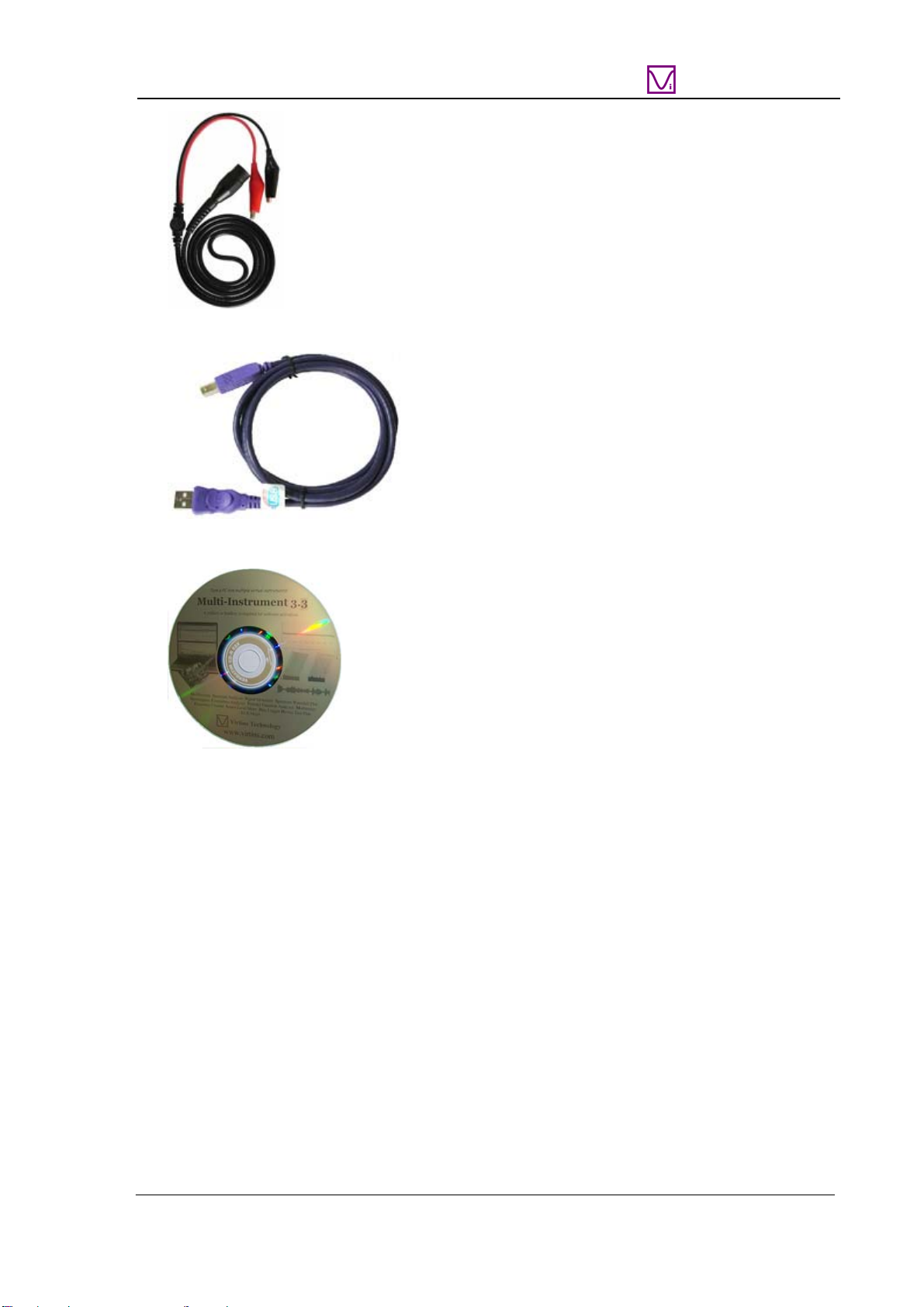
1.1 PACKAGE CONTENTS....................................................................................................................................3
1.2 MULTI-INSTRUMENT SOFTWARE INSTALLATION..........................................................................................4
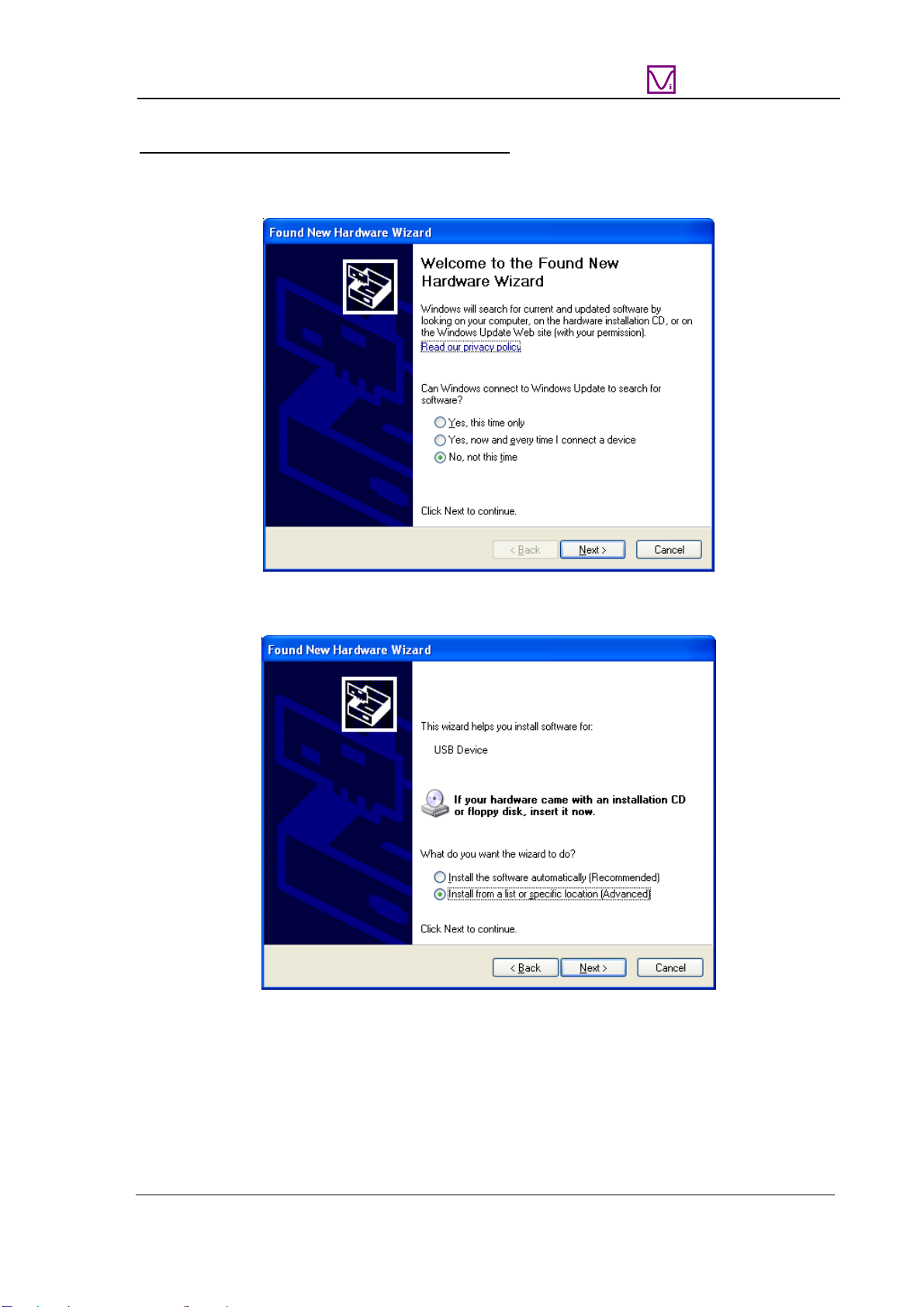
1.3 HARDWARE DRIVER INSTALLATION .............................................................................................................4
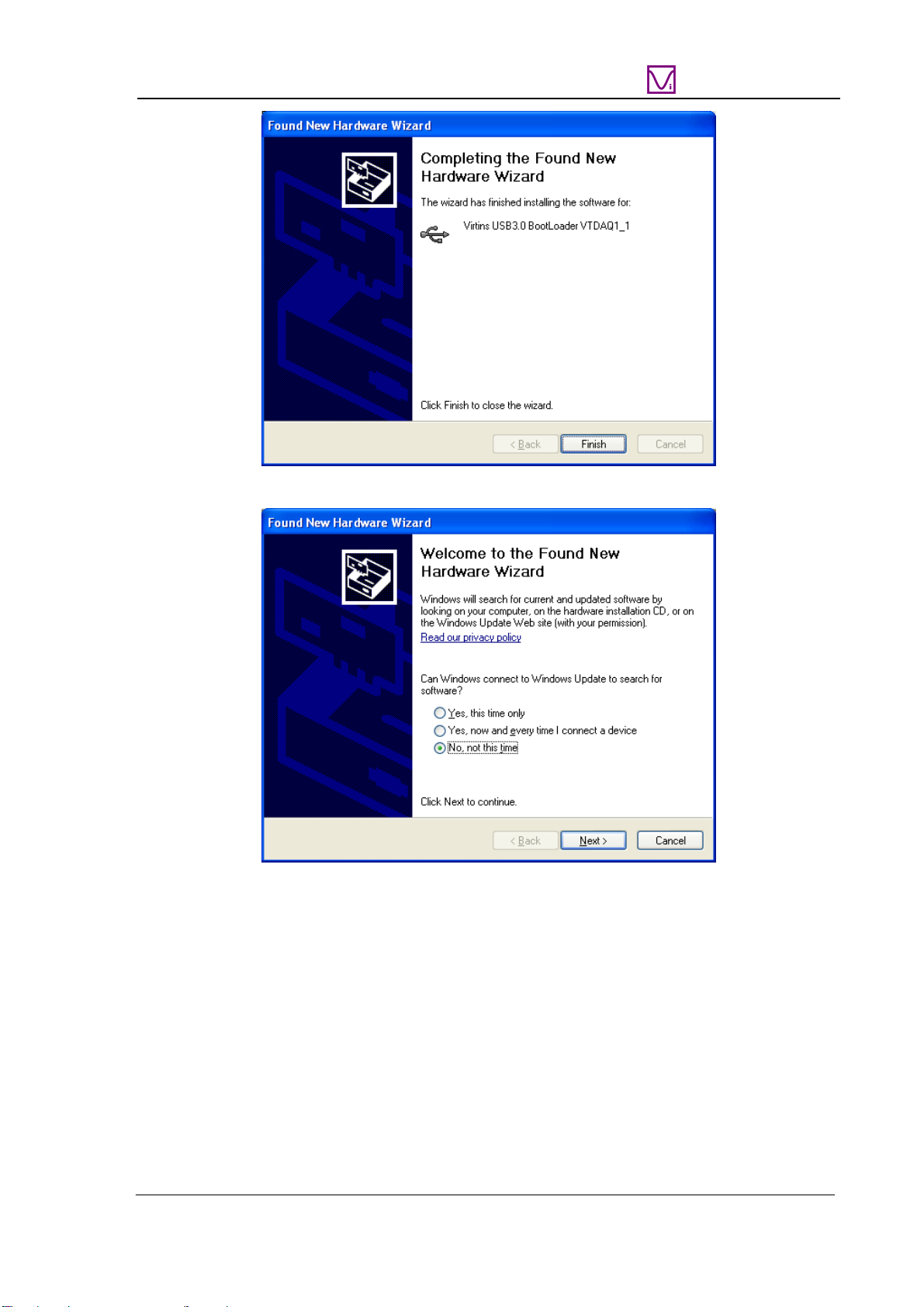
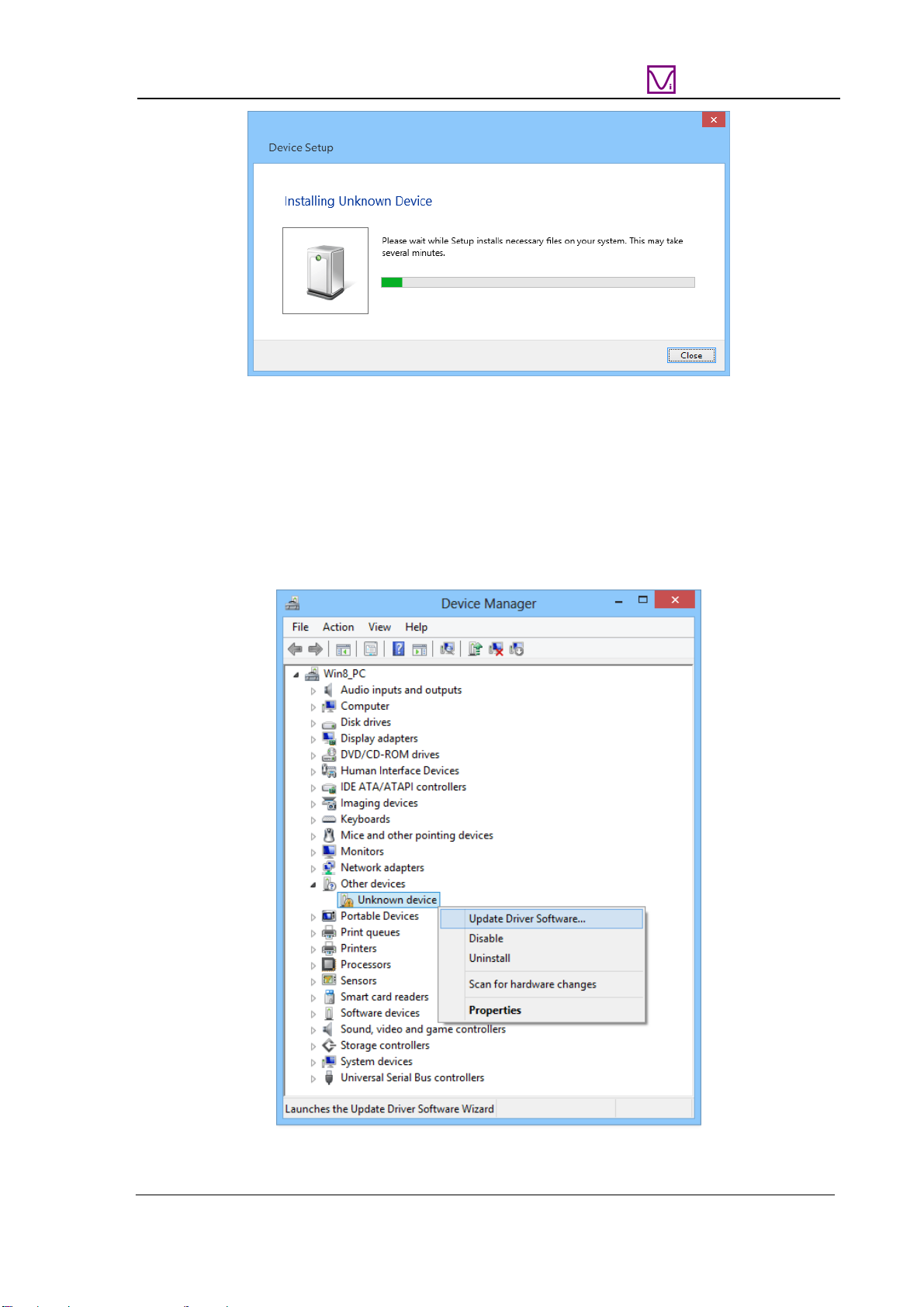
1.3.1 Installation Procedure .........................................................................................................................4
1.3.2 Installation Verification.....................................................................................................................12
1.4 START MULTI-INSTRUMENT SOFTWARE.....................................................................................................13
1.5 ZEROING.....................................................................................................................................................13
1.6 PROBE CALIBRATION..................................................................................................................................14
1.7 HARD RESET...............................................................................................................................................15
1.8 FEATURE HIGHLIGHTS................................................................................................................................15
1.8.1 Hardware DSP based Bit Resolution Enhancement for Oscilloscope...............................................15
1.8.2 Oscilloscope Normal Frame Mode, Record Mode and Roll Mode....................................................17
1.8.3 Oscilloscope Digital Trigger and Trigger Frequency Rejection........................................................19
1.8.4 Oscilloscope Persistence Mode..........................................................................................................20
1.8.5 External Trigger Input Channel as a Digital Input Channel.............................................................20
1.8.6 Anti-aliasing filter for Spectrum Analyzer.........................................................................................20
1.8.7 Signal Generator DDS and Streaming Modes...................................................................................20
1.8.8 Signal Generator DDS Interpolation.................................................................................................21
1.8.9 Simultaneous Data Acquisition and Data Output..............................................................................21
1.8.10 Calibration and Re-Calibration.......................................................................................................21
1.8.11 Upgradable software, firmware, and hardware based DSP algorithm ...........................................23
1.9 NON-ROUTINE APPLICATIONS.....................................................................................................................23
1.9.1 Frequency Response Measurement....................................................................................................23
1.9.2 Distortion, Noise Level, and Crosstalk Measurements......................................................................26
1.9.3 Measurement of Derived Quantities ..................................................................................................26
1.9.4 Some Pre-configured Measurement Settings .....................................................................................26
2 SPECIFICATIONS.........................................................................................................................................30
2.1 VT DSO-2810 HARDWARE SPECIFICATIONS..............................................................................................30
2.2 P2060 OSCILLOSCOPE PROBE HARDWARE SPECIFICATIONS.......................................................................35
2.3 MULTI-INSTRUMENT SOFTWARE SPECIFICATIONS......................................................................................35
2.4 SOFTWARE DEVELOPMENT INTERFACE SPECIFICATIONS............................................................................41
3 MULTI-INSTRUMENT SOFTWARE LICENSE INFORMATION.........................................................43
3.1 LICENSE TYPES...........................................................................................................................................43
3.2 LICENSE UPGRADE FROM ONE LEVEL TO ANOTHER ....................................................................................43
3.3 SOFTWARE UPGRADE FOR THE SAME LEVEL ...............................................................................................43
4 EXTENDED USE OF MULTI-INSTRUMENT SOFTWARE...................................................................44
5 MEASUREMENT EXAMPLES....................................................................................................................45
6 SAFETY INSTRUCTIONS............................................................................................................................47
7 WARRANTY...................................................................................................................................................47
8 DISCLAIMER.................................................................................................................................................47
www.virtins.com 2 Copyright © 2017 Virtins Technology