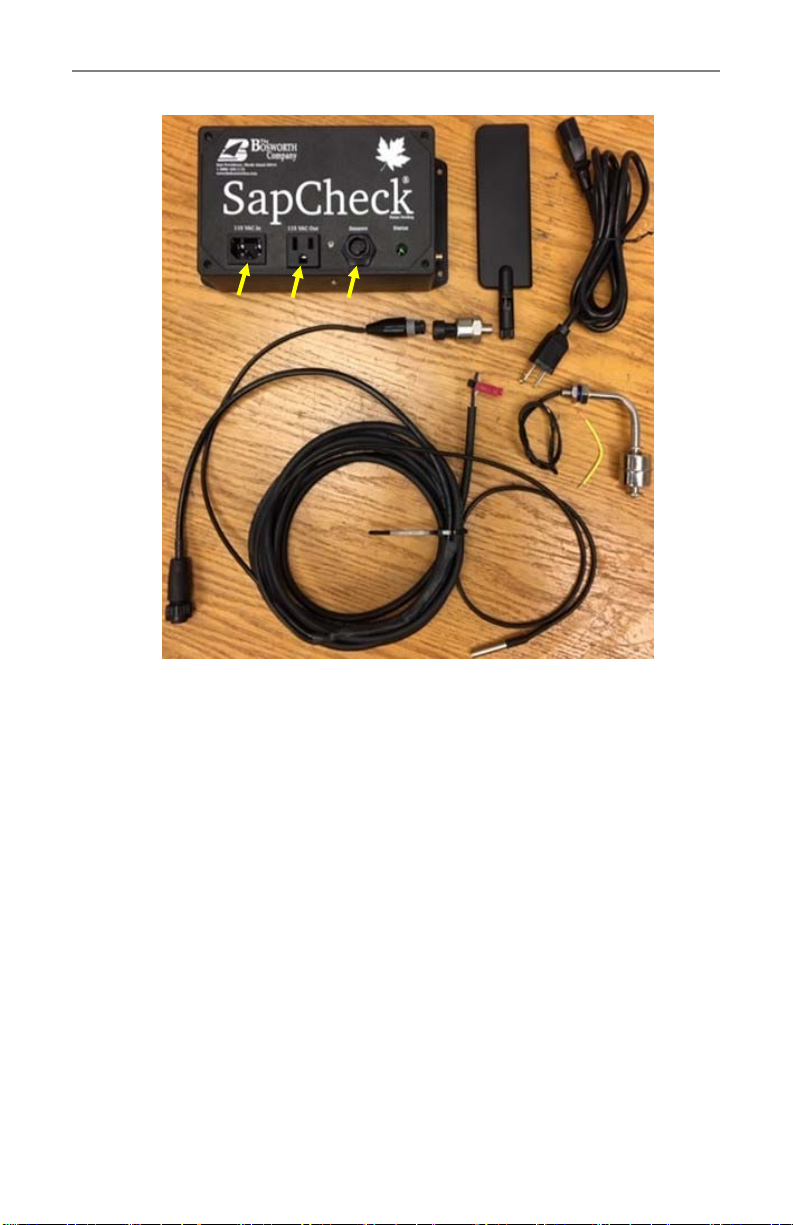
SapCheck Controller That poron of the SapCheck product that contains the
acve electronics of the product. The product ID # is print‐
ed on the boom of the Controller unit.
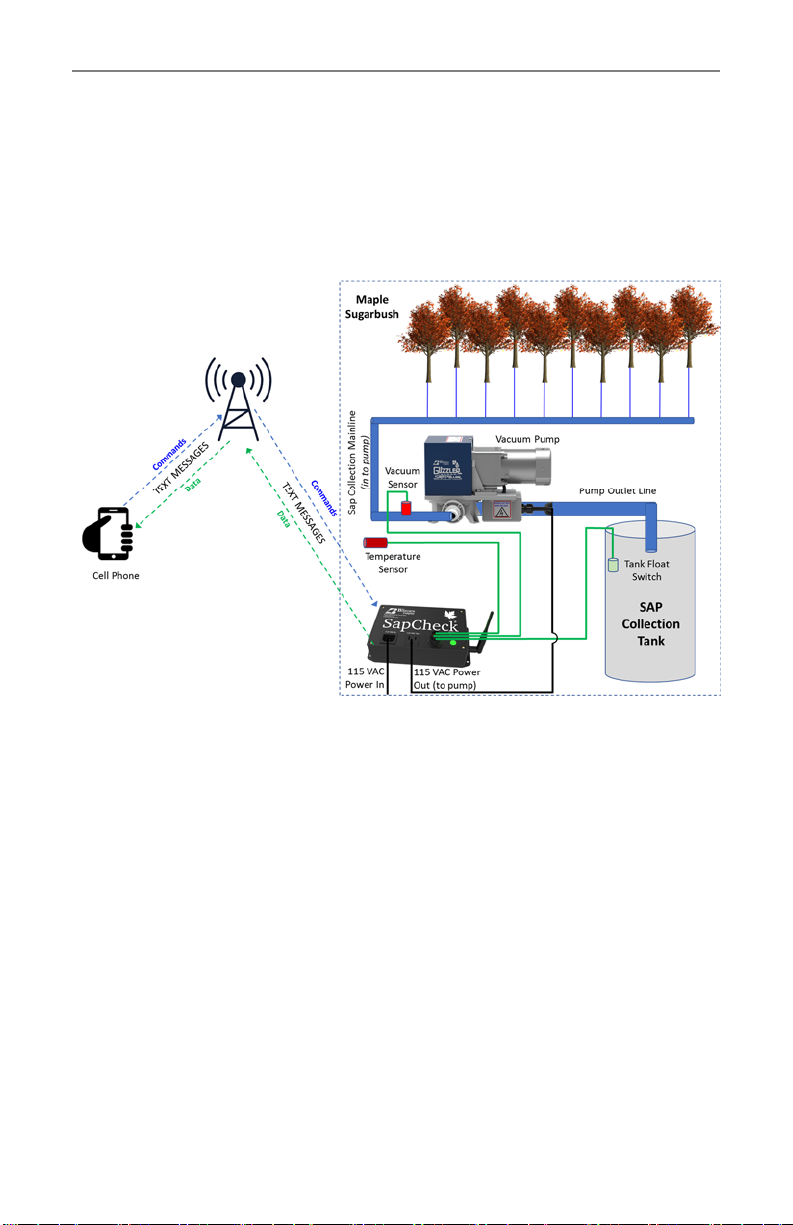
Command Number SapCheck will only receive text commands from cell phone
numbers that it recognizes. Each of these numbers is re‐
ferred to as a Command Number. The “Set User” text com‐
mand can be used to add or delete cell phone numbers
from this list.
SapCheck Phone
Number
This is the phone # to which you will send text messages to
your SapCheck device. You can add this phone # to your
“Contacts” on your cell phone under the name “SapCheck”.
(Note: if you have more than one SapCheck device, you may
want to list each in your Contacts giving it a unique name,
such as “SapCheck—Marshfield Rd”.)
Service mode When service mode is turned on, SapCheck will only re‐
spond to text commands sent from The Bosworth Compa‐
ny’s service support line. This mode is only acvated upon a
user’s request and allows Bosworth to send and receive
diagnosc text messages to the unit for troubleshoong
purposes.
Acvated A SapCheck unit is “Acvated” when its wireless communi‐
caons components have been configured to send/receive
text messages on a cell phone network. To be acvated, a
SapCheck unit must be covered by a Support Plan. An ac‐
vated SapCheck has an assigned SapCheck phone #.
Inacve A SapCheck unit is “Inacve” if its wireless communicaons
components have not been configured to send/receive text
messages. An inacve SapCheck unit has not been assigned
a SapCheck phone #.
Deacvated Unless a customer purchases addional support plan cover‐
age, a SapCheck unit with an assigned phone # is Deacvat‐
ed once the term of the Support Plan ends. When a Sap‐
Check unit is deacvated, it can no longer send/receive text
messages and it no longer retains its originally assigned
SapCheck phone #. If a new Support Plan is purchased, a
new phone # is assigned to the unit and communicaons
are restored for the length of the new Support Plan.
7 Doc M-PR-09-45.120119.1
The Bosworth Company
SapCheck User’s Guide