CDK ELECTRONICS DC68K Manuale utente

CDK ELECTRONICS LTD
DC68K Pack Control
USER MANUAL
V1.1a
Copyright 2001, CDK Electronics Ltd, 17/19, Buxton Road, Congleton, Cheshire
All Rights Reserved.
This document is supplied in confidence for use only in the design, production, maintenance and operation of
CDK Electronics’ Ltd equipment and must not be used for any other purpose. It may not be copied or its
contents divulged without written consent from CDK Electronics Ltd. The information contained within this
document is believed to be correct on the date of issue. CDK Electronics Ltd reserves the right to change
features and/or specifications without prior notice. No responsibility can be accepted by CDK Electronics Ltd
for the misuse of the information contained in this document.

Page
CDK Electronics Ltd, 17/19, Buxton Road, Congleton, Cheshire. CW12 2DW.
Tel 01260 296300. Fax 01260 296301.
www.cdk.co.uk
2
DC68K Pack Controller - Issue 1.1a - Sept 2001
This page is intentionally blank.

Page
CDK Electronics Ltd, 17/19, Buxton Road, Congleton, Cheshire. CW12 2DW.
Tel 01260 296300. Fax 01260 296301.
www.cdk.co.uk
3
DC68K Pack Controller - Issue 1.1a - Sept 2001
INTRODUCTION .......................................................................................................................................... 4
NORMAL RUNNING.................................................................................................................................... 5
High Pressure Override. .............................................................................................................................. 5
LP Pressure Override................................................................................................................................... 5
SYSTEM BACKUP & FAILURE MODES. ................................................................................................ 6
INSTALLATION ........................................................................................................................................... 7
Wiring........................................................................................................................................................... 7
Power supply ................................................................................................................................................ 7
Communications Network Connections........................................................................................................ 8
Communications Address. ............................................................................................................................ 9
CONFIGURING THE SYSTEM ................................................................................................................ 10
Programming the DC68K........................................................................................................................... 10
System Configuration. ................................................................................................................................ 10
Adjusting the Control Settings.................................................................................................................... 12
CONTROL SETTINGS............................................................................................................................... 13
DEFAULT CONTROL SETTINGS........................................................................................................... 16
FINE TUNING THE SYSTEM................................................................................................................... 17
SYSTEM STATUS ....................................................................................................................................... 18
SPECIFICATIONS. ..................................................................................................................................... 19
Technical. ................................................................................................................................................... 19
LIST OF FIGURES...................................................................................................................................... 20
USER MANUAL ISSUE UPDATES. ......................................................................................................... 21


Page
CDK Electronics Ltd, 17/19, Buxton Road, Congleton, Cheshire. CW12 2DW.
Tel 01260 296300. Fax 01260 296301.
www.cdk.co.uk
4
DC68K Pack Controller - Issue 1.1a - Sept 2001
INTRODUCTION
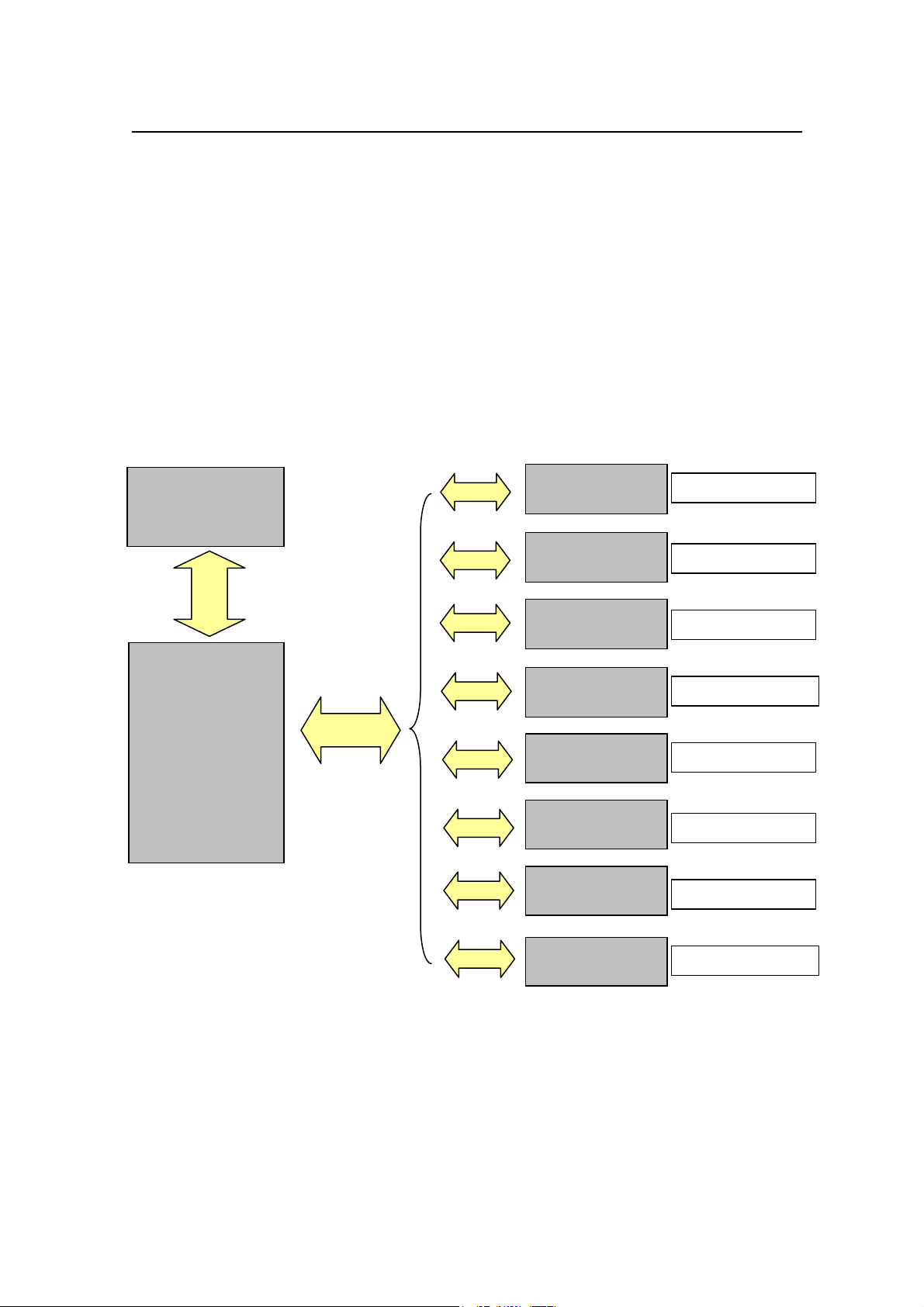
The DC68K Pack Controller (referred to as the DC68K in this manual) provides control
for both suction and discharge of up to four packs (i.e. two LT and two HT packs)
An LCD display and keypad enable settings to be programmed and current status to be
viewed. Control is affected via RS485 serial communications from the DC68K to remote
serial I/O units (PACK-IO boards) A second RS485 serial communications port is
provided for communications to a Storescan III alarm panel, this link is required for
floating the suction pressures. For information on programming the DC68K from the
Storescan please consult the Storescan manuals.
The PACK-IO boards will relinquish control to the mechanical backup in the event of a
power/communication fault to the DC68K pack controller.
DC68K
PACK
CONTROLLER
DC PACK
I/O
DC PACK
I/O
DC PACK
I/O
DC PACK
I/O
LT1 SUCTION
LT1 DISCHARGE
HT1 SUCTION
HT1 DISCHARGE
DC PACK
I/O
DC PACK
I/O
DC PACK
I/O
DC PACK
I/O
LT2 SUCTION
LT2 DISCHARGE
HT2 SUCTION
HT2 DISCHARGE
RS485
STORESCAN III
RS485

Page
CDK Electronics Ltd, 17/19, Buxton Road, Congleton, Cheshire. CW12 2DW.
Tel 01260 296300. Fax 01260 296301.
www.cdk.co.uk
5
DC68K Pack Controller - Issue 1.1a - Sept 2001
NORMAL RUNNING
The DC68K provides two control methods, “Sequence mode” and “Intelligent mode”.
•Sequence mode - output stages are stepped on and off sequentially beginning
with output stage 1, i.e. first on - last off.
•Intelligent mode - stages are switched on and off after a series of calculations
based on, stage capacity required, minimum off and minimum on times and
start per hour restrictions.
The DC68K system controls the suction and discharge pressures by comparing the control
pressure from each PACK-IO with the programmed setpoint and deadband. Calculations
are then made based upon the pressure difference, control and differential gain, stages
available and stages required, the remote outputs are then switched appropriately.
Override setpoints are provided to control excessive pressure swings at both low and high
pressures.
High Pressure Override.
If the pressure rises above the “HP Override” setpoint and remains above for more than 5
seconds. All the programmed outputs will be switched at 10-second intervals. Normal
control will be resumed as soon as the pressure falls below the override setpoint.
LP Pressure Override.
If the control pressure falls below the “LP Override” setpoint. All stages will be switched
off. Normal control will be resumed as soon as the pressure rises above the override
setpoint.

Page
CDK Electronics Ltd, 17/19, Buxton Road, Congleton, Cheshire. CW12 2DW.
Tel 01260 296300. Fax 01260 296301.
www.cdk.co.uk
6
DC68K Pack Controller - Issue 1.1a - Sept 2001
SYSTEM BACKUP & FAILURE MODES.
If the DC68K is connected to a Storescan III system, a copy of the configuration is held
within the Storescan, this enables the control settings to be adjusted from the Storescan,
and the settings to be backed up. However it is important to note that the Storescan must
be put into program mode before any adjustments are made within the DC68K. Failure to
do so will mean that the Storescan will restore the original settings the next time they
communicate.
Note:
Setting adjustments must be accepted at the Storescan or the original settings will
be restored.
If communications between the DC86K and PACK-IO’s are lost, then a four and a half
minute timer is started and during this period no stages are turned off or on. If
communications have not been re-established before this timer has elapsed, then all stages
will drop out allowing the mechanical backup to take control. At this point the alarm relay
on the PACK-IO will drop out.
If power is lost to a PACK-IO then all stages will drop out, allowing the mechanical
backup to take control. At this point the alarm relay on the PACK-IO will also drop out.

Page
CDK Electronics Ltd, 17/19, Buxton Road, Congleton, Cheshire. CW12 2DW.
Tel 01260 296300. Fax 01260 296301.
www.cdk.co.uk
7
DC68K Pack Controller - Issue 1.1a - Sept 2001
INSTALLATION
SAFETY WARNING - 230vac is present on the internal circuits, software / hardware
(mechanical or electrical/electronic) system failures have no disconnection functionality; it
must therefore be assumed that all working voltages are permanently present.
ISOLATE THE CONTROLLER IF CARRYING OUT WORK OTHER
THAN SYSTEM SETTINGS OR ADJUSTMENTS.
WORK ON LIVE CIRCUITS MUST ONLY BE CARRIED OUT BY
TRAINED COMPETENT ENGINEERS.
Wiring.
The DC68K Pack Controller is intended for use in stores using PACK-IO boards and the
Storescan III system with serial RS485 communication links to control suction and
discharge loads.
The wiring to serial modules and associated control panels should be arranged in
such a manner as to keep the interaction with other equipment through electromagnetic
coupling to a minimum, guidelines for field wiring are listed below: -
9Segregate low voltage cables, mains feed cables and 3 phase motor cables from each
other, ideally in separate trunking or looms.
9Low voltage and high voltage cables should only cross at right angles.
9Keep wiring as short as possible.
9Fit suppressors to contact coils.
9All screened cable should be connected to earth at one end only.
8No signal circuit should run parallel to an unscreened motor circuit or unfiltered
supply cable with spacing less than 0.3m and over a distance not exceeding 1m. For
runs exceeding 10m, the spacing should increase in proportion to the run. For example
for a run of 40m paralleled the spacing should be 0.3 x 40 /10 = 1.2m.
Power supply
The DC68K requires a 230vac supply capable of supplying 1 amp @ 50Hz.
See Figure 1 for “Wiring Details”.

Page
CDK Electronics Ltd, 17/19, Buxton Road, Congleton, Cheshire. CW12 2DW.
Tel 01260 296300. Fax 01260 296301.
www.cdk.co.uk
8
DC68K Pack Controller - Issue 1.1a - Sept 2001
Communications Network Connections.
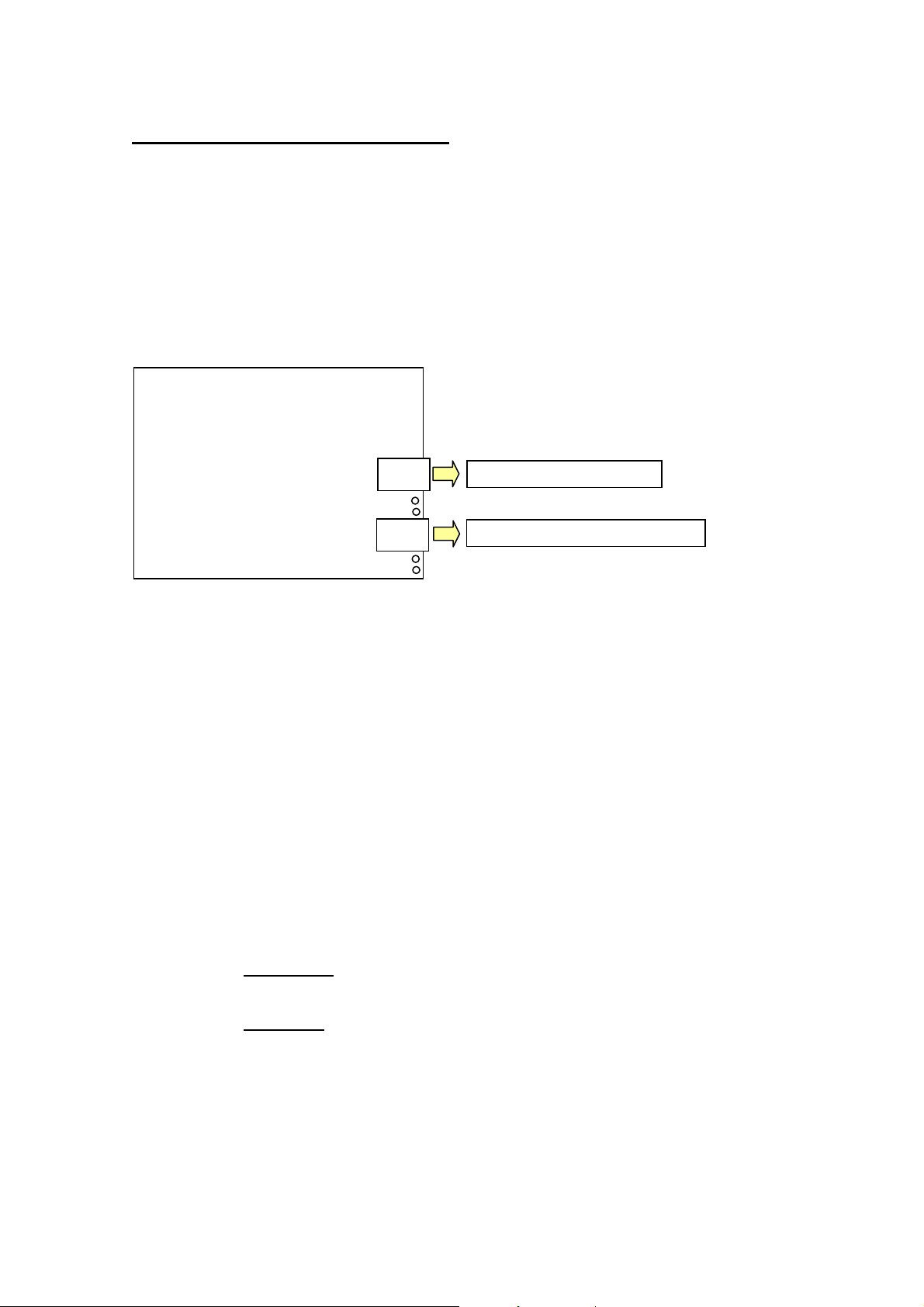
There are two RS485 communication networks connected to a DC68K, an internal
network connected to the PACK-IO controllers and an external network to the Storescan
III.
Note:
These two networks are incompatible and must not be connected to each other.
9Ensure the correct cable (BELDEN 8762 or equivalent) is available.
9When stripping the cable, remove about 25mm of outer PVC and peel the
screening foil back to the outer PVC, cut off the screening foil. The white
or clear insulated conductor is 'A', the black insulated conductor is 'B' and
the non-insulated drain wire is the screen. Strip about 5mm of insulation
from the 'A' and 'B' conductors. All but the end of run serial unit require
both an in and an out cable wired into the same terminals. Twist the
appropriate conductors together before fitting to the orange plug. Ensure
the wires are in the correct position.
9Only 30 serial units are permitted to share each of the communication
cables (the DC68K counts as 1 unit per run).
8DO NOT: Run power cables in the same tray or trunking as
communications cable.
8DO NOT: Connect the cable screen to earth. (The connection is pre-made
inside the Storescan III panel).
CPU Board mounted
on rear of door
RS485 network to Storescan III
RS485 network to PACK-IO boards

Page
CDK Electronics Ltd, 17/19, Buxton Road, Congleton, Cheshire. CW12 2DW.
Tel 01260 296300. Fax 01260 296301.
www.cdk.co.uk
9
DC68K Pack Controller - Issue 1.1a - Sept 2001
Communications Address.
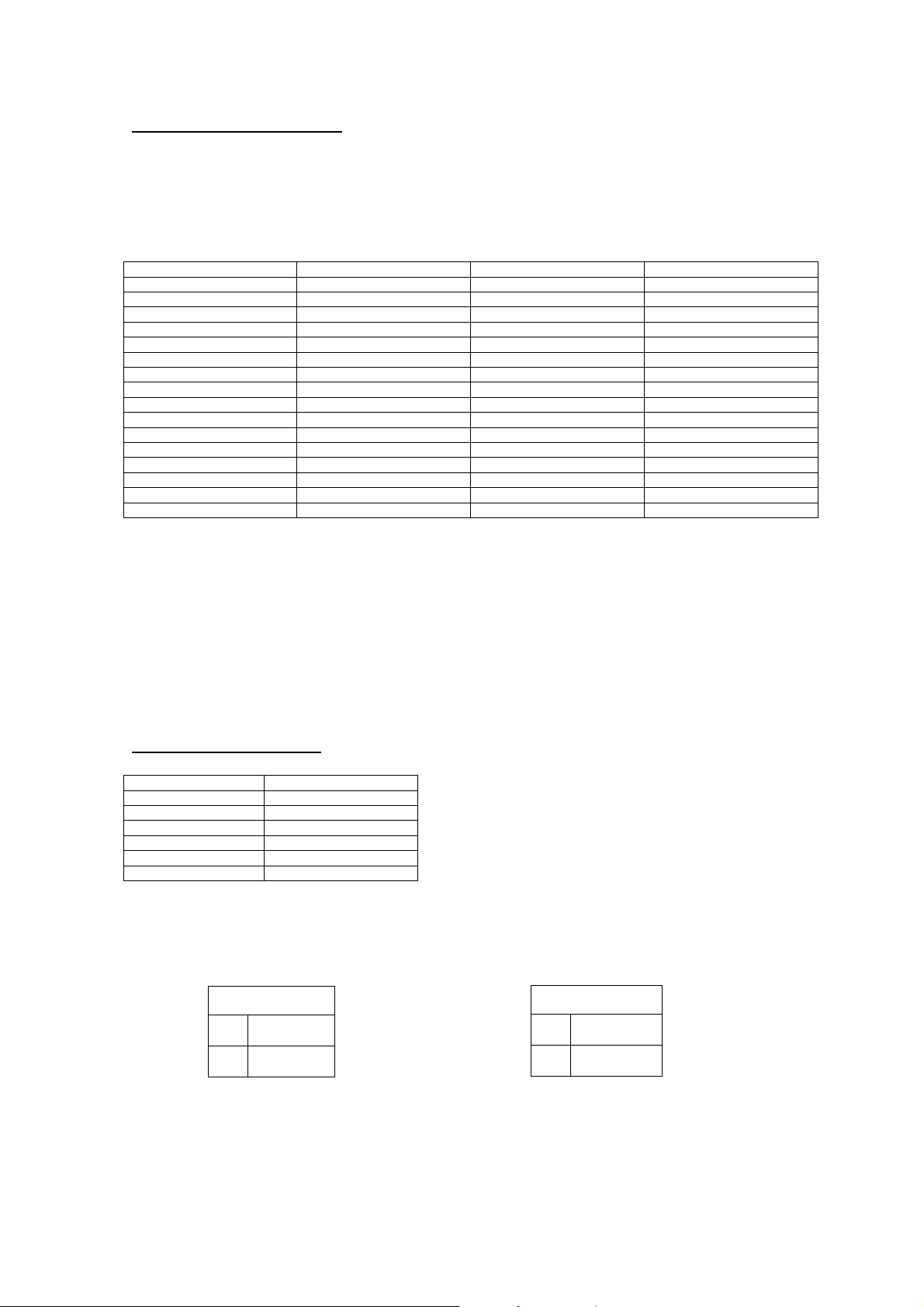
The network address in the DC68K is set using the two rotary switches, these being set in
hex i.e. C8 on the rotary switches corresponding to address 200 (top switch set to ‘8’ and
the bottom switch set to ‘C). This is the address that Storescan will use to establish
communications.
HEX DEC HEX DEC
0 0 10 16
1 1 20 32
2 2 30 48
3 3 40 64
4 4 50 80
5 5 60 96
6 6 70 112
7 7 80 128
8 8 90 144
9 9 A0 160
A 10 B0 176
B 11 C0 192
C 12 D0 208
D 13 E0 224
E 14 F0 240
F 15
Note:
The DIL switch has no function and is reserved for future use.
The network addresses in the PACK-IO’s are set using an 8-way dipswitch on each
controller. Valid addresses are from 1 to 32. Only switches 1 through 6 are recognized for
address settings. Addressing is achieved using a binary code dipswitch setting
(1,2,4,8,16,32); the board address will be the sum of all switch values in the ‘ON’
position. For example, to set an address of ‘3’ switches 1 and 2 should be set ON, and
switches 3,4,5,6 should be set OFF.
Binary conversion table
Switch number Binary value
1 1
2 2
3 4
4 8
5 16
6 32
Dipswitch 7 is used to set the number of transducers .
Dipswitch 8 is used to set the pressure range of the transducers.
Note:
If any Dipswitch setting is changed then the PACK-IO will need to be reset by
removing the power.
Switch 7
ON 2 Transducers
OFF 1 Transducer
Switch 8
ON HP Transducer
OFF LP Transducer

Page
CDK Electronics Ltd, 17/19, Buxton Road, Congleton, Cheshire. CW12 2DW.
Tel 01260 296300. Fax 01260 296301.
www.cdk.co.uk
10
DC68K Pack Controller - Issue 1.1a - Sept 2001
CONFIGURING THE SYSTEM
Programming the DC68K.
To access the menu screens press the ‘E’
or enter key, use the up or down arrows to
view the options, pressing the ‘E’ key will
select the option, pressing the ‘C’ key or
cancel will discard any changes to the
current screen and return to the status
screen.
The settings screens are split in to distinct
areas: -
•System Settings - select this option to
set the addresses of the PACK-IO’s
connected to the system.
System Configuration.
After selecting the system option from the
menu screen, the user is prompted for the
address for “Pack 1 Suction”. The system
will display “1” as a default. To change
the address press the up arrow to
increment the number and the down arrow
to decrement the number, press the enter
key to accept the change. The option
display will now show ‘Pack 1 Discharge
Address”, adjust the setting if required
and press enter. The next screens will
display the setup options for packs 2, 3
and 4.
Note:
Any addresses entered here must be
the same as the addresses that the
PACK-IO controllers are set to use.
P a c k
S Y S T E M
P a c k 1 S u c t A d d r
1
P a c k 1 D i s A d d r
2
Indice