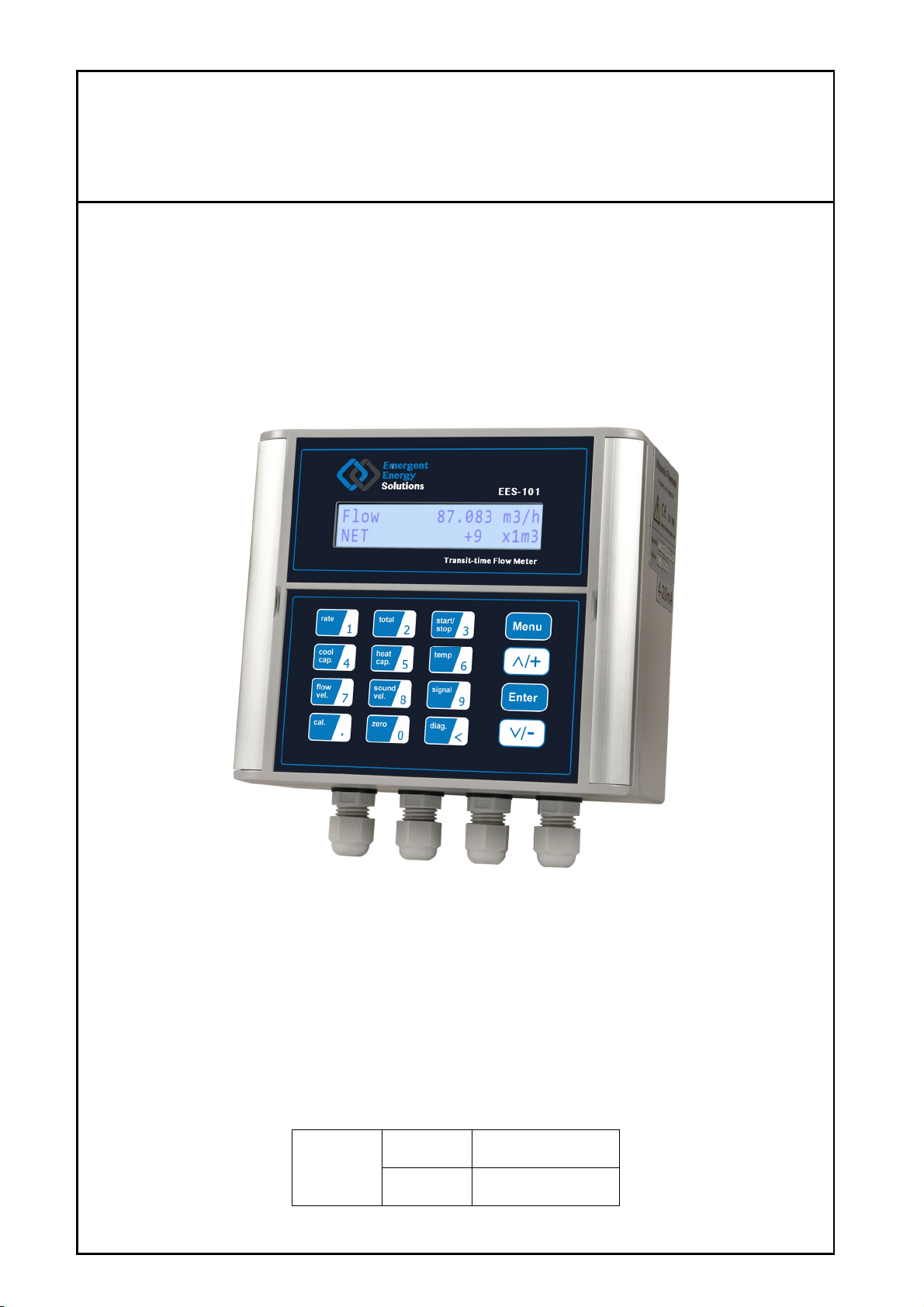
EES-101 SeriesUltrasonicFlowmeter
Revision:3.0.1Page9of65
1.3 Poweringon
Assoon as the flowmeter isswitched ON (powered ON), the self-diagnosisprogram will startto run. Ifany
errorsare detected, an error code will displayon the screen (Refer to -Error Diagnoses if any error appear).
After that self-diagnosis, the systemwillrun automaticallyaccording to the latest stored input parameters.
Ifthe installation isaccomplished when system isswitched on, gain adjustment can be monitored in Window M01
(Access by pressing Menu, 0, 1). Generally, after arriving at this screen, the upper right corner of the
display showstwo steps of *Iand *G, the systemwillactivate the normal measurement condition automatically.
And the upper right corner will show "*R". Ifthe signal isnot ideal, the above processmaycycle several times.
Ifthe meter s being installed for the first time, the customer need to input the new installation parameters. The
systemwill defaultto the laststored settings and automaticallydisplaythemat next power on.
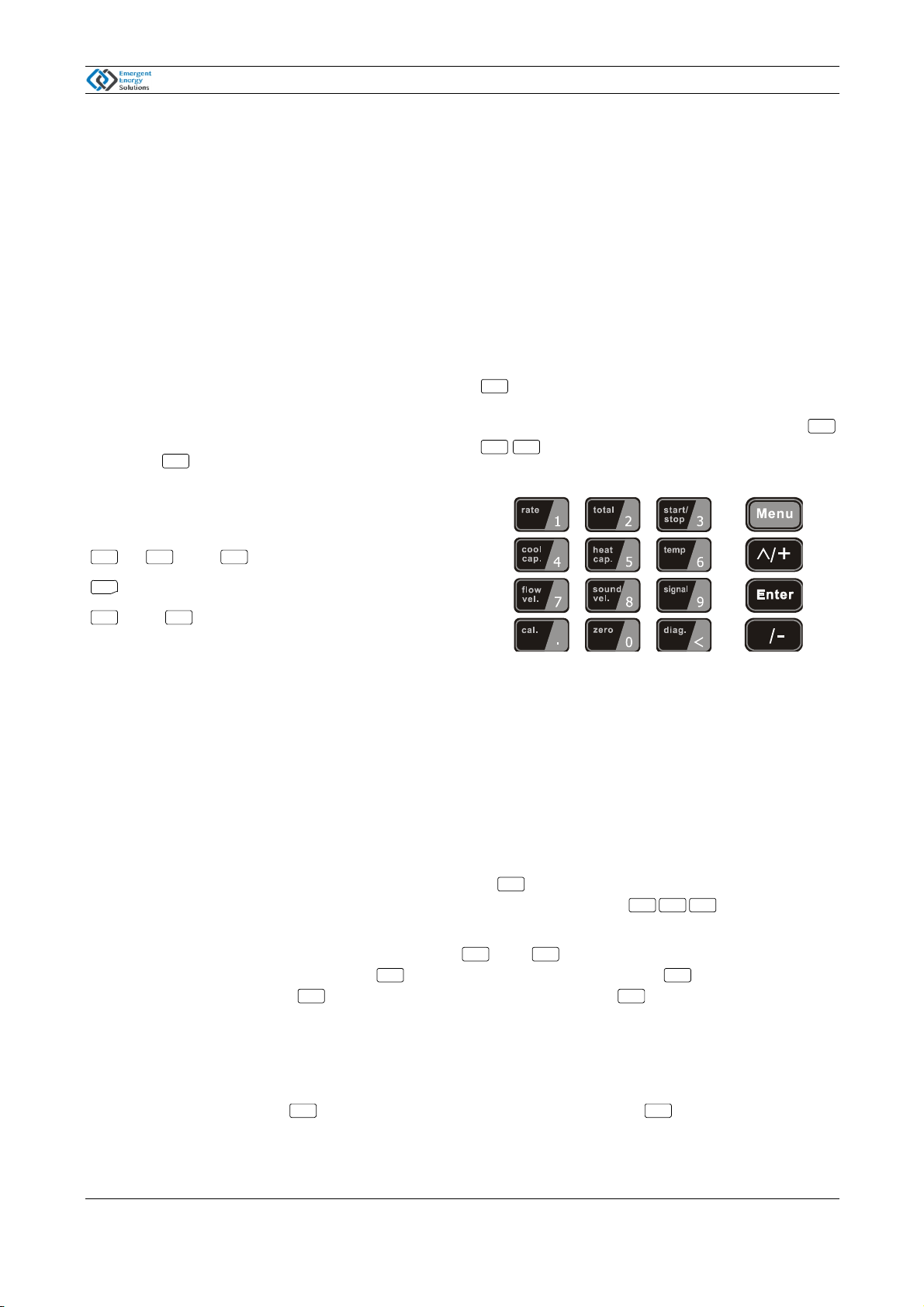
1.4 KeypadFunctions
~ And To inputnumbers.
Backspace ordelete characters to the left.
Selectamenu.Press thiskeyfirst,inputtwo
menu numbers and thenenterthe selected menu. For
example, toinputapipe outside diameter,press
keys,where"11"isthe windowIDto
displaythe parameterforpipe outside diameter.
The keypad shortcuttovisit a specific windowisto pressthe keyatanytime, then inputthe 2-digitwindow
IDcode. Forexample, toinputorcheck the pipe outside diameter,justpress the keysforwindow
IDcode 11.
Anothermethod tovisit aparticularwindowistopress and keystoscroll the screen. Forexample, if
the currentwindowIDcode isM02, press keytoenterWindowM01, press the button againtoenter
WindowM00;then,press the keytoback WindowM01, and pressthe keyagaintoenterWindow
M02.
Windowsareseparated intothree types:(1)DataType,such asM11, M12;(2)Option Type, such asM14;(3)
PureDisplayType, such asM01, M00.
Youcancheckthe correspondingparameters byvisiting theDataType Windows.Ifyou wanttomodifythe
parameters,afterpress ,and thedigits,and thenpress againtoconfirm.
Thiskeypad isdual function keypad:
1. When separatelypressed, isshortcut function,
referring to "2. Quicklyset menu instructions ";
2. Press Menuand Number key, isMenu key,
referring to"6.Menu WindowDescription".
Follow these guidelines when using the Flowmeter
keypad (Refer to Keypad Figure):
0 9 ●
<
^And Return to the lastmenu or to open
the next menu. Actsas "+"and "-"functions when
entering numbers.
1.5 KeypadOperation
The flow meter uses the window software designed access all of the parameters entered, the instrument setup and
measurement parameters are broken down into more than 100 independent operator windows. The operator can
input parameters, modify settings or display measurement results by "visiting" a specific window. These windows
are arranged by 2-digit serial numbers (including "+" sign) from 00~99, then to +0, +1, etc. Each window serial
number, or so-called window ID code, has a defined meaning. For example, Window M11 indicates the
parameter input for pipe outside diameter, while Window M25 indicates the mounting spacing between the
transducers, etc. (Refer – Windows Display Explanations).
^
Menu
Menu
1 1
Menu
Menu 1 1
^
^
^ ^
^^
Enter Enter