U1000MKII-HM User Manual
Issue 1.3 Apr 19
Page 2
Table of Contents
1General Description..................................................................................................................................... 3
2Quick Start Procedure ................................................................................................................................. 4
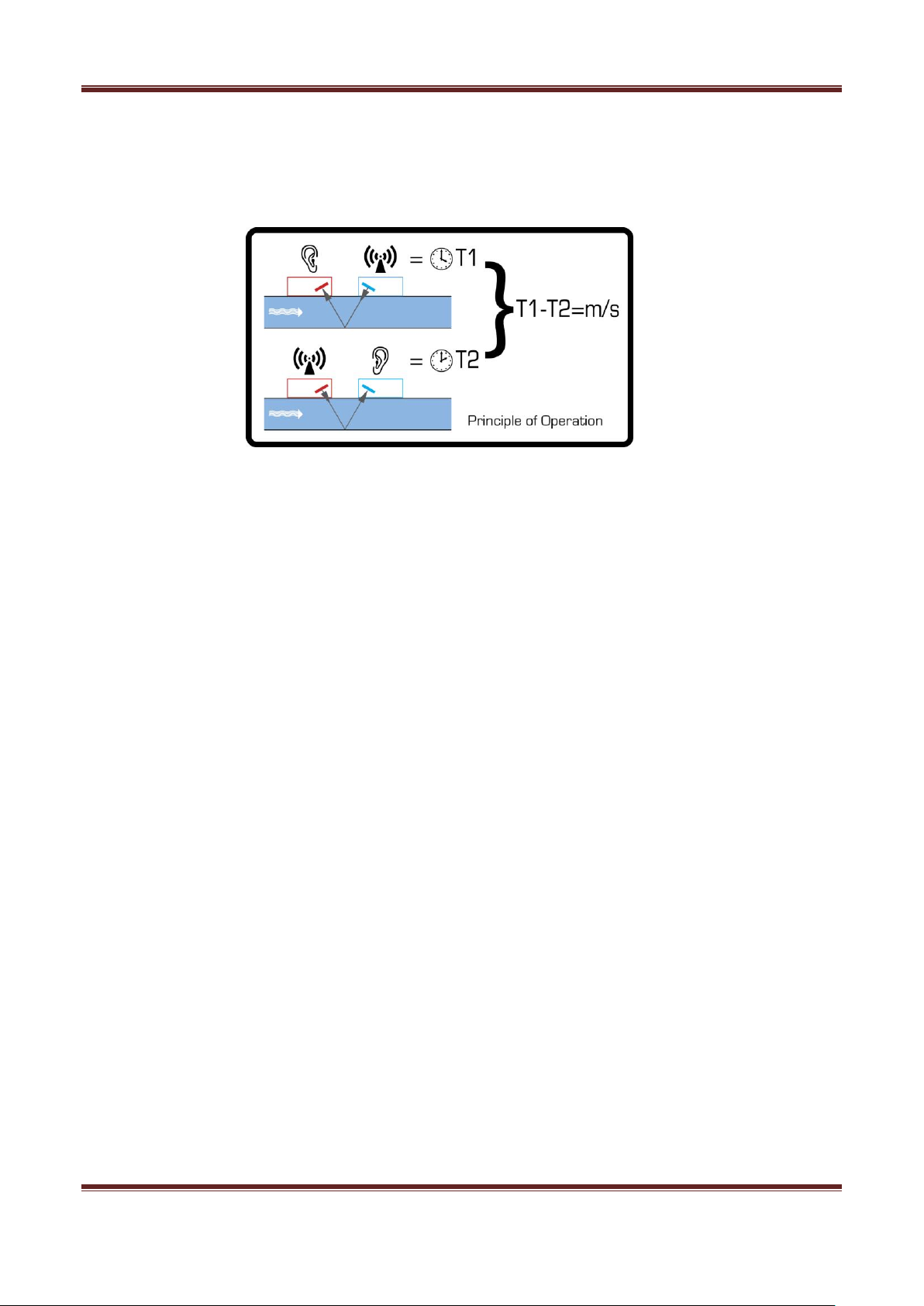
3How Does It Work?...................................................................................................................................... 5
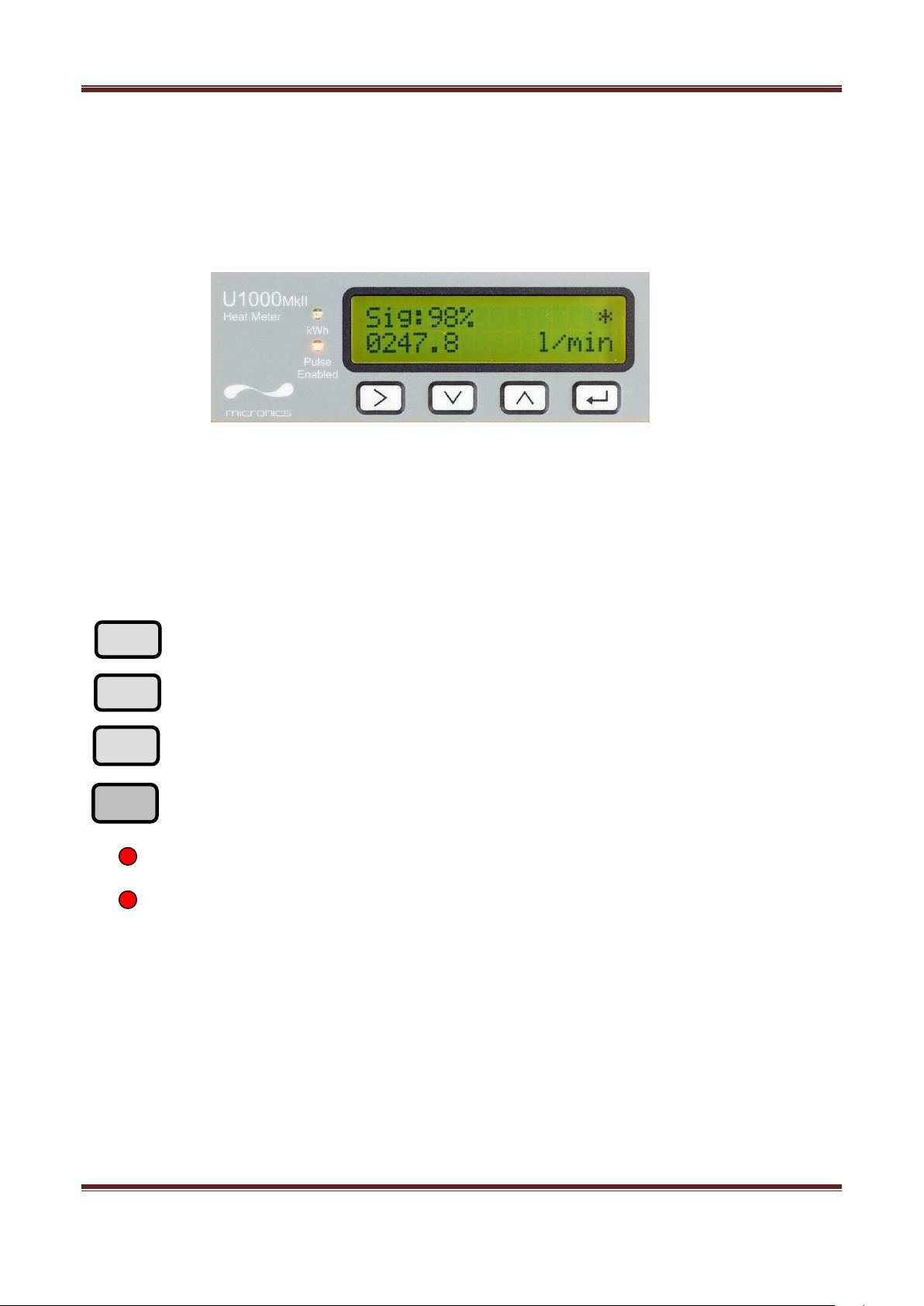
4User Interface .............................................................................................................................................. 6
4.1 Key Switches ....................................................................................................................................... 6
5Installing The U1000MKII-HM ..................................................................................................................... 7
5.1 Preparation .......................................................................................................................................... 8
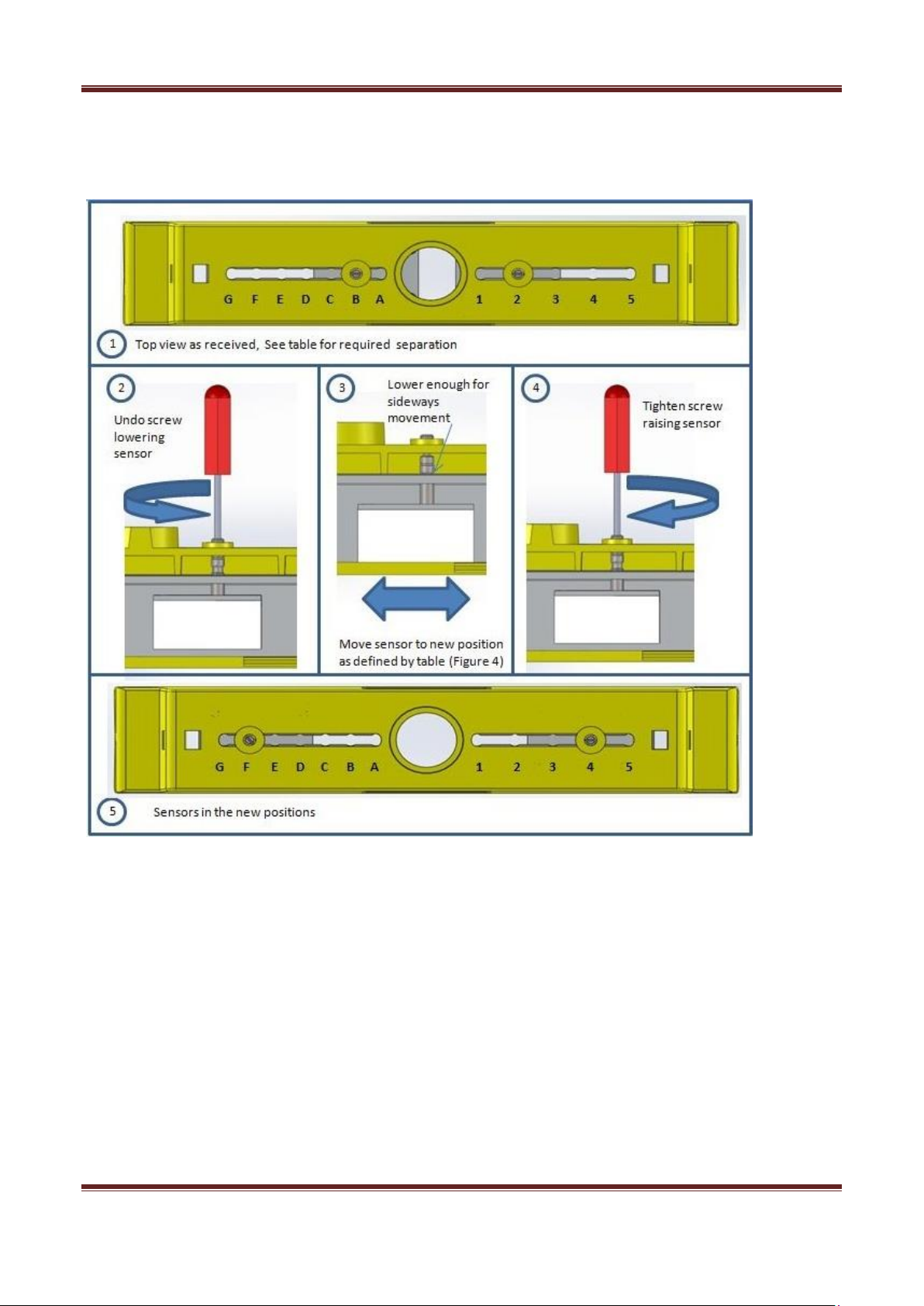
5.2 Sensor Separation............................................................................................................................... 8
5.3 Attaching The U1000MKII-HM To The Pipe...................................................................................... 10
5.4 Adaptors For Small Pipes.................................................................................................................. 11
5.5 Attaching The Temperature Sensors................................................................................................. 12
5.6 U1000MKII-HM Interface Cables....................................................................................................... 13
5.7 Connecting The U1000MKII-HM To The Supply............................................................................... 13
5.8 Pulse Output Connection................................................................................................................... 14
5.9 Modbus Connections......................................................................................................................... 14
5.10 Cable Screen..................................................................................................................................... 15
6Powering Up For The First Time ............................................................................................................... 16
6.1 How To Enter The Pipe ID................................................................................................................. 18
6.2 Pulse Output...................................................................................................................................... 19
6.2.1 Volumetric Mode........................................................................................................................ 19
6.2.2 Frequency Mode........................................................................................................................ 19
6.2.3 Energy Mode ............................................................................................................................. 19
6.2.4 Flow Alarm –High/Low Flow or Signal Loss ............................................................................. 19
6.3 Modbus.............................................................................................................................................. 20
7Subsequent Power-ON Sequence ............................................................................................................ 22
8Information Screens................................................................................................................................... 22
9Password Controlled Menus...................................................................................................................... 23
9.1 General Procedure For Changing Menu Settings ............................................................................. 23
9.1.1 Selection Menus ........................................................................................................................ 23
9.1.2 Data Entry Menus...................................................................................................................... 23
9.2 User Password Controlled Menu Structure ....................................................................................... 23
10 Diagnostics Menu .................................................................................................................................. 29
11 Relocation Of Guide Rail....................................................................................................................... 31
12 Appendix I –U1000MKII-HM Specification ........................................................................................... 32
13 Appendix II –Default Values ................................................................................................................. 34
14 Appendix III –Error and Warning Messages......................................................................................... 35
13 Declaration of conformity ………………………….……………………………………………...……………..36