
TigerStop SawGear Touch Manuale utente
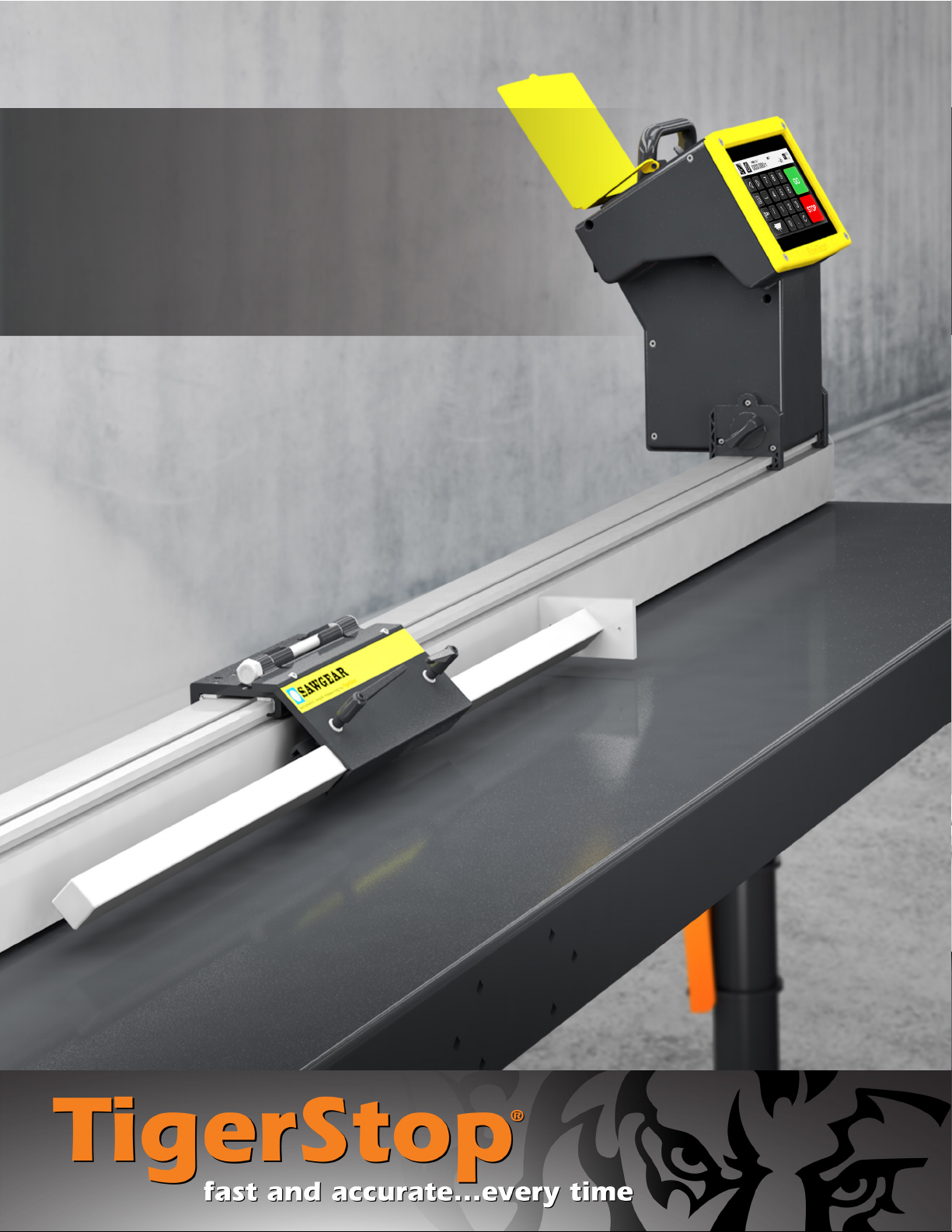
User Manual
SawGear Touch™


iii
Table of Contents
1 Contact Us
2 Parts Inventory
2 Power Head ToucH
2 Saw Gear Beam
2 FliP-away SToP aSSemBly
3 SToPS
3 BencH mounT aSSemBly
4 TaBle aSSemBly (oPTional)
6 SawGear Touch Installation
6 elecTrical requiremenTS
6 SawGear TaBle inSTallaTion
10 SawGear BencH mounT BrackeTS
12 connecTinG THe FliP-away SToP
12 aTTacHinG THe SToP Bar
13 connecTinG THe Power Head ToucH
15 SawGear Touch Setup
15 1ST Power-on
17 SawGear Touch Operation
17 SawGear ToucH Home Screen
18 normal Power-on
18 manual movemenT
20 SawGear Touch Navigating
Menus
20 main menu Screen
20 naviGaTinG SeTuP & mySawGear menuS
21 SawGear Touch Setup
Menu
21 Scale
21 uniTS
21 caliBraTion
21 auToTeST rouTine
22 minmax rouTine
22 Home rouTine
22 orienTaTion
22 lanGuaGeS
23 oPTimizaTion
23 PrinTinG
23 incremenT
23 kerF
24 cSv lenGTH column
24 cSv quanTiTy column
24 uniT ToGGle viSiBle
24 minimum limiT
25 maximum limiT
25 adjuST PivoT PoinT
26 SawGear Touch My
SawGear Menu
26 conTacT inFormaTion
26 Serial numBer
26 enaBle code
26 inTerFace verSion
27 Firmware verSion
27 deBuG mode
28 SawGear Touch Lists
28 download aliST
28 make aliST
29 ediT aliST
31 deleTe aliST
31 run aParT liST
32 run an oPTimized ParT liST
33 SawGear Touch Crown &
Miter Pro
36 SawGear Touch Framing
38 Maintenance Schedule
39 Maintenance Log
40 Appendix A: Scale
41 Appendix B: Printer Kit
41 PrinTer kiT ParTS
42 PrinTer SeT-uP and oPeraTion
43 PrinTer STand aSSemBly
iv
SAFETY FIRST!
IMPORTANT SAFETY INFORMATION. READ ALL WARNINGS BEFORE OPERATING THIS PRODUCT.
WARNING: Installation of your TigerStop® Product must be done by a person trained in the safe design and installation of
automation products, and in the safe operation of power equipment. Ensure that such installation meets all legally required
safety requirements and guidelines, and that proper guarding and safety devices are provided on all sides of the equipment to
preclude unintended access during operation. Consult with and follow the recommendations of a qualified safety engineer.
WARNING: TigerStop® Products are components intended for use in conjunction with potentially dangerous machinery.
The use of TigerStop® Products does not make other machinery safe. TigerStop® Products are not intended to substitute,
in any manner, for safe operating practices in general, or for safety features present in other machines designed to make
those machines as safe as possible. TIGERSTOP® PRODUCTS, IF USED OR INSTALLED IMPROPERLY, MAY CAUSE
PERSONAL INJURY OR DEATH AND SHOULD ONLY BE OPERATED BY PERSONS TRAINED IN THEIR SAFE OPERATING
PROCEDURES. Illustrations of TigerStop® Products in use do not show, and are not intended to show, all safety features and
practices necessary for their safe operation.
WARNING: TigerStop® Products must be installed in accordance with all local, state, and federal regulations. Only personnel
properly trained in the safe design and installation of automation machinery and related power equipment should install
TigerStop® Products onto other equipment, to ensure a safe and proper work station. TigerStop® Products should not be
operated without proper training, both in the operation of TigerStop® Products, and in the operation of related equipment.
IMPORTANT CAUTION:
The motor box (compartment) contains DC voltage with potentially FATAL amperage. NEVER attempt any unauthorized actions
inside the motor box.
WARNING: Using a TigerStop® interconnect does not relieve you of the responsibility for making sure that your saw or other
tool has all the necessary safety equipment in place. All installations must meet all legally required safety requirements and
guidelines. Installation and training should be done following the recommendations of a qualified safety engineer.
DANGER: This machine can start, move and stop automatically. Keep hands and loose clothing clear of moving parts while
operating. Moving parts can crush and cut. When used with a saw or other cutting equipment, bodily injury and death may result
if operated without safety guards on all machines. Do not operate with guards removed. Operators must wear adequate eye and
ear protection.
GENERAL WARNINGS
INSTALLATION WARNINGS
INTERCONNECTS
OPERATION
v
IMPORTANT SAFETY INFORMATION. READ ALL WARNINGS BEFORE OPERATING THIS PRODUCT.
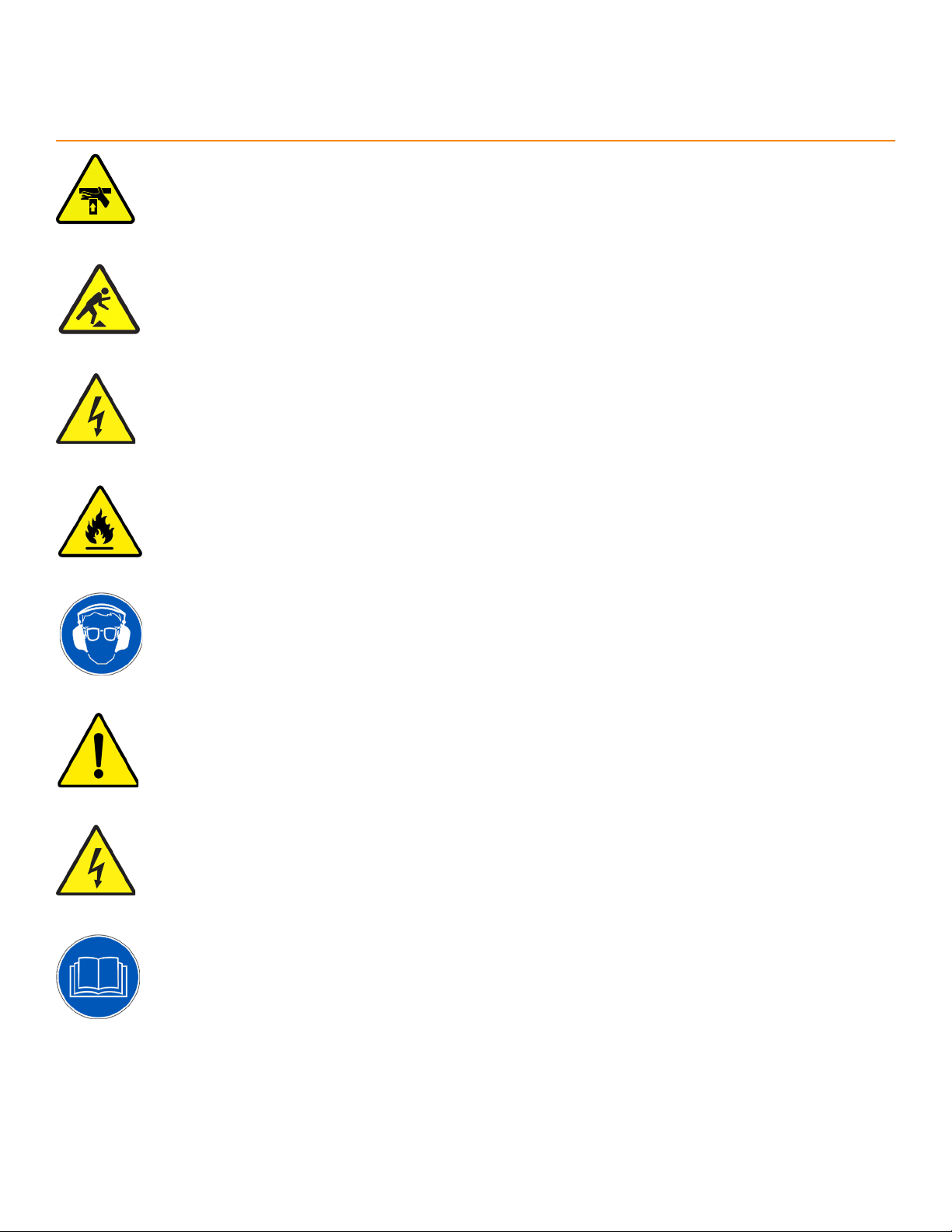
DANGER! Don’t get pinched by the push feeder. Keep your hands away when in motion!
Keep the work area clean and well lighted to avoid accidental injury.
Do not operate near flammable liquids or in gaseous or explosive atmospheres!
Use only 3-wire extension cords that have 3-prong grounding type plugs and 3-pole
receptacles that accept the tools plug for 120VAC. Use only 5-wire cords and plugs
when using 3 phase.
Do not open motor compartment or controller keypad. DC Voltage with potentially
FATAL amperage! Disconnect power before servicing. No user-serviceable parts inside.
DO NOT operate this or any machine under the influence of drugs or alcohol!
No one should operate this machine except for fully qualified personnel.
READ THE MANUAL!
Do not use TigerStop® machines in a dangerous environment. Using power tools in damp
or wet locations or in rain can cause shock or electrocution.
Wear proper apparel, no loose clothes, long hair or jewelry which could get pulled into
moving machinery or materials. Wear non slip footwear, safety glasses, ear protection
and a dust mask.

vi
Enable your SawGear Touch
SawGear Touch won’TfuncTion unTil iT iS enabled.
1. Fill out the warranty registration form at TigerStop.com/service-center/#warranty-registration.
2. TigerStop®Customer Service will email you the enable code during business hours, Monday-Friday 6am-
4pm PST. You can also request the code by phone.
3. After installing SawGear Touch, power it on and follow the '1st Power-On' (page 15) instructions.

1
Contact Us
12909 NE 95th Street
Vancouver, WA 98682-2426
TigerStop Global Headquarters
Bedrijvenstraat 17 NL-7641 AM
Wierden, Netherlands
TigerStop Europe
Oces
Phone: +1 (360) 448 6102
TigerStop Customer Service
TigerStop Sales
Phone: +1 (360) 254 0661 ext 2
TigerStop Headquarters
Phone: +1 (360) 254 0661
Fax: +1 (360) 260 0755
TigerStop Europe
Phone: +31 546 575 171
TigerStop Mexico
Phone: +1 (360) 254 0661
Call Us
TigerStop Europe | Sales
Phone: +31 546 575 171 (option 2)
TigerStop Europe | Service
Phone: +31 546 575 171 (option 1)
Email: service@tigerstop.com
TigerStop Customer Service
TigerStop Sales
Email: sales@tigerstop.com
TigerStop Headquarters
Email: careers@tigerstop.com
Follow Us
Email Us
TigerStop Europe
Email: info@tigerstop.nl
TigerStop Europe | Sales
Email: info@tigerstop.nl
TigerStop Europe | Service
Email: sos@tigerstop.nl
2
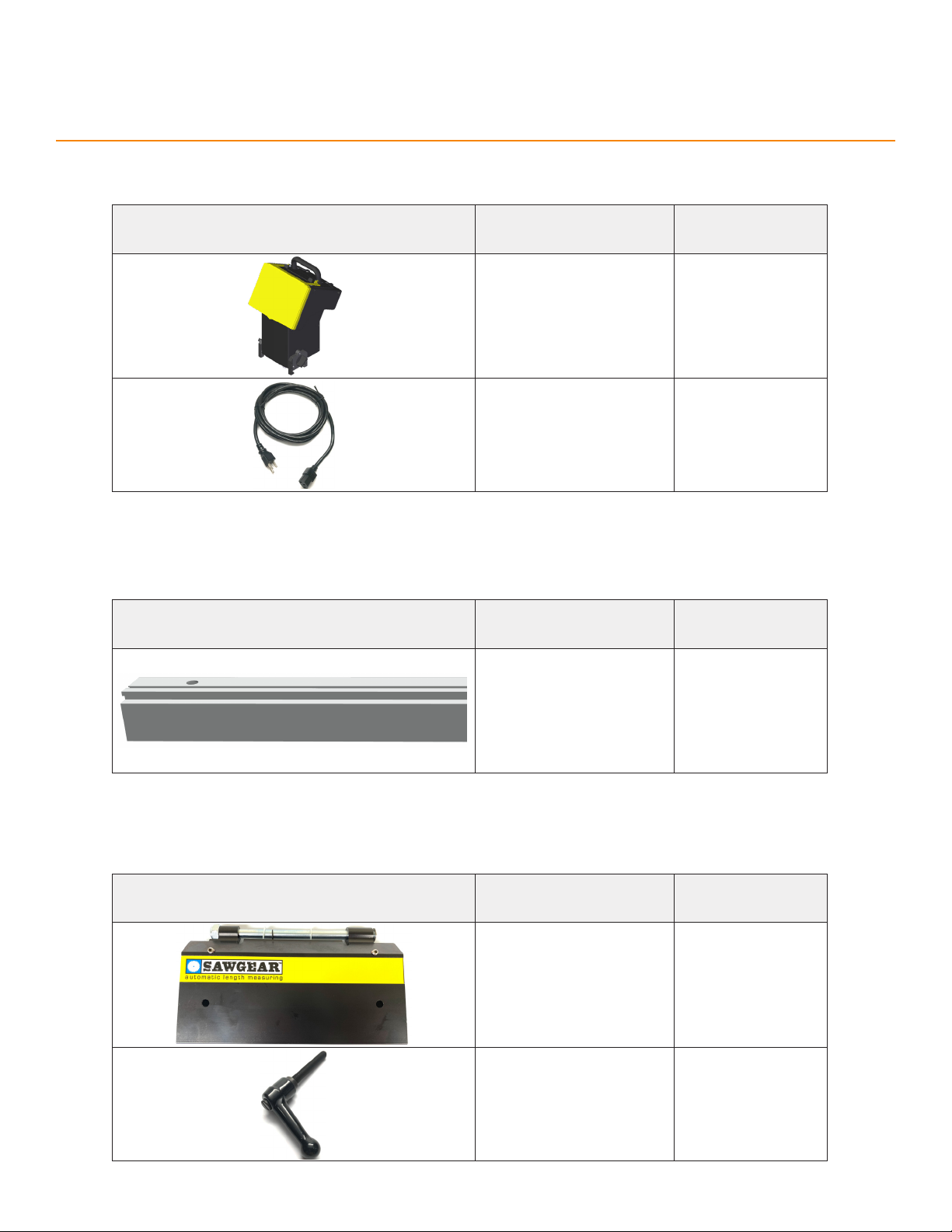
Parts Inventory
PART DESCRIPTION
(NUMBER) QUANTITY
Power Head Touch
(SA2521) 1
Power Cable
(PC) 1
Power Head Touch
Flip-Away Stop Assembly
PART DESCRIPTION
(NUMBER) QUANTITY
Flip-Away Stop
(SA2545) 1
M6 Adjustable Handle
(F7306) 2
Saw Gear Beam
PART DESCRIPTION
(NUMBER) QUANTITY
Saw Gear Beam
(SGXX) 1
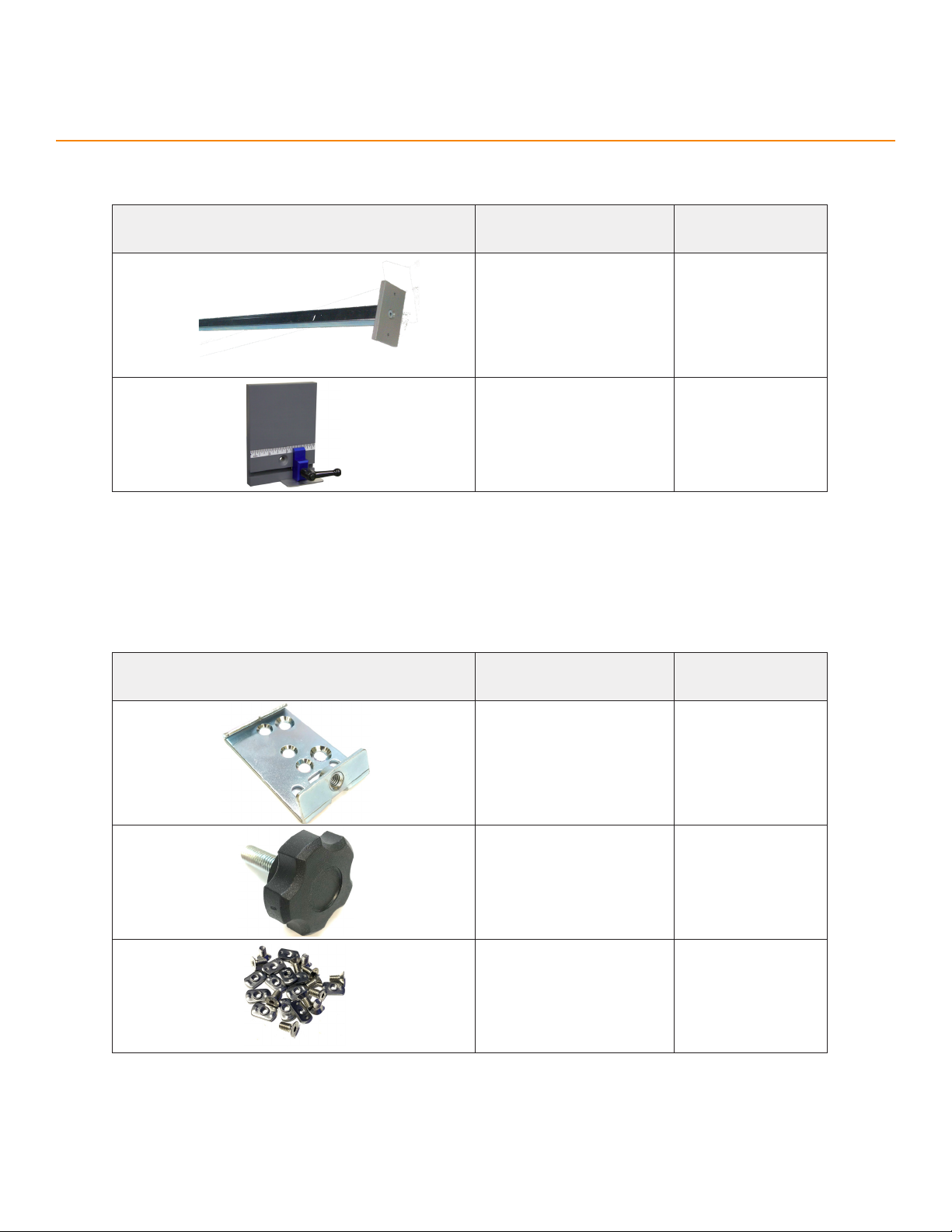
3
PART DESCRIPTION
(NUMBER) QUANTITY
Stop Bar
(SA2555) 1
Crown Moulding Foot
(Optional)
(SG-CMF)
1
Stops
PART DESCRIPTION
(NUMBER) QUANTITY
Bench Mount Bracket
(M1016) 5
M8 Star Knob
(F7304) 5
Bench Mount Hardware
Pack
(F0038)
1
Bench Mount Assembly
Parts Inventory

4
Parts Inventory
PART DESCRIPTION
(NUMBER) QUANTITY
SawGear Table
(SGTABXX) Varies
Tool Bracket
(M1035) 2 per table
Saw Bracket Left/Right
(M1042/3) 1 per table
Table Spacer
(M1041) 2 per table
M6x16mm Carriage Bolt
(F0183) 4 per table
M6 Washer
(F7620) 4 per table
M6 Hex Nut
(F2004) 4 per table
M8 Knob
(F2252) 1 per table
Table Assembly (Optional)
Indice
Altri manuali TigerStop Sistema di controllo


