5.5 Press the enter key to confirm and the meter will return to measurement mode automatically. The instrument is now
restored to factory settings.
EXIT THE SETTINGS
To exit the setup menu without saving changes, press the key.
SELECTING THE MEASUREMENT MODE
The HTTURB portable turbidity meter contains two measurement modes, single measurement and continuous measurement
mode. In the single measurement mode, the meter will automatically recognize and record a stable reading and lock the
measurement. In the continuous measurement mode, the meter will continuously update the measured values and can be used
to index or match sample vials. For more information, please refer to Addendum 1 (Indexing and Matching Sample Vials).
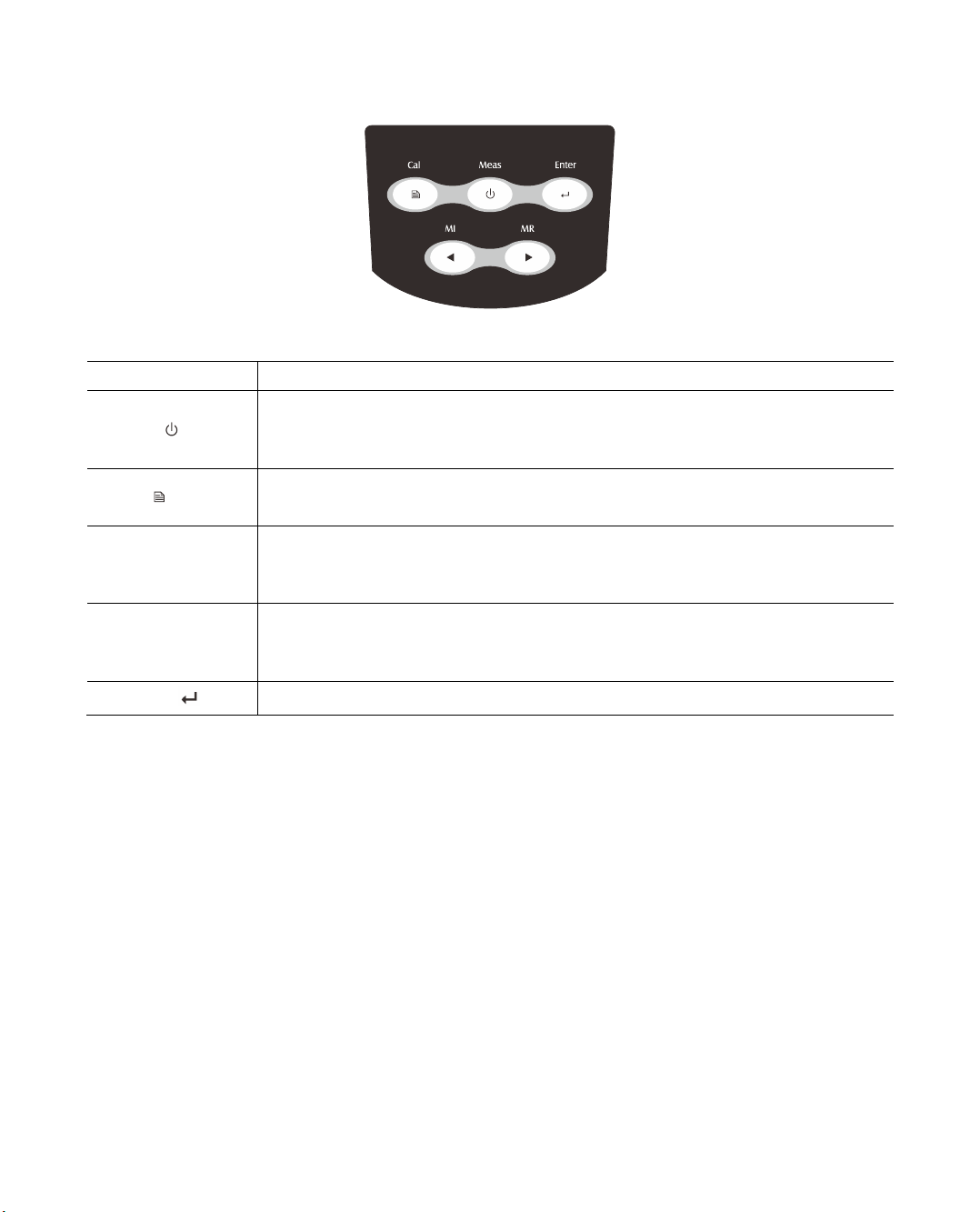
6.1 Press and hold the key for 3 seconds to enter the setup menu.
6.2 Press the ◄or ►key until the display shows HOLd/P-5.
6.3 Press the enter key to confirm. The display shows YES/HOLD indicating that the single measurement mode is selected.
6.4 Press the ►key, the display shows NO/HOLD indicating that the continuous measurement mode is selected.
6.5 Select one of the above options, press the enter key to confirm.
Important Notes for Measurement and Calibration
Do not hold the meter by hand during measurements and calibration.
Ensure that the sample in the vial is homogeneous and without air bubbles.
Before starting the measurement, the outside of the vial must be clean and dry. Wipe the vial with a lint-free cloth to
remove fingerprints and water marks.
If the vial has minor scratches or scuffs, add a few drops of silicone oil to the outside of the vial. Wipe with a lint-free
cloth to remove excess oil.
Glass vials and caps must be cleaned thoroughly with deionised water after each measurement. Minor residues from
previous samples can cause inaccurate readings.
Avoid spillage of water in the sample chamber as this may cause damage to the meter.
To prevent errors from ambient light interference, do not use the meter in direct or bright sunlight. Always close the
light shield lid during measurements and calibration.
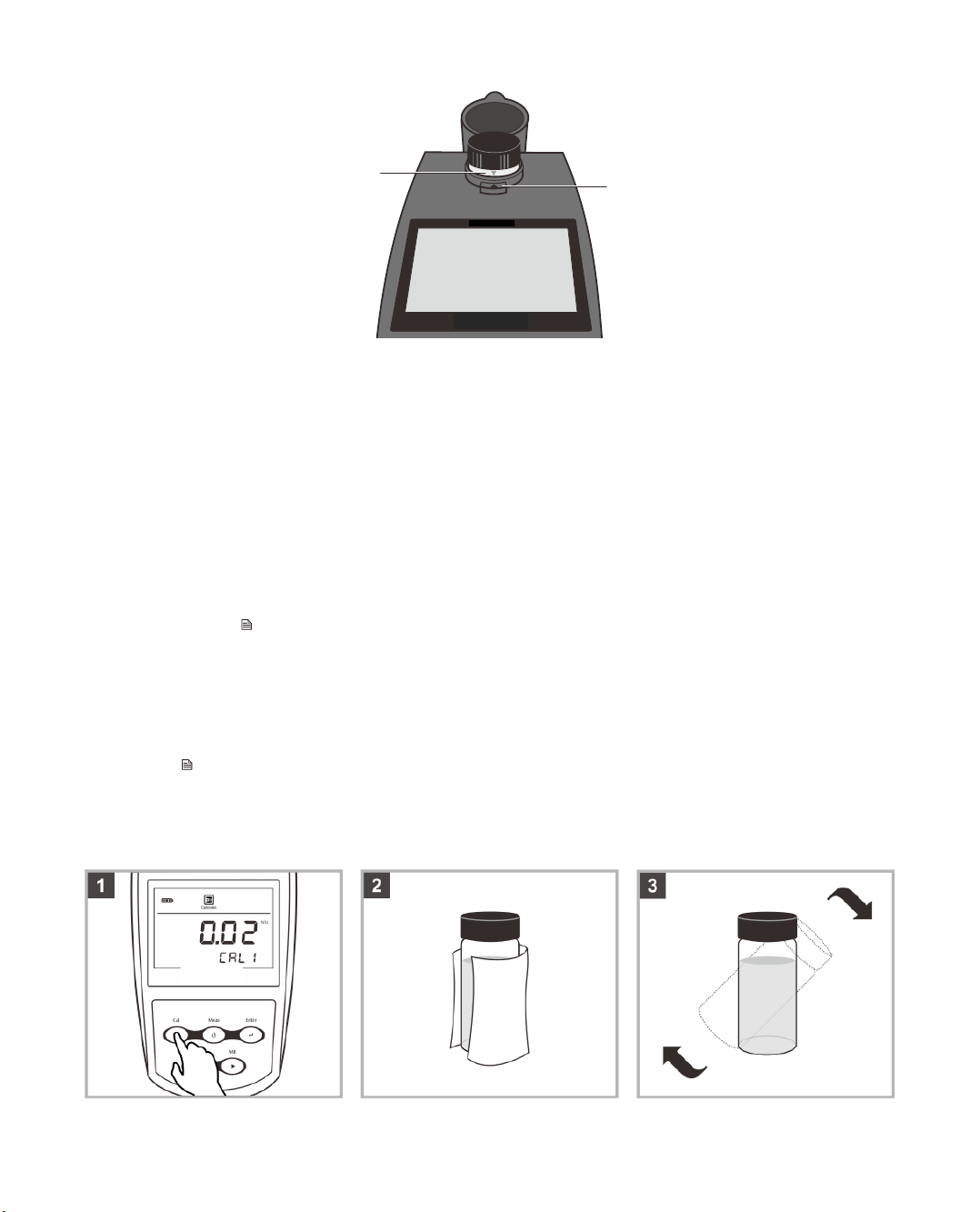
Ensure that the vial is positioned in the sample chamber correctly, the mark on the vial must be aligned with the arrow
on the meter.