
Ubiquiti UniFi Cloud Key Gen2 Plus Manuale utente
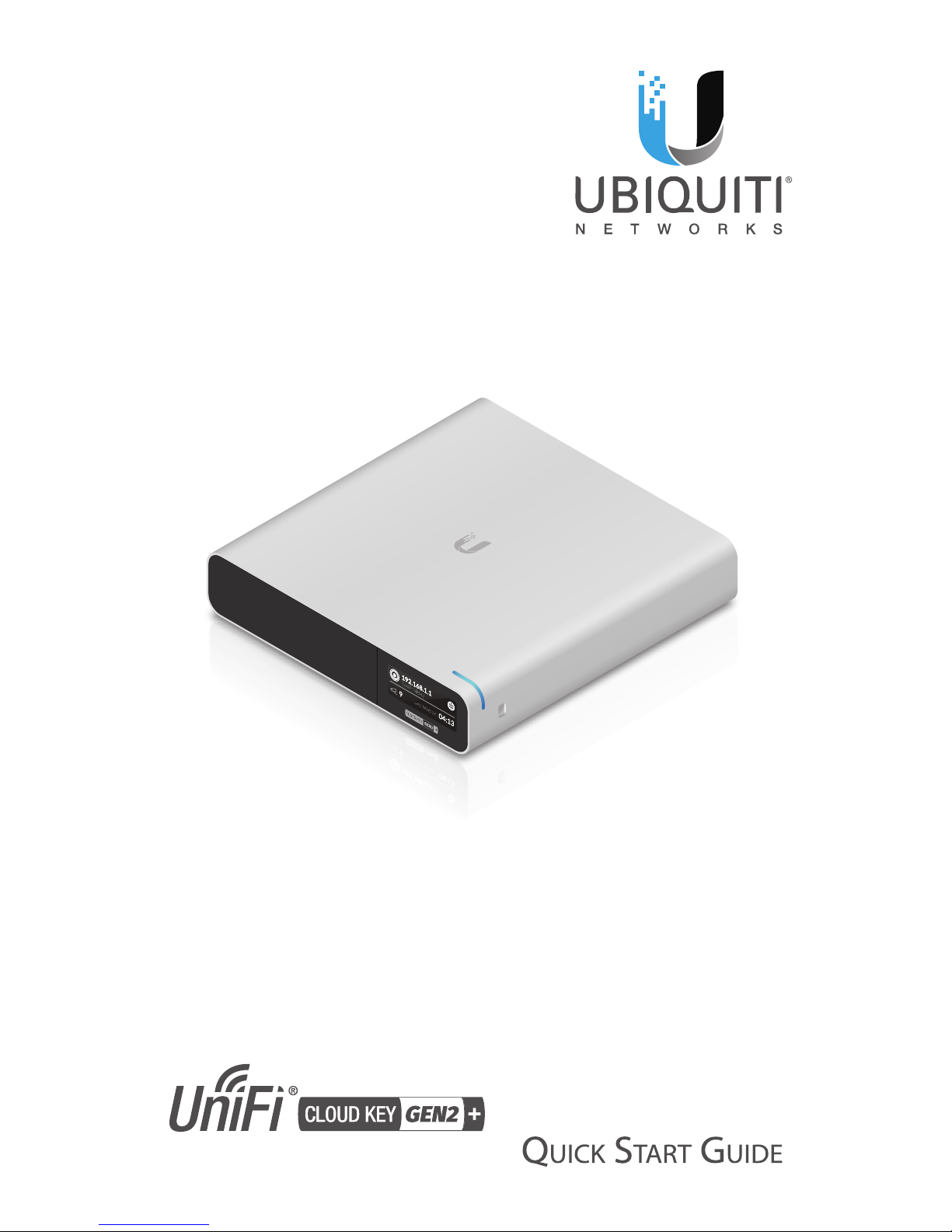
Model: UCK-G2-PLUS

Introduction
Thank you for purchasing the Ubiquiti Networks® UniFi® Cloud
Key Gen2 Plus. This Quick Start Guide is designed to guide you
through installation and also includes warrantyterms.
Package Contents
UniFi Cloud Key Gen2 Plus
System Requirement
Web Browser: Google Chrome (Other browsers may have
limited functionality.)
TERMS OF USE: All Ethernet cabling runs must use CAT5 (or above). It is the professional
installer’s responsibility to follow local country regulations, including operation within legal
frequency channels, output power, indoor cabling requirements, and Dynamic Frequency
Selection (DFS) requirements.

Network Topology Requirement
A DHCP-enabled network (for the UniFi Cloud Key to obtain
an IP address)
US-16-150W
USG-PRO-4
(DHCP Server)
Internet
LAN
WAN
UniFi Cloud Key
Sample Network Diagram

Hardware Overview
Front Panel LED
Color State Status
White Solid Ready for configuration
Flashing Initializing
Heartbeat
Flashing
Firmware upgrade in
progress. Device is busy; do
not touch or unplug it.
Blue Solid Device ready for use
Flashing Shutting down
Rapid
Flashing
Device failure; refer to the
display for more information.
Slow
Flashing
User connected to device
Off/White/Blue Repeating Recovery mode

Front Panel
UniFi Video
Last Moon
LCD
Screen
LCD Screen Displays device status information and the
following:
UniFi SDN
18
UniFi SDN
Acve
7
1.4k
UniFi SDN
Acve
1.4k
Icon Description
UniFi SDN Controller software
Local IP address
Status of internet connection
Number of wired client devices or
throughput of wired network traffic
Number of wireless client devices or
throughput of wireless network traffic
Status of cloud access
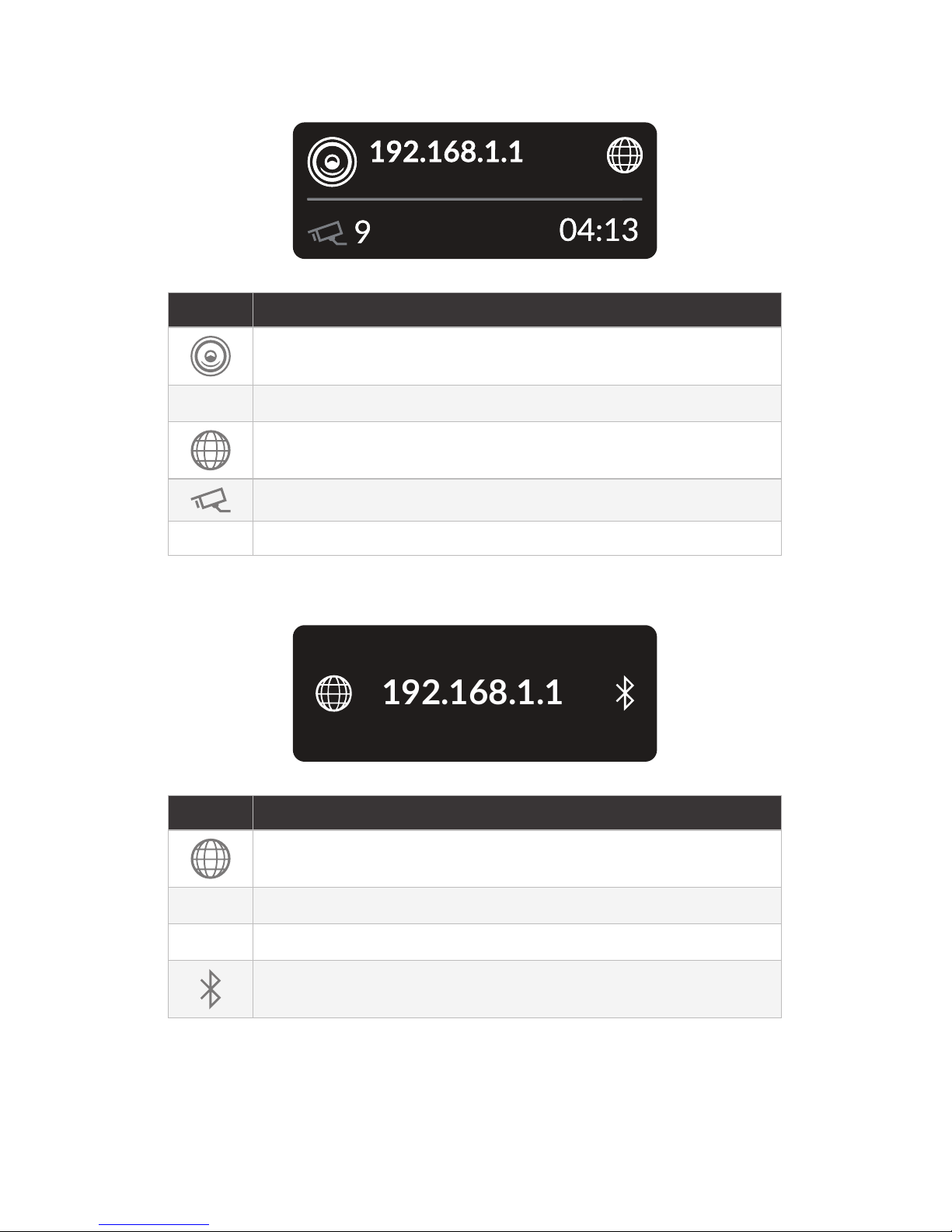
UniFi Video
UniFi Video
Last Moon
Icon Description
UniFi Video software
Local IP address
Status of internet connection
Number of active cameras
Time of last motion detected
Standby
192.168.1.1
UniFi Cloud Key
Icon Description
Status of internet connetion
Local IP address
Device name
Status of Bluetooth

Back Panel
microSD
Slot
Reset
Button
USB Type C
Port
Ethernet
Port
Power
Button
USB Type C
Power Port
Reset The Reset button serves two functions:
• Restart Press and release the Reset button quickly.
• Restore to Factory Default Settings Press and hold the
Reset button for more than five seconds.
Power Button Press to turn the UniFi Cloud Key on or off.
USB Type C Power Port Used for power if PoE is not available.
Requires 9V, 2A or QuickCharge 2.0.
microSD Slot (Optional) Used for external backup (microSD
card not included).
Ethernet Port Connects to a DHCP server on your LAN. Power
can be provided by an 802.3af PoE switch, such as the UniFi
PoE Switch.
USB Type C Port Reserved for future use.
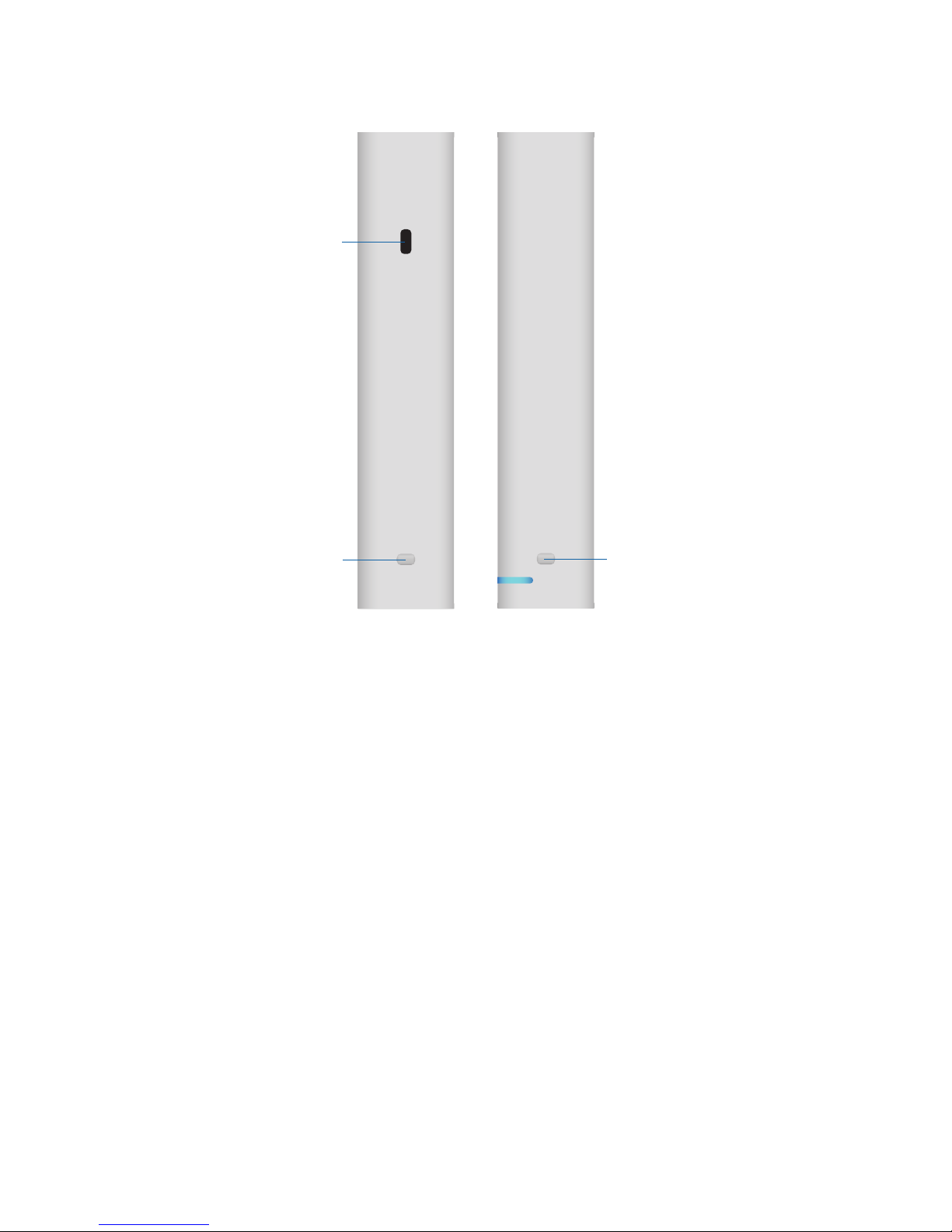
Side Panels
Rack-Mount
Notch
Security
Lock Slot
Rack-Mount
Notch
Security Lock Slot Allows the UniFi Cloud Key to be used with
an optional security cable or lock (not included).
Rack-Mount Notches Lock the UniFi Cloud Key into place
when used with the optional rack-mount accessory (not
included).
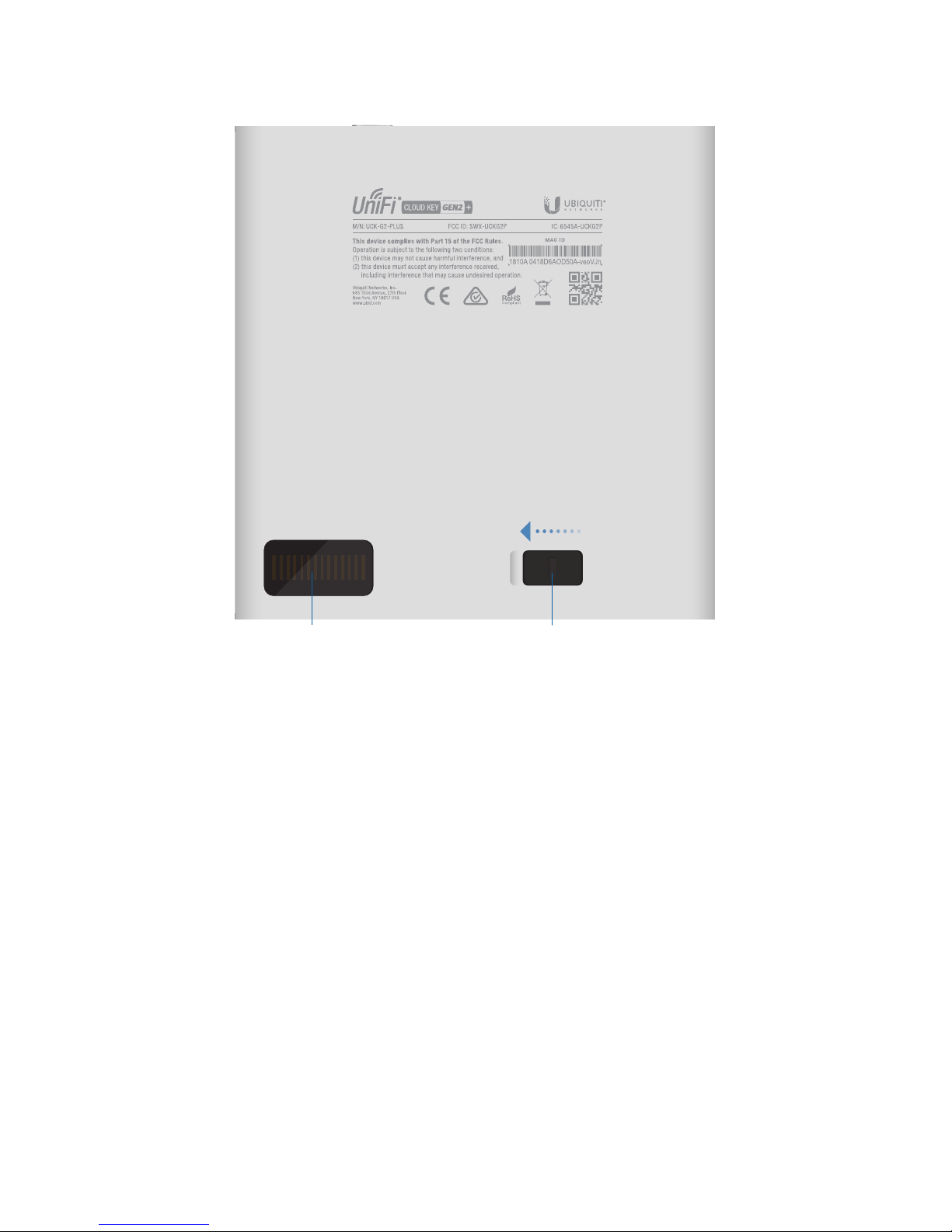
Bottom Panel
HDD Latch
13-Pin Connector
13-Pin Connector Connects to the optional rack-mount
accessory (not included).
HDD Latch Releases the HDD bay tray.

Hardware Installation
1. Connect an Ethernet cable (not included) to the Ethernet
port.
2. Connect the other end of the Ethernet Cable to a port on a
network switch, such as a UniFi PoE Switch.
1 3 5 7 9 11 13 15 17 19 21 22
2 4 6 8 10 12 14 16 18 20 22 24
SFP1
SFP2
Altri manuali per UniFi Cloud Key Gen2 Plus
2
Questo manuale è adatto per i seguenti modelli
1
Indice
Altri manuali Ubiquiti Server


