
Intermec DCS 300 Manuale utente

DCS 300
Quick Start Guide

Intermec Technologies Corporation
6001 36th Avenue West
Everett, WA 98203
U.S. service and technical support: 1-800-755-5505
U.S. media supplies ordering information: 1-800-227-9947
Canadian service and technical support: 1-800-668-7043
Canadian media supplies ordering information: 1-800-268-6936
Outside U.S.A. and Canada: Contact your local Intermec service supplier.
The information contained herein is proprietary and is provided solely for the purpose of
allowing customers to operate and/or service Intermec manufactured equipment and is not to
be released, reproduced, or used for any other purpose without written permission of
Intermec.
Information and specifications in this manual are subject to change without notice.
2002 by Intermec Technologies Corporation
All Rights Reserved
The word Intermec, the Intermec logo, MobileLAN, JANUS, Trakker Antares, EZBuilder,
Data Collection Browser, dcBrowser, TE 2000, Universal Access Point, UAP, IRL, and
CrossBar are either trademarks or registered trademarks of Intermec Corporation.
Throughout this manual, trademarked names may be used. Rather than put a trademark (or
) symbol in every occurrence of a trademarked name, we state that we are using the names
only in an editorial fashion, and to the benefit of the trademark owner, with no intention of
infringement.
There are U.S. and foreign patents pending.

Contents
iii
Contents
About This Quick Start Guide 5
Unpacking the DCS 300 5
Description 6
Understanding the Front Panel 6
Understanding the Rear Panel 7
Installing the DCS 300 8
Plugging In the Keyboard 8
Connecting the Monitor 10
Plugging In the Power Cord 11
Connecting an Uninterruptable Power Supply 12
Connecting the Ethernet Cable 15
Connecting the SDLC Cable 16
Mounting the DCS 300 in a Rack 17
Operating the DCS 300 18
Turning the DCS 300 On and Off 19
Turning On the DCS 300 19
Turning Off the DCS 300 20
About the DCS 300 Local Interface 21
Using the Online Help 22
Navigating Through Dialog Boxes 23
Understanding the Dialog Box Buttons 24
About the DCS 300 Web Browser Interface 24
Configuring the DCS 300 IP Address 25
Opening the DCS 300 Home Page 26
Using the Online Help 29
Configuring the DCS 300 for Your Network 31

DCS 300 Quick Start Guide
iv
Finding More Information 31
Specifications 32

About This Quick Start Guide
5
blank
About This Quick Start Guide
This quick start guide provides enough information to get the DCS 300
installed in your network and running. For information on configuring for
specific networks or using certain features, see the online help or the
DCS 300 User’s Manual (Part No. 067296). For help getting more
information, see “Finding More Information” later in this guide.
Unpacking the DCS 300
1. Set the DCS 300 box on a clean, stable, flat surface and remove the
accessories, packing material, and the DCS 300 from the shipping
container.
2. Save the shipping container and packing material in case you need to
move or ship your DCS 300.
3. Verify the contents of the shipping container against the list below. If
any parts are missing, contact your local Intermec representative.
•DCS 300
•AC power cord
•Keyboard
•3.5-inch disk to use for backing up your system files and run-time
configuration
•Two rack handles and four flat-head screws
•Two rack ears and four round-head screws
•Important DCS 300 Information!
•DCS 300 Quick Start Guide
4. Report any damage or defects. Intermec thoroughly tested and
inspected the DCS 300 before it was shipped to you. If any items are
damaged, please take the following steps to correct the problem.
•Take photographs, if necessary.
•Contact the transport carrier.
•Return the DCS 300 package to Intermec.

DCS 300 Quick Start Guide
6
Description
The DCS 300 contains several components on the front panel and on the
rear panel that you should be able to identify.
Understanding the Front Panel
The following illustration shows the front panel with the security panel up
(lock showing) and with the security panel down (On/Off button
showing).
0301U009.eps
FAN On/Off button CD ROM drive
Lock
Reset button
Power
LED
Activity
LED
Disk drive
Security panel
Security panel
Component Description
Power LED Indicates that the DCS 300 has power.
Activity LED Indicates that the DCS 300 is on and is communicating.
Security panel
and lock
Prevents unauthorized access to the Reset button, the On/Off
button, the disk drive, and the CD-ROM drive.

Description
7
Understanding the Front Panel (continued)
Component Description
Fan Prevents your DCS 300 from overheating. When situating your
DCS 300, do not place it where the fan is obstructed.
On/Off button Turns the power to the DCS 300 on and off.
Disk drive Enables you to install dcBrowser licenses, back up and restore
configuration, etc.
CD-ROM drive Enables you to use the upgrade CD-ROM.
Reset button Reboots the DCS 300.
Understanding the Rear Panel
Note: This guide describes a DCS 300 with 0300D hardware. If you are
upgrading to software v1.6 and you have a DCS 300 with 0300A or 0300B
hardware your rear panel will look different. Refer to the user’s manual that
shipped with your DCS 300.
0300q001.eps
COM1
AC in
Fan
COM2 Mouse
port
Keyboard
port
Video
port
Ethernet
port
LPT1
Component Description
Fan Prevents your DCS 300 from overheating. When situating your
DCS 300, do not place it where the fan is obstructed.

DCS 300 Quick Start Guide
8
Understanding the Rear Panel (continued)
Component Description
LPT1 Provides parallel port connection for accessories.
Video port Connects the monitor to your DCS 300.
Ethernet port Provides an Ethernet connection.
AC in Connects to one end of the AC power cord that provides power
to the DCS 300.
COM1, COM2 Provides serial port connections for external Intermec
controllers, a modem, or other devices that require serial ports to
connect to your DCS 300.
Mouse port Connects a mouse to your DCS 300. Since the keyboard
provides mouse function keys, the DCS 300 does not come with
a mouse.
Keyboard port Connects the keyboard to your DCS 300.
Installing the DCS 300
This section explains how to
•plug in the keyboard.
•connect the monitor.
•plug in the power cord.
•connect an uninterruptable power supply.
•connect an Ethernet cable.
•connect an SDLC cable.
•rack mount the DCS 300.
Plugging In the Keyboard
You need to use the keyboard to enter information when using the local
interface to configure the DCS 300. The keyboard has mouse function
keys on it. For help using the local interface, see “About the DCS 300
Local Interface”later in this guide.

Installing the DCS 300
9
Mouse Function Keys on the Keyboard
Mouse
function
keys
300U022.eps
Note: To free a COM port you can use a regular mouse
plugged into the mouse port instead of the mouse function
keys on the keyboard.
Equipment
•Keyboard (standard)
To plug in the keyboard
1. Locate the keyboard port on the rear panel of the DCS 300.
2. Insert the keyboard adapter into the keyboard connector.
3. Insert the keyboard adapter into the keyboard port.
4. Insert the mouse connector into a COM port.

DCS 300 Quick Start Guide
10
Plugging in the Keyboard (continued)
300U004.eps
Connecting the Monitor
Equipment
•Monitor with cable and power cord (not provided)
To connect the monitor
1. Locate the video port on the rear panel of the DCS 300.
2. Insert the monitor cable into the video port.
3. Insert one end of the power cord into the monitor and the other end
into an AC power outlet.
Altri manuali per DCS 300
3
Indice
Altri manuali Intermec Server

Intermec
Intermec 6950 EGS Manuale utente

Intermec
Intermec Norand 6920 Manuale utente
Intermec
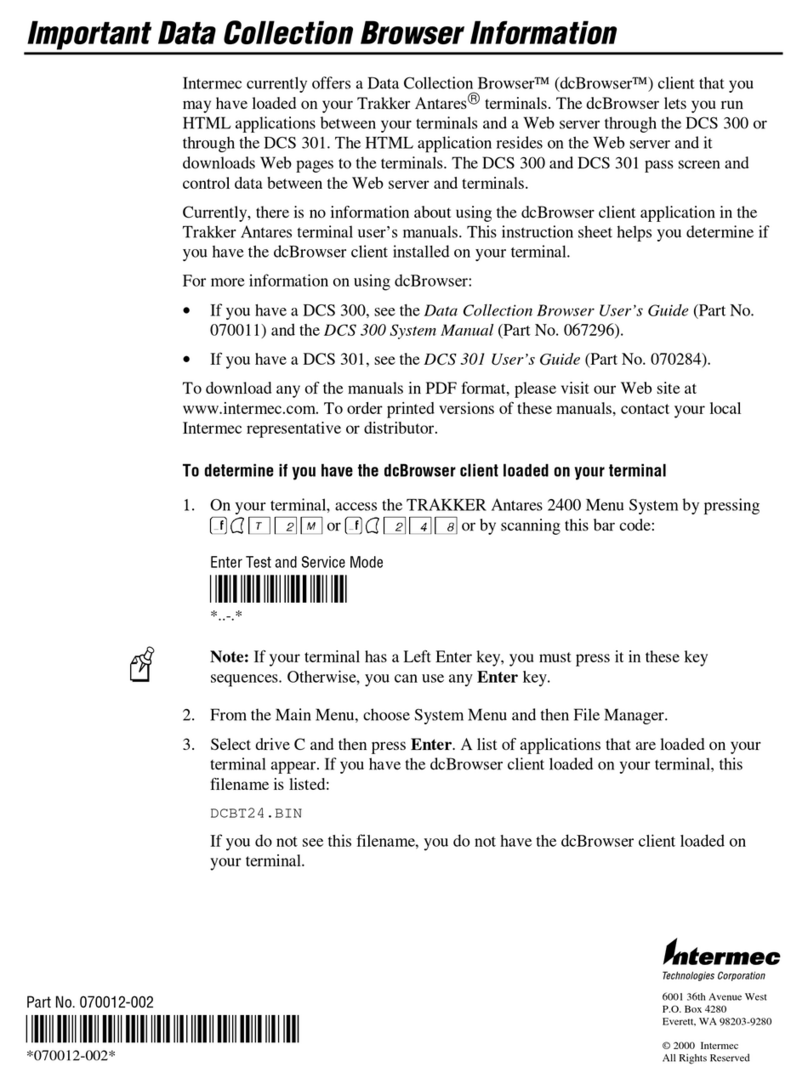
Intermec DCS 300 Guida rapida

Intermec
Intermec DCS 301 Manuale utente

Intermec
Intermec G4000 Manuale utente

Intermec
Intermec 6950 Manuale utente

Intermec
Intermec G4100 Manuale utente

Intermec
Intermec G4000 Manuale

Intermec
Intermec DCS 300 Manuale del prodotto

Intermec
Intermec DCS 302 Manuale utente


