Shenzhen Linshang Technology Co., Ltd.
October 9, 2021 Page 4 of 7
3. Calibration
If the meter gets powered on in the calibration holder, it will enter the calibration interface. The user can
perform the calibration operation according to the prompts, the instrument will enter the measurement
interface after the calibration. If it is not powered on in the calibration holder, it will skip the calibration
and enter the measurement interface directly.
If it prompts that the calibration failed, the reasons may include:
If the standard is not clean, please clean the standard with special lens cloth before placing the
meter into the calibration holder.
If the meter is not clung to the calibration holder, please re-place into the calibration holder.
If there is a significant change in the ambient temperature, restart the device for measurement after
the temperature of the instrument is close to the ambient temperature and it is confirmed that there
is no condensation on the lens in the test port and the standard of the base
If the light source cannot work normally due to attenuation, the device needs to be sent back to the
factory for inspection and maintenance
When the instrument prompts "Calibration failed”, long-press button can skip the calibration.
4. Measurement
(1) Normal Mode
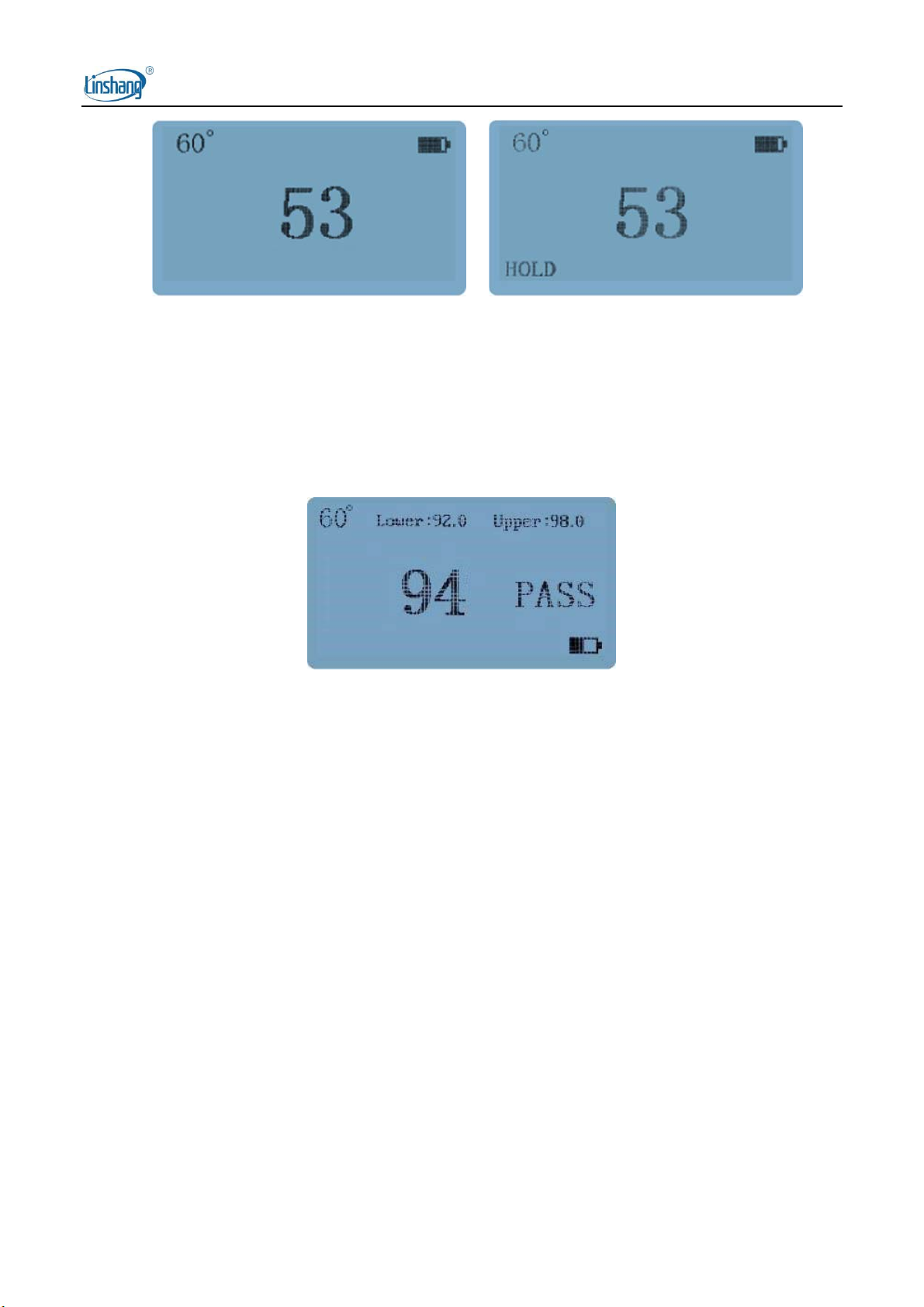
If the instrument is set to normal mode, remove the calibration holder after calibration, place the
measuring port on the surface of the object to measure, and the instrument will display the measured
value instantly. Short press the button, the lower-left corner of the interface displays the "HOLD" symbol,
and the measurement data is held on the display. To measure again, press the button to cancel the
"HOLD" state and return to the "Measuring" state.