M
eister TOP-10 Digital Readout
1
1.0 Parameter Setup Routine
1.2. Panel Instructions
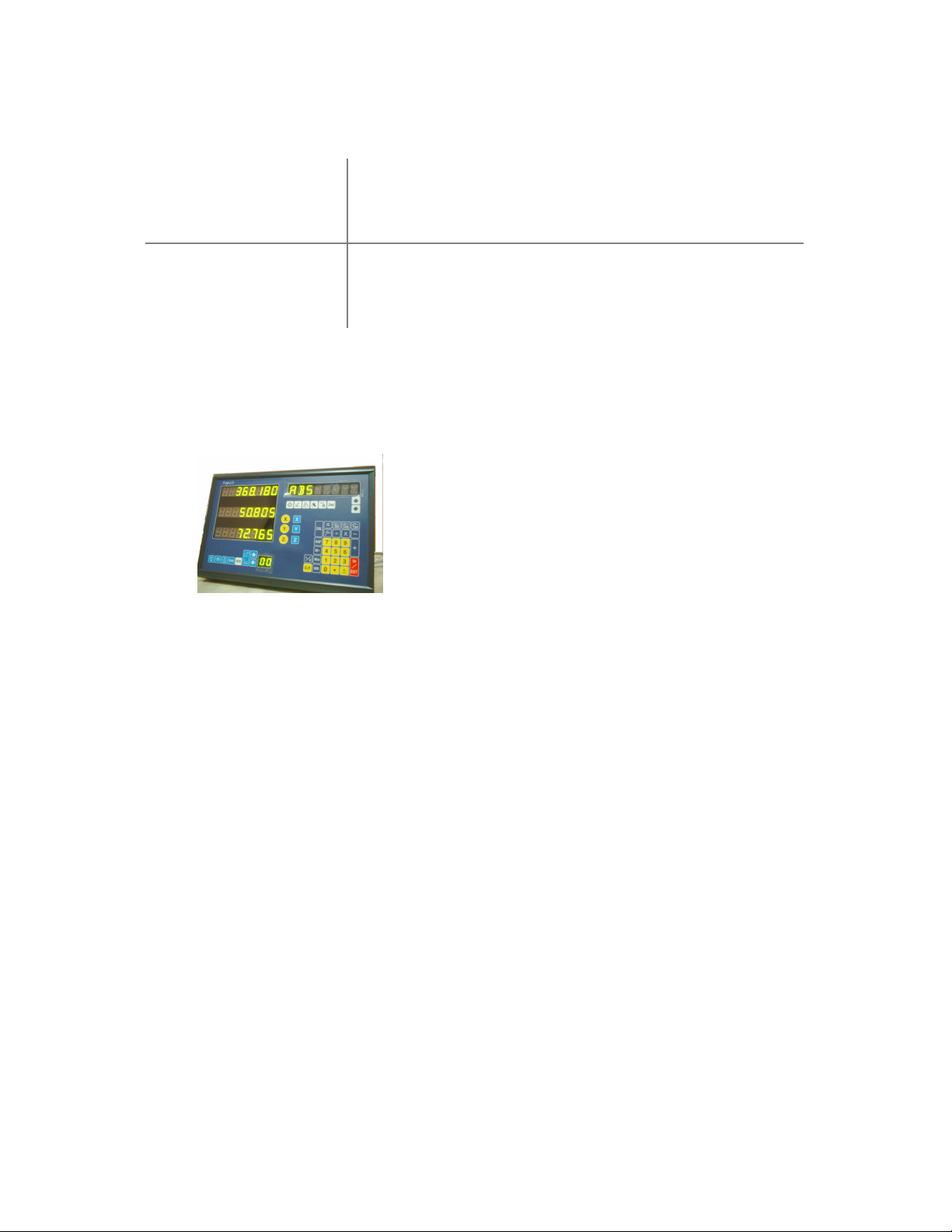
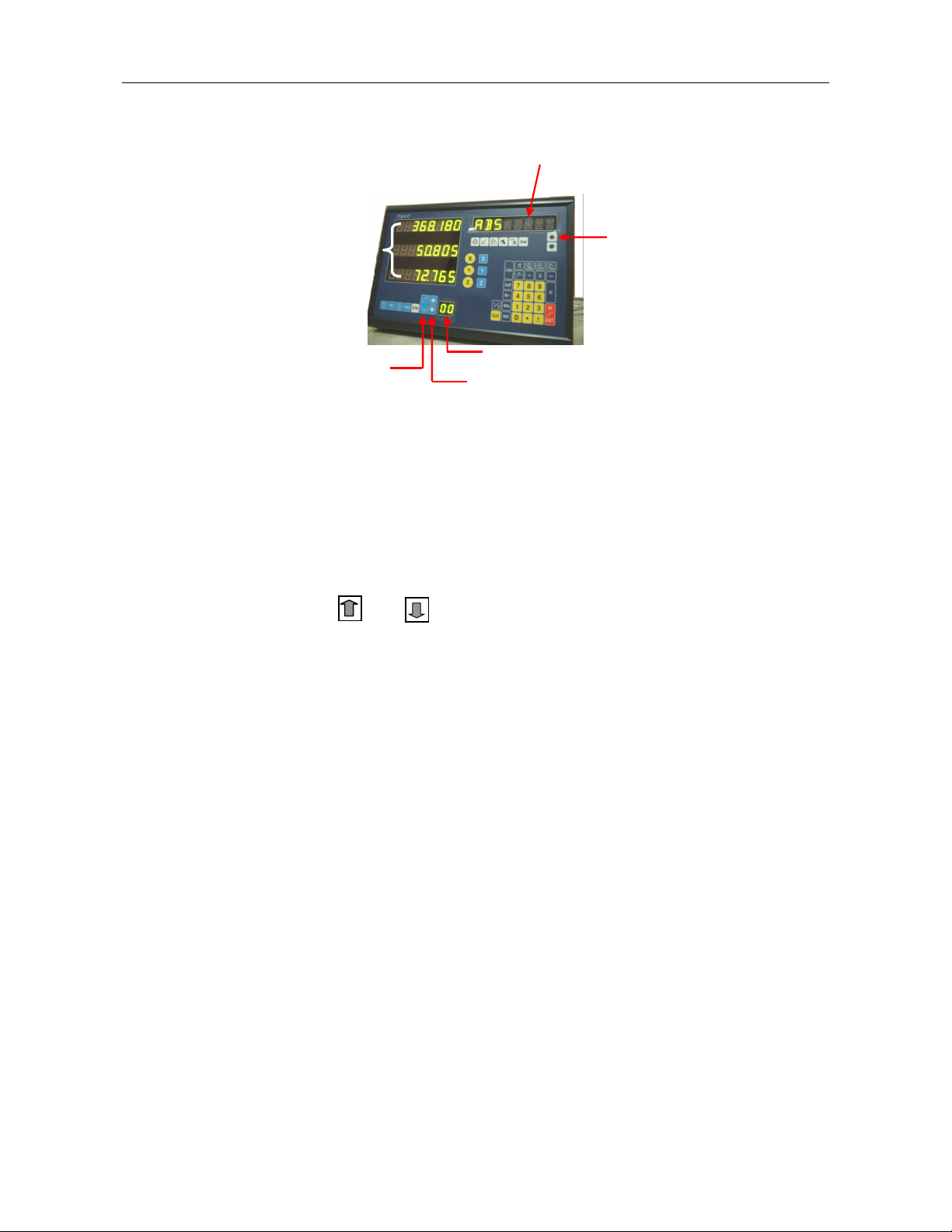
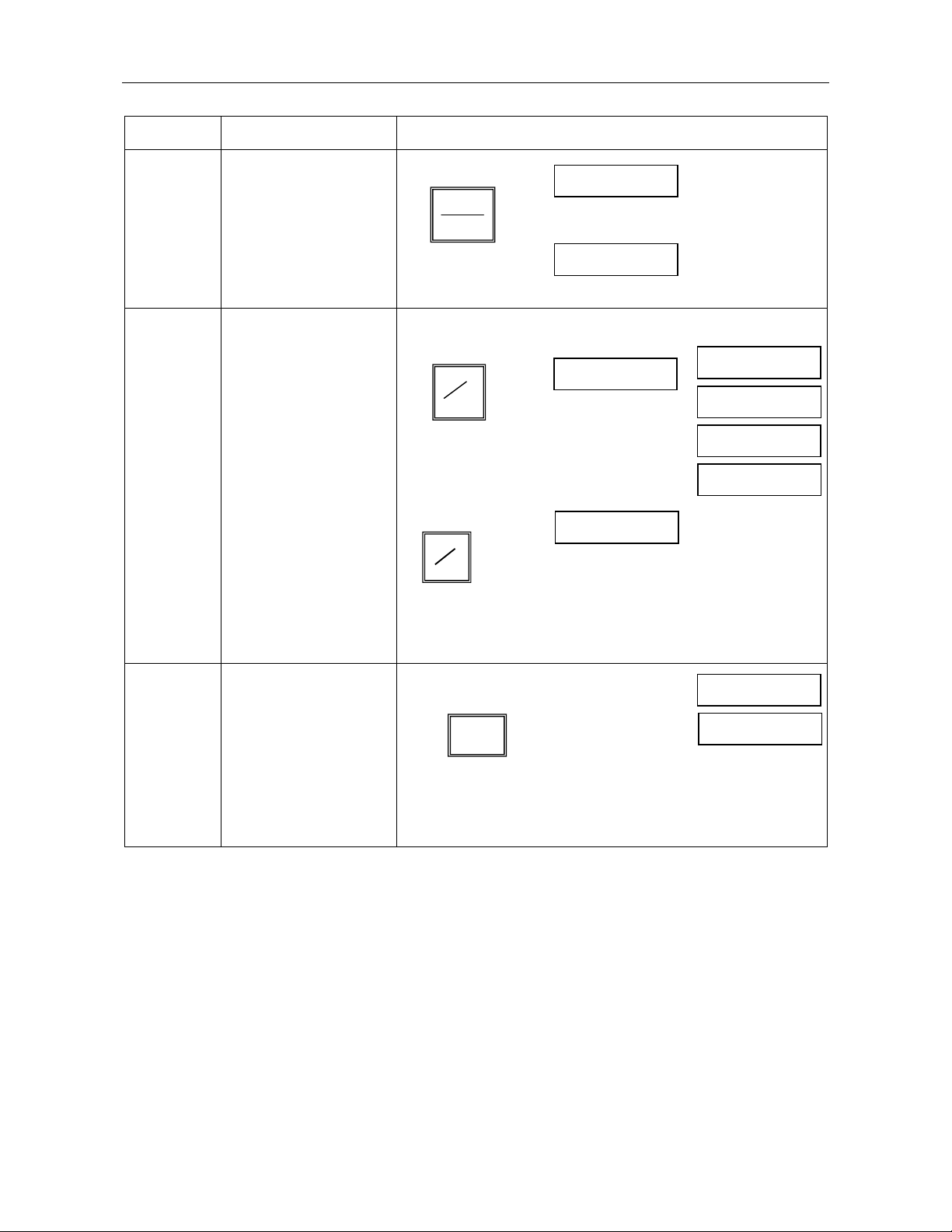
Display window: Displays for the X, Y and Z axes.
Status window: Displays calculator and operational mode status.
1.3. Parameter Setup Mode
When you power up, the status window will display the model number “TOP-10” and the display window will
count the numbers “00000000” to “99999999” in running mode. Press the number “6” key when the DRO is
doing a self test and the word “EXIT” will appear in the status window. You are now in the Parameter Setup
Mode. Using the `UP’ or `DOWN’ arrow key located below the status window, the following
operation modes can be set:
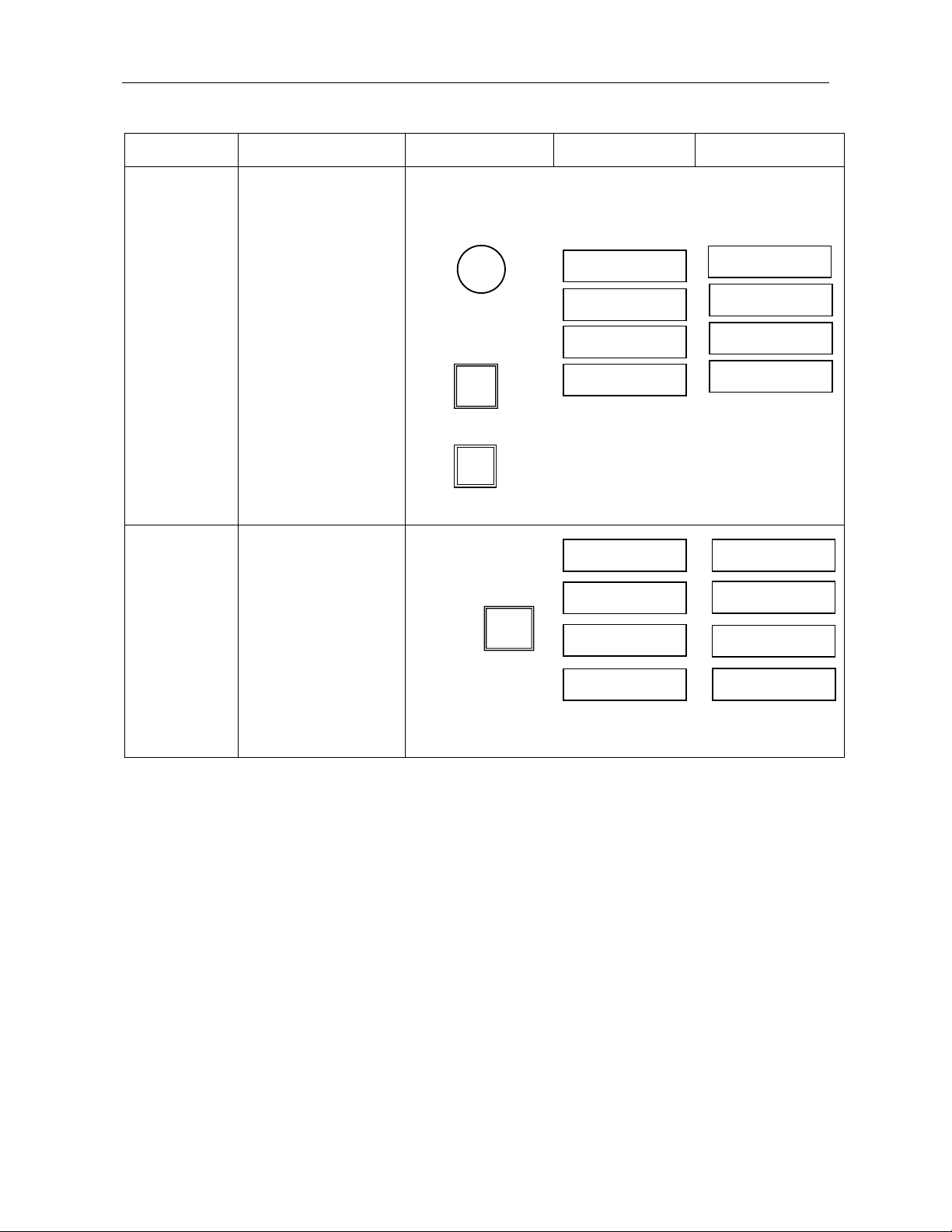
EXIT, BEEP ON/OFF, DIRECTE, LIN COMP, R OR D, RESOLUTE, SRK OFF/ON, ALL CLR, Z DIAL, DIAL
INC
1.4. System Reset
To reset the system, select the `ALL CLR’ option. Then press the “ENT” key til the words “CLR OK” is
displayed in the status window. Press the “UP” or “DOWN” arrow key again to scroll to `EXIT’. Confirm by
pressing the “ENT” key to return to the normal mode.
1.5. Shrink Function Setup
Enter the Parameter Setup mode, and press the “UP” or “DOWN” arrow key to select “SRK OFF” or “SRK
ON” option. Press the “ENT” key to switch between “SRK OFF” and “SRK ON”. To return to the normal
mode, press the “UP” or “DOWN” key to “EXIT” and press “ENT” to confirm.
1.6. Enter Direction Setup
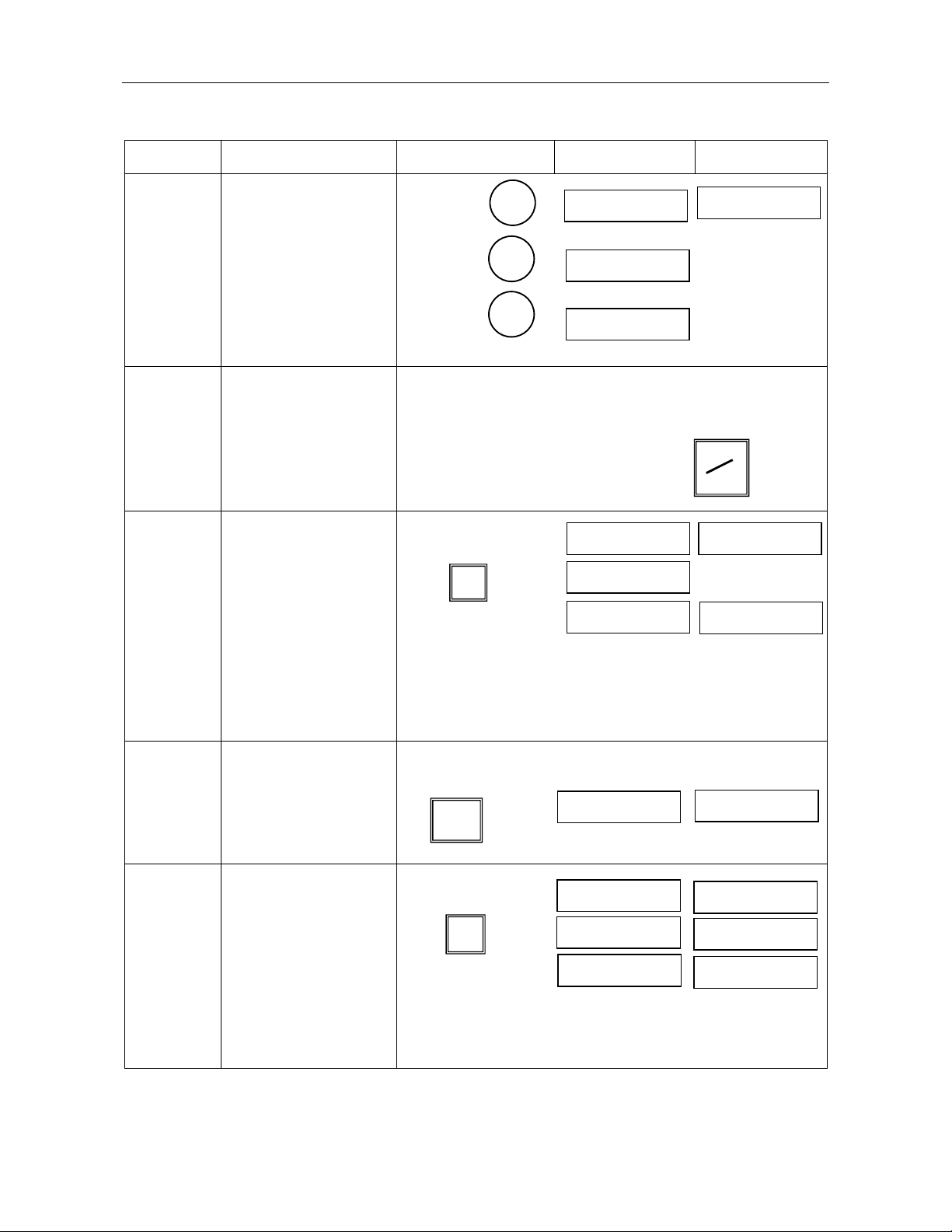
Enter the parameter setup mode and press the “UP” or “DOWN” arrow key to select parameter, “DIRECTE”.
Press the “ENT” key to confirm, and the status window will change to “SEL AXIS”. Press X/Y/Z to select the
axis. When done, press the “UP” or “DOWN” arrow key to select “EXIT”. Press “ENT” to confirm and return
to the normal mode again.
Window
Tool
Toogle
to scroll to
different modes