2. INSTALLATION
Mechanical components and cables Sylvac-SCAN 52 REFLEX-CLICK
Measuring centre 902.5520 902.5521
Cables (power cord, USB and RS232) yes yes
Two MK2 male centres 902.6250 902.6250
The components of the main system are listed in the tables below.
2.1
Equipment
Hardware and software Order number
PC, keyboard, mouse, Windows 7 Professional multilingual operating system H04760023OS
SYLVAC-REFLEX Scan application software H02460100
20-inch flat screen (mains cable included) H04760091
2.1.1
Local system
configuration
The machine is controlled over a PC running Win-
dows 7 Professional. This multilingual version from
Windows makes it possible for the system to be
configured according to local attributes.
Check that all listed components are present. If so,
report any damage to SYLVAC SA immediately.
Should the whole system be temporarily stored be-
fore installation, make sure that it is safely packed
and
efficiently protected indoors. For the system confi
guration, access the Control Panel and click Re-
gional and Language Options within the Windows
menu.
Avoid high humidity (over 80%) or extreme tempe-
rature (below 5°C or above 45°C).
2.2
Lifting
the machine
The machine should be lifted manually from both
lateral sides. This is done in strict adherence with
the local safety rules.
A lifting device can also be positioned below the
machine for installation.
2.3
Installing
the machine
For a further information on the required ambient
conditions, refer to the Specifi cations, section 1.4.
The machine should be installed on a fl at stable sur-
face, capable of supporting the machine’s weight.
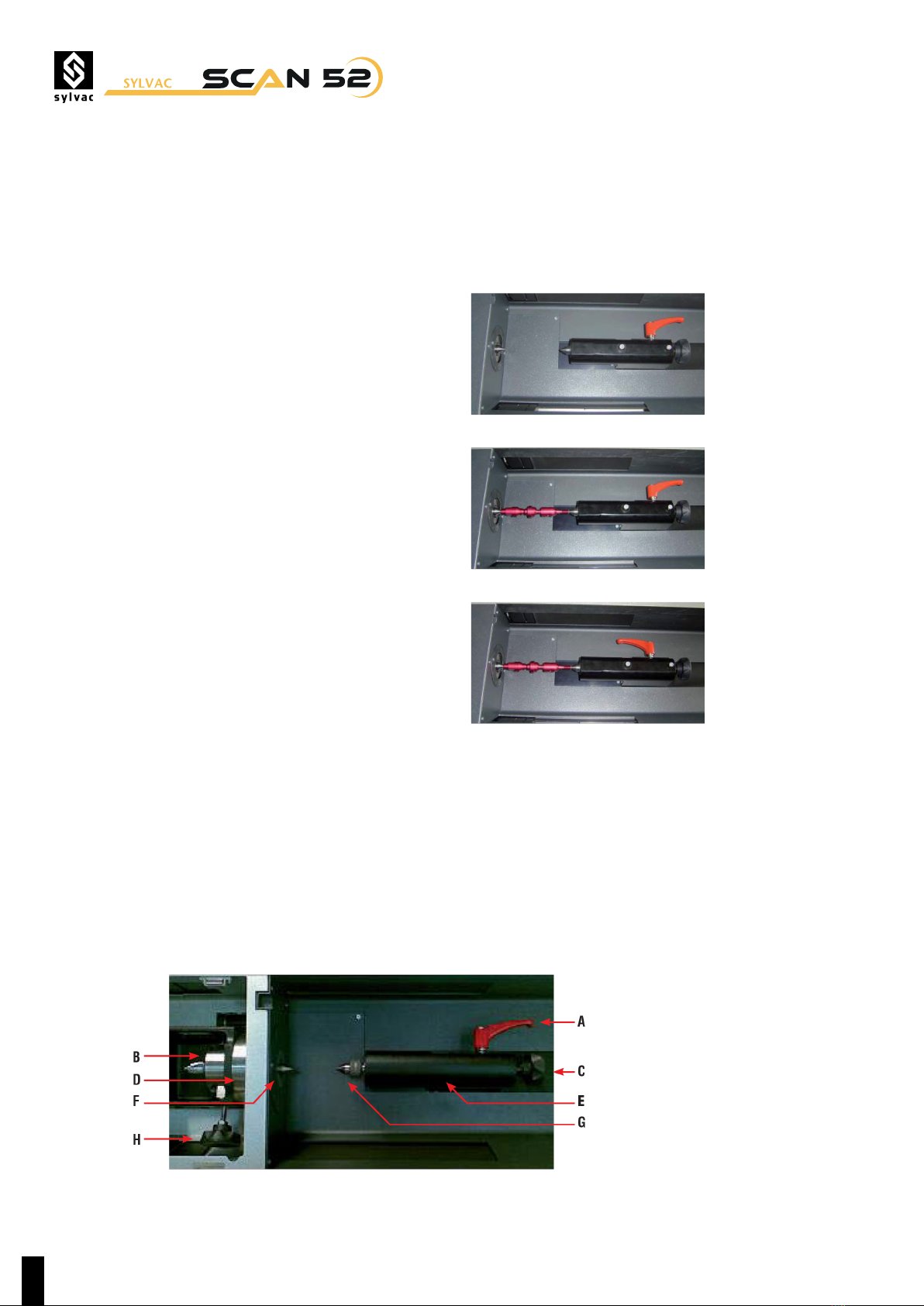
Once the installation is completed, remove all pro-
tective foams under the tailstock and close to the
qualifi cation plate. Finally, set the machine levelling
feet accordingly.
The machine uses a single-phase power. Normal
noise levels are acceptable, but high spikes in vol-
tage resulting from overloaded current must be
avoided.
Warning
Check that the mains supply matches that of the PC
and the monitor before connecting both of them.
Never attempt to alter the voltage of the PC/Controller.
In the event the voltage used for servicing the
machine is unlike the mains supply, contact your lo-
cal SYLVAC’s agent.
8